
Common Mistakes When Setting Up Firewalls
Learn to avoid the most common firewall setup mistakes that beginners make, including rule ordering errors, overly broad permissions, and forgetting about return traffic. This guide provides practical solutions to ensure your network remains both secure and functional.

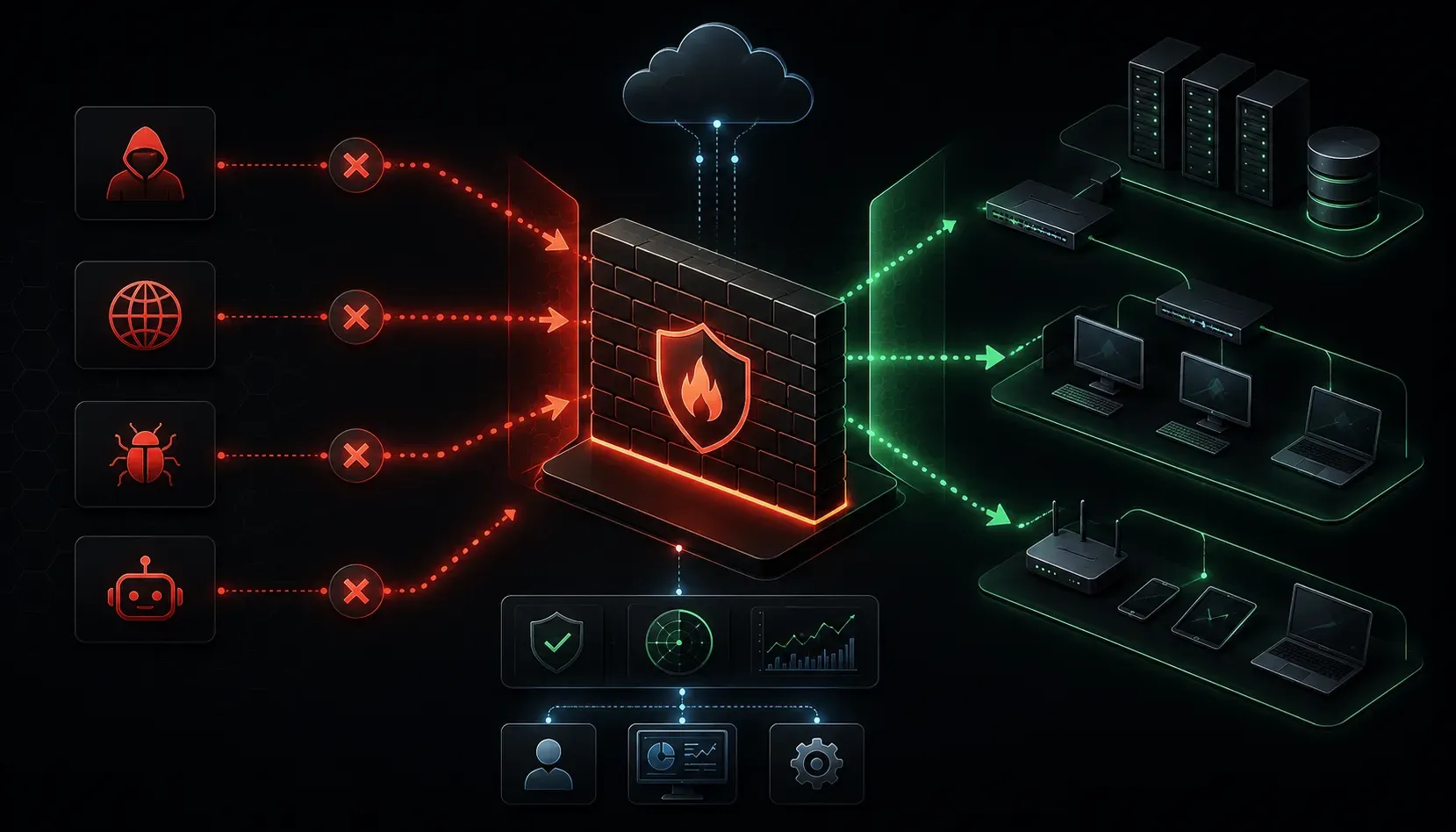
Setting up a firewall is one of the most critical steps in securing your network, but it's surprisingly easy to make mistakes that can either leave your network vulnerable or break connectivity entirely. Let's explore the most common firewall setup mistakes beginners make and how to avoid them.
Mistake #1: Blocking All Traffic by Default Without Planning
Many beginners think they're being extra secure by blocking everything first, then opening specific ports. While this "deny all" approach is good security practice, doing it without proper planning can lock you out of your own network.
The Problem: You configure a rule to block all traffic but forget to create an allow rule for SSH or RDP access before applying the changes. Suddenly, you can't remotely manage the firewall.
The Solution: Always create your essential management rules first. Before implementing a deny all policy, ensure you have explicit allow rules for:
- SSH access (port 22) from your management network
- HTTPS access (port 443) for web-based management
- Any other critical management protocols you use
Mistake #2: Forgetting About Return Traffic
This is one of the most common firewall configuration errors for beginners. You create a rule allowing outbound web traffic but forget that the web server needs to send data back to your users.
The Problem: You allow outbound traffic on port 80 (HTTP) but don't account for the return traffic coming back on random high ports (typically 1024-65535).
The Solution: Use stateful firewall rules whenever possible. Modern firewalls track connection states and automatically allow return traffic for established connections. Look for options like established or related in your firewall rules.
Mistake #3: Using Overly Broad Rules
When troubleshooting connectivity issues, beginners often create rules that are too permissive, like allowing any source to any destination on any port.
The Problem: A rule like "allow any to any" defeats the purpose of having a firewall. It's essentially turning off your security.
The Solution: Always follow the principle of least privilege:
- Specify exact source and destination IP addresses or subnets
- Define specific ports rather than port ranges when possible
- Use specific protocols (TCP, UDP, ICMP) rather than "any protocol"
Mistake #4: Incorrect Rule Ordering
Firewall rules are processed in order from top to bottom. A common beginner mistake is placing a broad "deny" rule before more specific "allow" rules.
The Problem: If you have a rule that denies all traffic from the internet at the top of your rule list, any subsequent rules allowing specific traffic will never be reached.
The Solution: Order your rules from most specific to least specific:
- Specific allow rules first
- Specific deny rules next
- Broad rules (like "deny all") last
Mistake #5: Not Testing Changes Properly
Many beginners make firewall changes during business hours without proper testing, leading to network outages when something goes wrong.
The Problem: You implement new firewall rules without testing them, and suddenly email stops working or users can't access critical applications.
The Solution: Always test firewall changes systematically:
- Make changes during maintenance windows
- Test each rule individually before moving to the next
- Keep a rollback plan ready
- Use firewall logging to verify traffic is flowing as expected
Mistake #6: Ignoring Logging and Monitoring
Beginner tips often overlook the importance of firewall logging. Without proper logging, you can't troubleshoot issues or verify that your security policies are working correctly.
The Solution: Enable logging for:
- All denied traffic (to spot potential attacks)
- Critical allowed traffic (to verify proper operation)
- Administrative access to the firewall itself
Review logs regularly to identify patterns and potential security threats.
What's Next
Now that you understand these common firewall setup mistakes, the next step is learning how to create effective firewall rules using proper syntax and testing procedures. In our next post, we'll walk through creating your first set of firewall rules with real-world examples and best practices for rule documentation.