
JavaScript For Loops
Learn JavaScript for loops, including basic syntax, array iteration, and practical examples. Covers initialization, conditions, and increment patterns with real-world use cases.

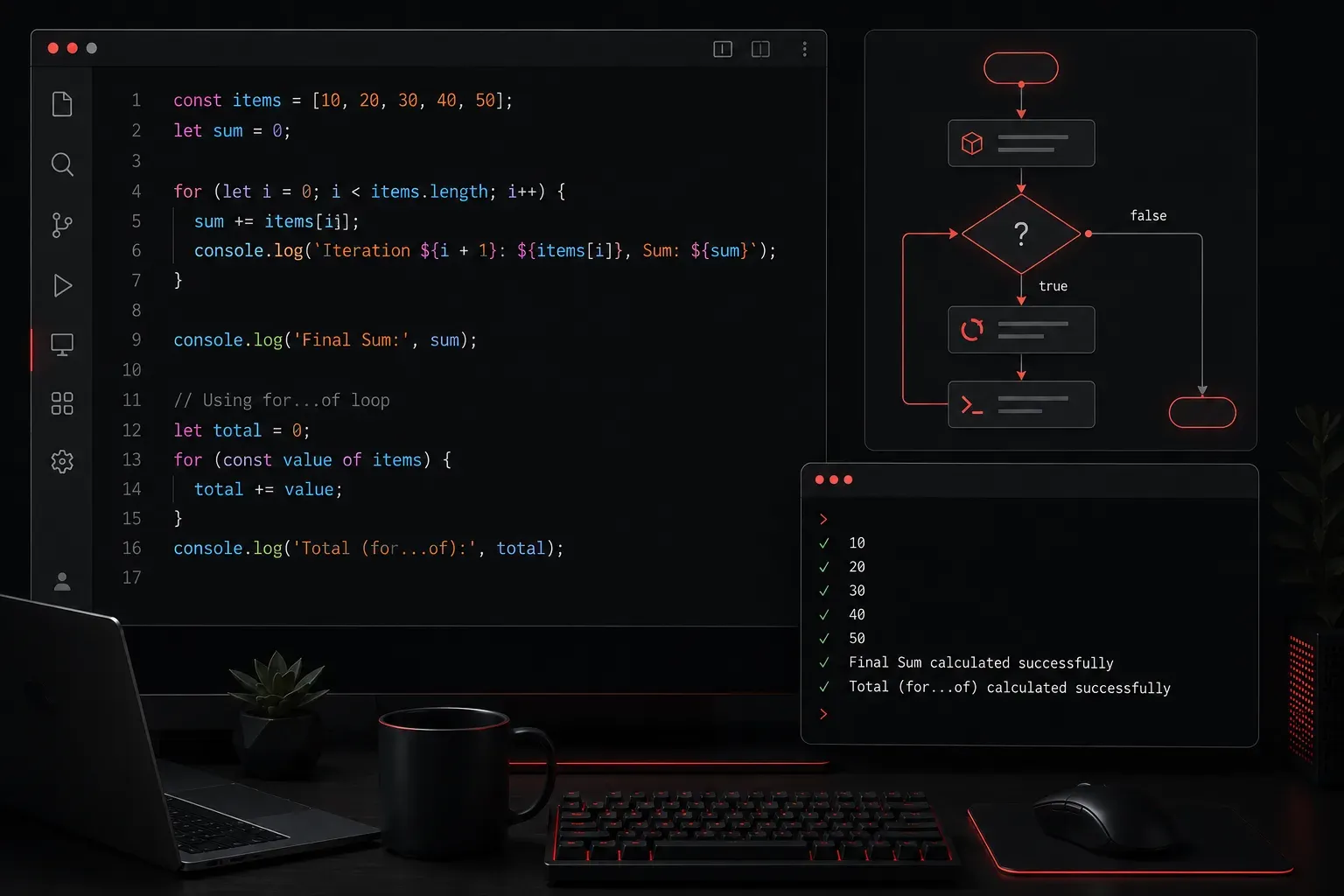
JavaScript for loops are one of the most fundamental programming concepts you'll encounter. They allow you to repeat code a specific number of times or iterate through collections of data. If you've ever needed to perform the same action multiple times in your code, for loops are the tool for the job.
What is a For Loop?
A for loop is a control structure that executes a block of code repeatedly based on a condition. Think of it like telling someone: "Do this task 10 times" or "Go through each item in this list and do something with it." The loop handles the counting and stopping automatically.
The basic syntax of a JavaScript for loop looks like this:
for (initialization; condition; increment) {
    // code to be executed
}
Let's break down each part:
- Initialization: Sets up a counter variable (usually
i) - Condition: Checks if the loop should continue running
- Increment: Updates the counter after each iteration
Basic For Loop Example
Here's a simple example that prints numbers 1 through 5:
for (let i = 1; i <= 5; i++) {
    console.log(i);
}

// Output:
// 1
// 2
// 3
// 4
// 5
In this example, i starts at 1, the loop continues while i is less than or equal to 5, and i increases by 1 after each iteration using i++.
Looping Through Arrays
One of the most common uses for loops is iterating through arrays. Here's how you can access each element:
let fruits = ['apple', 'banana', 'orange', 'grape'];

for (let i = 0; i < fruits.length; i++) {
    console.log(`Fruit ${i + 1}: ${fruits[i]}`);
}

// Output:
// Fruit 1: apple
// Fruit 2: banana
// Fruit 3: orange
// Fruit 4: grape
Notice that we start at index 0 (arrays are zero-indexed) and continue while i is less than the array's length. The fruits.length property gives us the total number of elements.
Common For Loop Patterns
Counting Backwards
You can also count backwards by changing the initialization and increment:
for (let i = 5; i >= 1; i--) {
    console.log(`Countdown: ${i}`);
}

// Output:
// Countdown: 5
// Countdown: 4
// Countdown: 3
// Countdown: 2
// Countdown: 1
Skipping Numbers
Want to count by twos? Just change the increment to skip every other number:
for (let i = 0; i <= 10; i += 2) {
    console.log(i);
}

// Output:
// 0
// 2
// 4
// 6
// 8
// 10
This pattern is useful when you need to process only even indices in an array or create patterns in your output.
Practical Example: Building a Shopping List
Let's see a more practical example where we process shopping items and calculate a total:
let items = [
    {name: 'Milk', price: 3.50},
    {name: 'Bread', price: 2.25},
    {name: 'Eggs', price: 4.00}
];

let total = 0;

for (let i = 0; i < items.length; i++) {
    console.log(`${items[i].name}: $${items[i].price}`);
    total += items[i].price;
}

console.log(`Total: $${total.toFixed(2)}`);

// Output:
// Milk: $3.5
// Bread: $2.25
// Eggs: $4
// Total: $9.75
Common Mistakes to Avoid
Here are some pitfalls beginners often encounter:
- Off-by-one errors: Using
<=instead of<when working with array lengths can cause you to access an undefined element beyond the array's end - Infinite loops: Forgetting to increment the counter or using the wrong condition can make your loop run forever
- Scope issues: Always use
letinstead ofvarto avoid variable scoping problems in nested loops
What's Next
Now that you understand basic for loops, you're ready to explore other loop types in JavaScript. In the next post, we'll cover while loops and when to use them instead of for loops, plus introduce you to modern array iteration methods like forEach() and map() that can make your code even cleaner.