
Choosing AI Tools: ChatGPT vs Claude vs Gemini
A practical comparison of ChatGPT, Claude, and Gemini AI tools for IT professionals, covering each platform's strengths in code generation, documentation, and research applications. Includes real-world use cases and guidance on choosing the right tool for specific IT tasks.

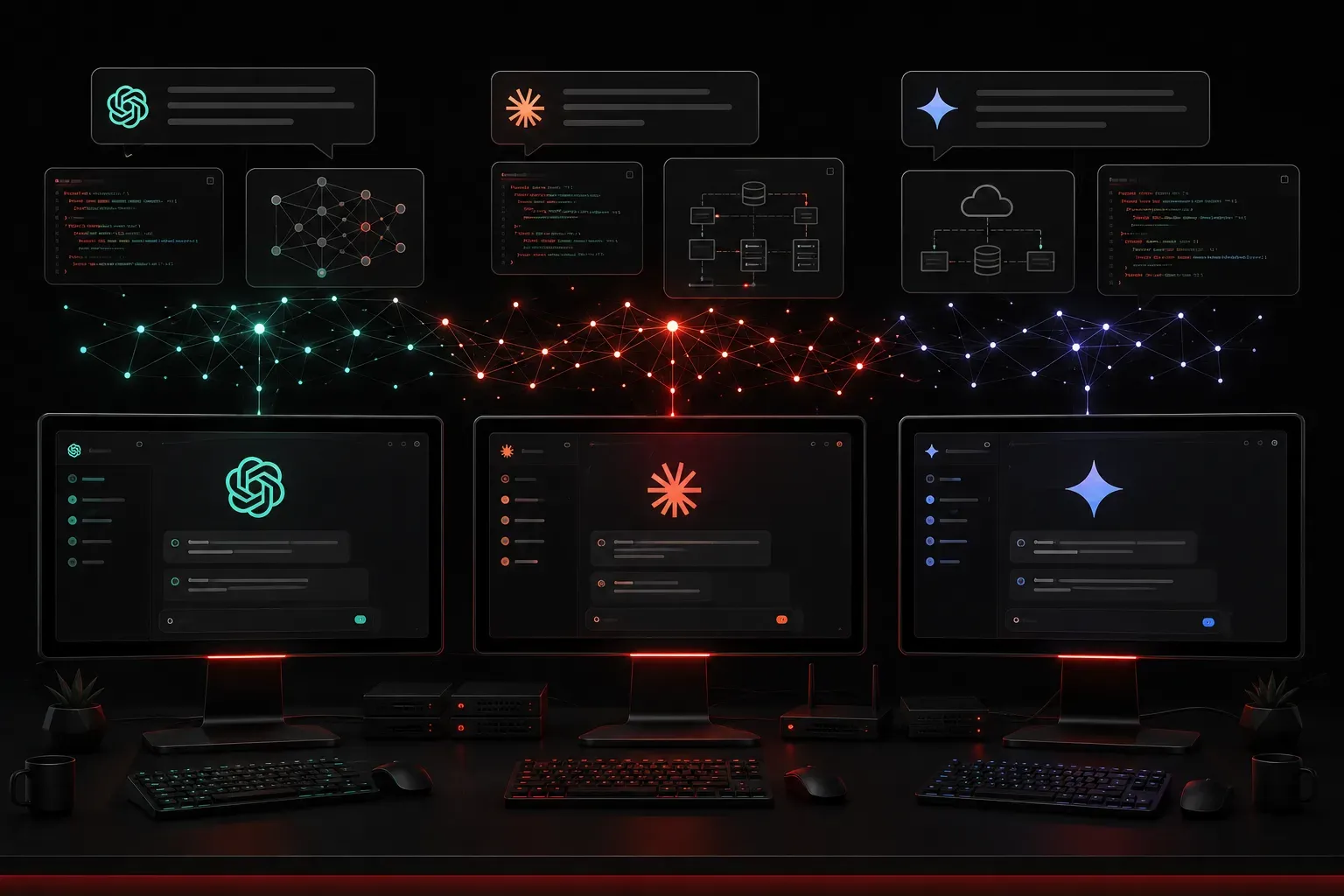
When you're building your AI toolkit as an IT professional, the choice between ChatGPT, Claude, and Google's Gemini can feel overwhelming. Each tool has distinct strengths that make them valuable for different aspects of IT work. Let me break down what I've learned from using all three extensively in real-world scenarios.
ChatGPT: The Code Generation Powerhouse
ChatGPT excels at code generation and debugging, making it my go-to for automation scripts and network configuration tasks. Its strength lies in understanding complex programming contexts and generating working code quickly.
Best IT Applications:
- Python automation scripts for network management
- Debugging complex configuration issues
- Creating documentation templates
- SQL query optimization
For example, when I need to generate a Python script to parse Cisco show commands, ChatGPT consistently produces clean, functional code with proper error handling. The tool's vast training on programming forums and documentation makes it particularly strong for coding tasks. In one recent project, I used it to create a comprehensive network monitoring script that automated SNMP polling across 200+ devices, complete with error logging and alert mechanisms.
Claude: The Technical Writing Expert
Claude shines when you need clear, structured explanations of complex technical concepts. It excels at creating comprehensive documentation and breaking down intricate IT processes into digestible steps.
Best IT Applications:
- Writing technical documentation
- Creating training materials
- Explaining complex network protocols
- Incident response procedures
I've found Claude particularly valuable when creating runbooks for network troubleshooting. It organizes information logically and maintains consistent formatting across long documents. Claude's ability to maintain context over lengthy conversations makes it ideal for iterative documentation projects. For instance, when developing disaster recovery procedures for a multi-site infrastructure, Claude helped create step-by-step runbooks that included decision trees for different failure scenarios, complete with rollback procedures and escalation paths.
Google Gemini: The Multimodal Analysis Specialist
Google's Gemini stands out with its multimodal capabilities and integration with Google Workspace, making it excellent for visual analysis tasks and collaborative IT work that requires processing both text and images.
Best IT Applications:
- Network topology diagram analysis
- Screenshot-based troubleshooting guidance
- System architecture documentation with visual elements
- Log file pattern analysis and visualization
Gemini's ability to process images alongside text makes it invaluable for tasks like analyzing network diagrams or interpreting error screenshots. When troubleshooting complex infrastructure issues, I can upload network topology diagrams and get contextual analysis about potential failure points. Its Google Workspace integration also streamlines collaborative documentation projects, allowing teams to work together on technical specifications that combine text, diagrams, and data analysis.
Making the Right Choice for Your Workflow
The key is understanding that these aren't mutually exclusive choices. Many IT professionals, myself included, use multiple tools strategically:
Use ChatGPT when: You need quick code generation, script debugging, or automation help. Its programming capabilities are unmatched for immediate coding tasks.
Use Claude when: You're creating documentation, need detailed explanations, or working on complex analysis that requires maintaining context across multiple interactions.
Use Gemini when: You need to analyze visual elements like network diagrams, want tight Google Workspace integration, or require multimodal problem-solving capabilities.
Cost and Access Considerations
Each platform offers different pricing models. ChatGPT Plus costs $20/month, Claude Pro is also $20/month, and Gemini Advanced comes with Google One AI Premium at $19.99/month. Free tiers exist for all three, but with usage limitations that may not suit heavy IT work.
For budget-conscious teams, start with the free versions to identify which tool best matches your workflow before committing to paid plans.
What's Next
Now that you understand the strengths of each major AI platform, the next step is learning how to craft effective prompts that get you the results you need. In our next post, we'll dive into prompt engineering techniques specifically designed for IT professionals, showing you how to get better outputs regardless of which AI tool you choose.