
EIGRP Troubleshooting for IPv4 and IPv6 Address Families
Master advanced EIGRP troubleshooting for both IPv4 and IPv6 address families. Learn to diagnose neighbor adjacency failures, authentication issues, and metric calculation problems in dual-stack enterprise environments.

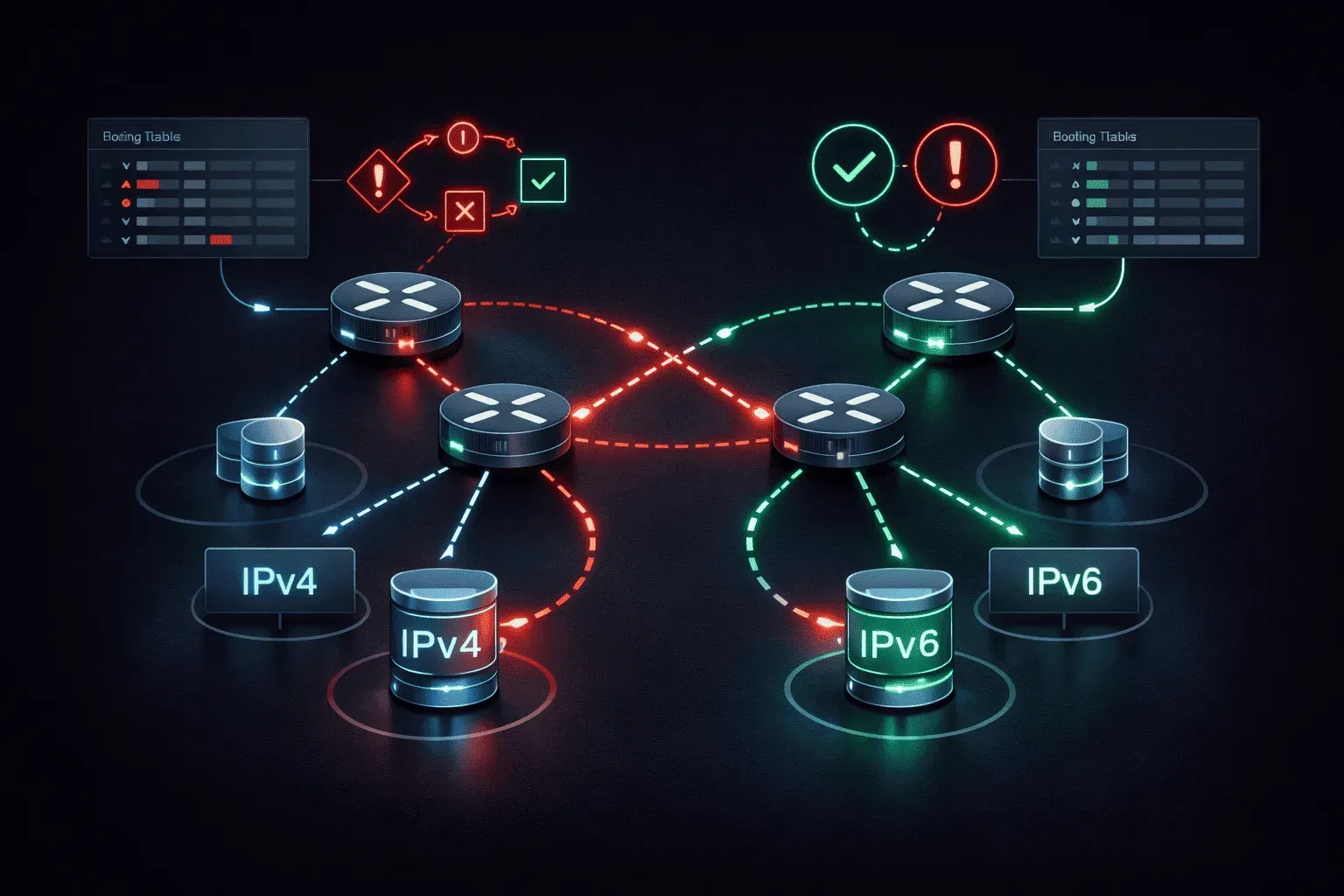
EIGRP's address family architecture fundamentally changed how we approach multi-protocol routing, but this flexibility introduces complexity that can trip up even experienced engineers. When EIGRP stops working correctly in a dual-stack environment, the problem often lies in address family configuration mismatches or overlooked protocol-specific behaviors that differ between IPv4 and IPv6 implementations.
Understanding EIGRP Address Family Architecture
Modern EIGRP uses separate address family configurations for IPv4 and IPv6, each maintaining independent topology tables, neighbor relationships, and routing processes. This separation means troubleshooting requires examining both address families independently, even when they share the same physical interfaces.
The key difference from legacy EIGRP is that address families operate as distinct routing processes under a single EIGRP router process. Each address family maintains its own:
- Neighbor adjacencies and hello timers
- Topology and routing tables
- Metric calculations and administrative distances
- Authentication and security parameters
Diagnosing IPv4 Address Family Issues
Start your EIGRP IPv4 troubleshooting with the address family verification commands. The most critical is show eigrp address-family ipv4, which displays the status of all IPv4 EIGRP processes:
R1#show eigrp address-family ipv4
EIGRP-IPv4 VR(EIGRP_TEST) Address-Family Statistics for AS(100)
  Router-ID: 10.1.1.1
  Topology-ID    Interfaces    Active Timer    Distance
        0             3           0            90
When IPv4 neighbors fail to establish, examine the address family interface configuration. A common issue is enabling EIGRP on interfaces without properly configuring the address family:
interface GigabitEthernet0/1
 ip address 192.168.1.1 255.255.255.0
 no shutdown
!
router eigrp EIGRP_TEST
 address-family ipv4 autonomous-system 100
  af-interface GigabitEthernet0/1
   authentication mode md5
   authentication key-chain EIGRP_KEY
  network 192.168.1.0 0.0.0.255
 exit-address-family
Use show eigrp address-family ipv4 neighbors detail to identify authentication failures, timer mismatches, or K-value inconsistencies that prevent adjacency formation. Pay particular attention to the "Retransmit" and "SRTT" values, which indicate network stability issues.
Resolving IPv6 Address Family Problems
EIGRP IPv6 troubleshooting presents unique challenges because IPv6 uses link-local addresses for neighbor relationships while advertising global unicast prefixes. Start with show eigrp address-family ipv6 neighbors to verify that adjacencies use proper link-local addressing:
R2#show eigrp address-family ipv6 neighbors
EIGRP-IPv6 VR(EIGRP_TEST) Address-Family Neighbors for AS(100)
H   Address                 Interface       Hold Uptime   SRTT   RTO  Q  Seq
                                            (sec)         (ms)       Cnt Num
0   Link-local address:     Gi0/1            13 00:05:43   12   100  0  8
    FE80::C801:8FF:FE88:1C
A frequent IPv6 issue occurs when engineers forget to enable IPv6 unicast routing globally or fail to configure EIGRP to run on IPv6 interfaces. Verify both conditions:
ipv6 unicast-routing
!
interface GigabitEthernet0/1
 ipv6 address 2001:db8:1::2/64
 ipv6 enable
 ipv6 eigrp EIGRP_TEST
!
router eigrp EIGRP_TEST
 address-family ipv6 autonomous-system 100
  eigrp router-id 10.2.2.2
 exit-address-family
Unlike IPv4, EIGRP for IPv6 requires explicit interface enabling with ipv6 eigrp commands and doesn't use network statements. Missing these interface-level commands is the most common cause of IPv6 adjacency failures.
Address Family Metric and Path Selection Issues
When routes appear in one address family but not another, investigate metric calculations and K-value configurations. EIGRP IPv4 and IPv6 address families can have different K-values, creating asymmetric routing or preventing convergence:
router eigrp EIGRP_TEST
 address-family ipv4 autonomous-system 100
  metric weights 0 1 0 1 0 0
 exit-address-family
 address-family ipv6 autonomous-system 100
  metric weights 0 1 0 1 0 0
 exit-address-family
Use show eigrp address-family ipv4 topology and show eigrp address-family ipv6 topology to compare route metrics and identify discrepancies. The topology table reveals feasible successors and helps diagnose routing loops or convergence problems.
Authentication and Security Troubleshooting
Address family authentication requires careful attention to key chain timing and algorithm matching. When authentication fails, check the address family interface configuration:
R1#show eigrp address-family ipv4 interfaces detail GigabitEthernet0/1
EIGRP-IPv4 VR(EIGRP_TEST) Address-Family Interface Information for AS(100)
                        Xmit Queue   PeerQ        Mean   Pacing Time   Multicast    Pending
Interface        Peers  Un/Reliable  Un/Reliable  SRTT   Un/Reliable   Flow Timer   Routes
Gi0/1              1        0/0       0/0           1       0/1            50           0
  Hello-interval is 5, Hold-time is 15
  Split-horizon is enabled
  Next xmit serial
  Packetized sent/expedited: 8/0
  Authentication mode is md5,  key-chain is "EIGRP_KEY"
Authentication problems often manifest as neighbors appearing briefly then disappearing from the neighbor table. Enable EIGRP debugging selectively to identify authentication failures without overwhelming the console.
Advanced Troubleshooting Techniques
For persistent issues, use EIGRP event logging to track topology changes and neighbor state transitions. Enable logging on both address families:
router eigrp EIGRP_TEST
 address-family ipv4 autonomous-system 100
  eigrp event-log-size 500000
  eigrp log-neighbor-changes
 exit-address-family
 address-family ipv6 autonomous-system 100
  eigrp event-log-size 500000
  eigrp log-neighbor-changes
 exit-address-family
The show eigrp address-family ipv4 events command provides detailed information about recent topology changes, helping identify the root cause of instability or convergence delays.
When dealing with route redistribution problems, verify that redistribution is configured correctly for each address family. Routes redistributed into IPv4 don't automatically appear in IPv6, and vice versa.
What's Next
With EIGRP address family troubleshooting mastered, the next logical step is exploring EIGRP optimization techniques including stub routing, summarization strategies, and load balancing configurations that can prevent many of these issues from occurring in the first place.
CCNP ENARSI study resources
- CCNP Enterprise Core ENCOR 350-401 and Advanced Routing ENARSI 300-410 Official Cert Guide Library — Both ENCOR and ENARSI books bundled together. The best value for CCNP Enterprise candidates.
- CCNP Enterprise Advanced Routing ENARSI 300-410 Official Cert Guide — The only Cisco-approved study guide for the ENARSI 300-410 exam. Covers advanced routing, VPNs, and infrastructure security.