
Real-World Applications of Encryption
This post explores real-world applications of encryption including HTTPS, secure messaging, online shopping, Wi-Fi security, and file encryption. It explains the difference between encryption in transit and at rest, and ties each concept to the CCST Cybersecurity exam objectives.

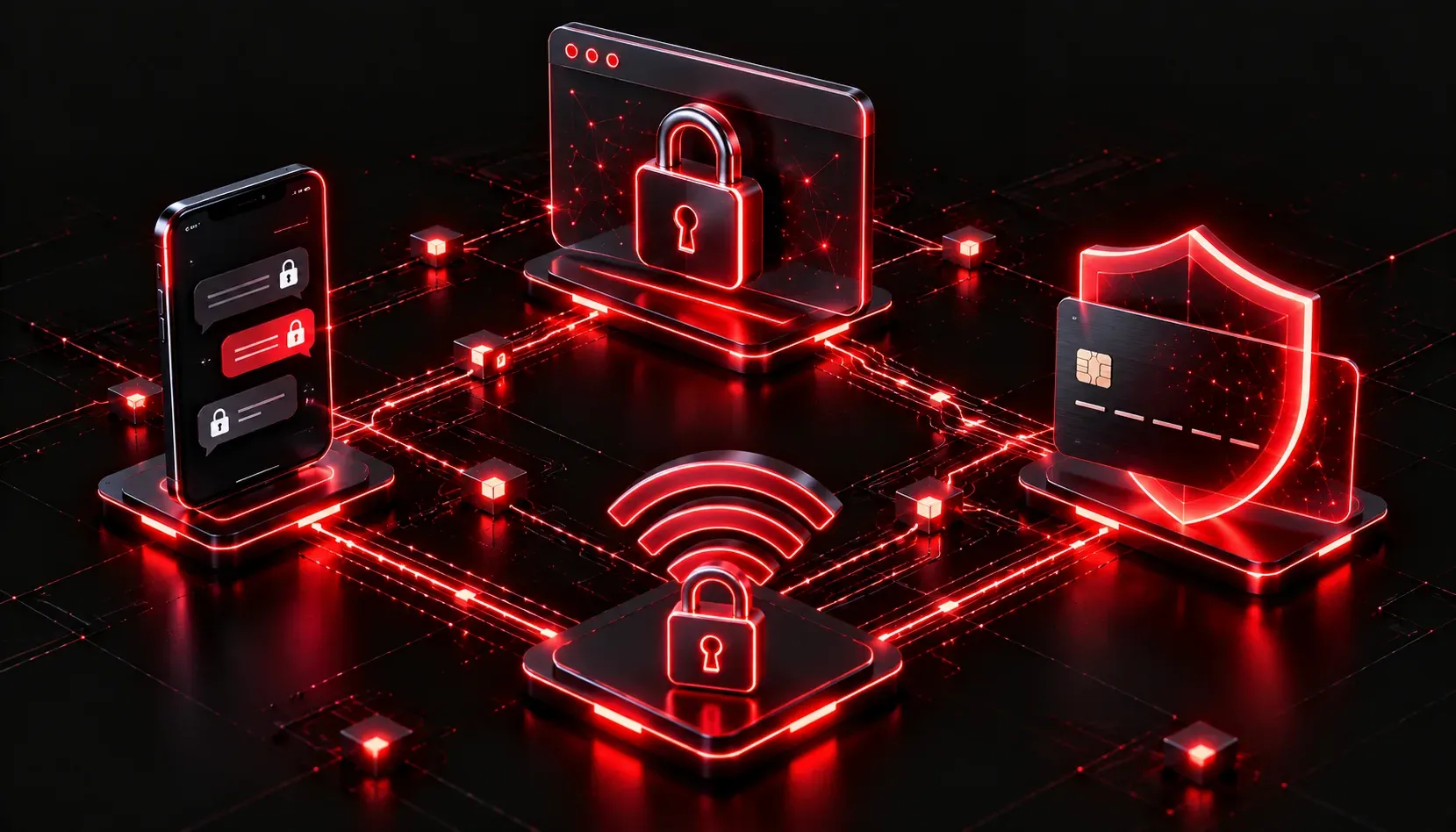
Encryption might sound like something reserved for spies and hackers, but the truth is you use it dozens of times every day without even thinking about it. Every time you log into your bank, send a text message, or buy something online, encryption is quietly working in the background to keep your data safe. Understanding the real-world applications of encryption is essential for the CCST Cybersecurity exam, and more importantly, for understanding how the modern internet actually functions.
What Does Encryption Actually Do?
At its core, encryption transforms readable data (called plaintext) into a scrambled format (called ciphertext) that can only be decoded by someone with the correct key. Without that key, intercepted data looks like random noise. This is the foundation of nearly every privacy and security mechanism we rely on today.
Encryption in Daily Life: Where You See It
HTTPS and Web Browsing
The padlock icon in your browser's address bar is a direct indicator that encryption is active. Websites that use HTTPS are encrypting your connection using TLS (Transport Layer Security). This means that even if someone intercepts the traffic between you and the website, they cannot read the contents. When you submit a credit card number or login credentials, TLS ensures that data is encrypted in transit.
You can verify this yourself by clicking the padlock on any secure site and viewing the certificate details. The certificate identifies the website and confirms the encryption parameters being used.
Secure Messaging
Apps like Signal, WhatsApp, and iMessage use end-to-end encryption (often abbreviated E2EE). This means the message is encrypted on your device and can only be decrypted on the recipient's device. Even the app's servers cannot read your messages in transit. This is a practical application of asymmetric encryption, where public and private keys work together to secure the communication channel.
Online Shopping and Payment Processing
Every time you purchase something online, your payment details are protected by multiple layers of encryption. The connection itself is secured by TLS, and payment processors use standards like PCI-DSS to enforce strong encryption of stored card data. Without encryption, online commerce would be impossible to trust.
Wi-Fi Security
Your home and office Wi-Fi networks use encryption protocols to protect wireless traffic. The current standard is WPA3 (Wi-Fi Protected Access 3), which replaced the older and less secure WPA2. When you connect to a Wi-Fi network with a password, that password is used to establish an encrypted session between your device and the router.
Email Encryption
Standard email is surprisingly insecure on its own. Protocols like S/MIME and PGP (Pretty Good Privacy) add encryption to email communications. Many enterprise environments also use TLS between mail servers to encrypt messages while they travel across the internet.
File and Disk Encryption
Operating systems include built-in tools for encrypting stored data. Windows uses BitLocker, while macOS uses FileVault. These tools encrypt the contents of your hard drive so that if a device is stolen, the data cannot be accessed without the correct credentials. This is called encryption at rest, as opposed to encryption in transit, which protects data while it moves across a network.
Why This Matters for the CCST Exam
The CCST Cybersecurity exam expects you to recognize where encryption is applied and why. You should be comfortable identifying the difference between encryption in transit and encryption at rest, understanding why protocols like HTTPS and WPA3 exist, and explaining the basic purpose of end-to-end encryption in messaging apps.
A helpful mental model: think of encryption as a sealed envelope. Without it, your data travels like a postcard that anyone can read. With it, only the intended recipient can open and read the contents.
Key Terms to Know
- Plaintext: the original, readable data before encryption
- Ciphertext: the scrambled, unreadable output after encryption
- TLS: the protocol securing most web and email traffic today
- E2EE: end-to-end encryption where only sender and receiver can read the message
- Encryption at rest: protecting data stored on a device or server
- Encryption in transit: protecting data as it moves across a network
What's Next
Now that you understand where encryption is applied in the real world, the next step is diving deeper into how it works. Our next post covers the two main types of encryption: symmetric and asymmetric, including how they differ, when each is used, and why most modern systems actually use both together. Understanding those mechanisms will give you a much clearer picture of everything covered here.