
JavaScript Scope: Local vs Global
This post explains JavaScript scope for beginners, covering the difference between global and local scope, variable shadowing, and how the choice of var, let, and const affects scoping behaviour. Practical code examples demonstrate each concept clearly.

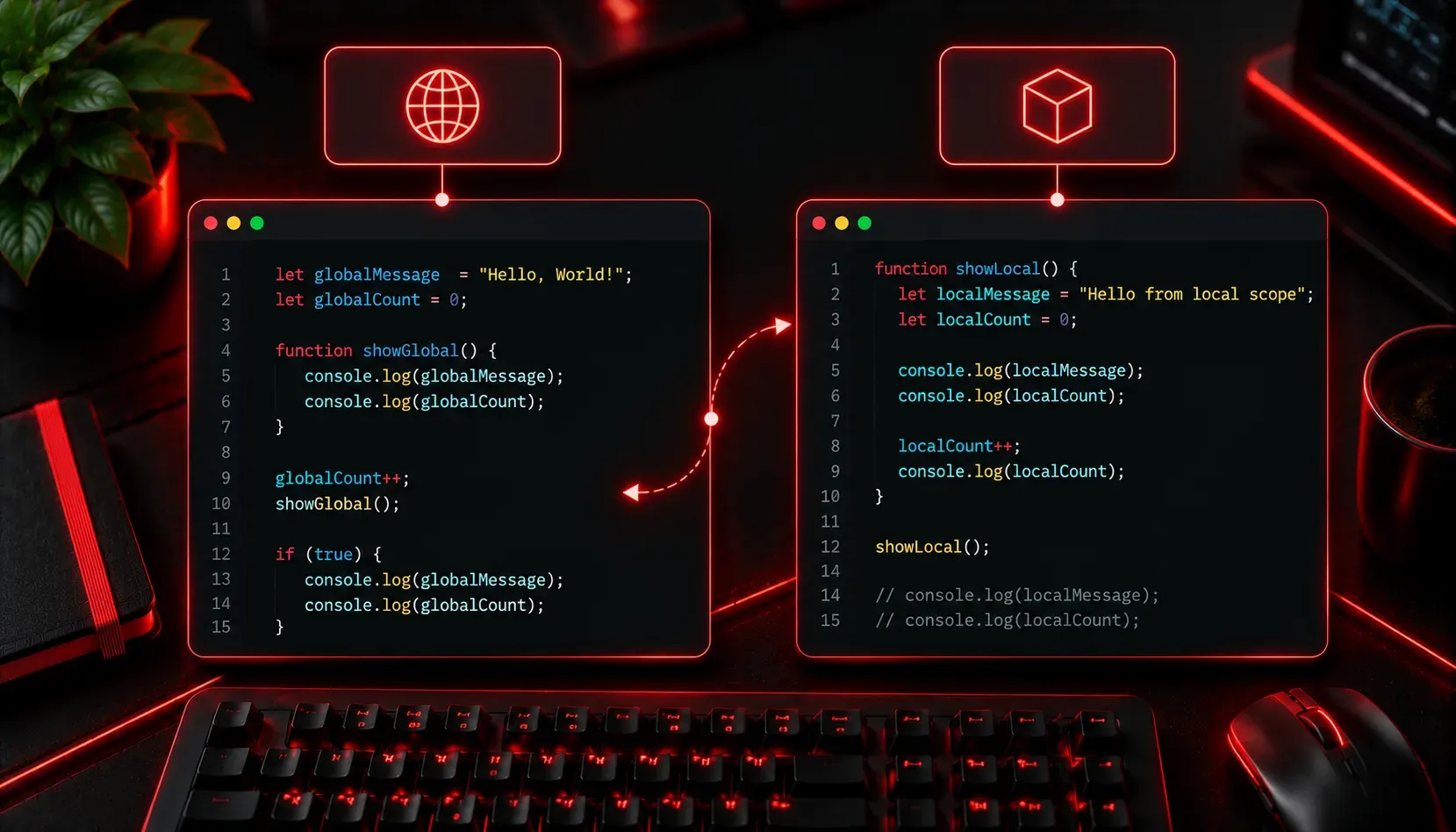
One of the most common sources of confusion for JavaScript beginners is scope. You define a variable, and then suddenly your code can't find it, or worse, it finds the wrong one. Understanding scope will save you hours of debugging frustration and help you write cleaner, more predictable code.
What is Scope?
Scope refers to the part of your program where a variable is accessible. Think of it like visibility. If a variable is "in scope," your code can see and use it. If it's "out of scope," your code doesn't even know it exists.
JavaScript has two fundamental scope levels to understand first: global scope and local scope.
Global Scope
A variable declared outside of any function or block lives in the global scope. That means it's accessible from anywhere in your script.
let siteName = "Anything Over IP";

function greetVisitor() {
  console.log("Welcome to " + siteName);
}

greetVisitor(); // Output: Welcome to Anything Over IP
Here, siteName is declared at the top level, so the function can reach in and read it without any issues. This seems convenient, but relying heavily on global variables is considered bad practice. Any function anywhere in your code can accidentally overwrite a global variable, leading to bugs that are very difficult to track down.
Local Scope
A variable declared inside a function exists only within that function. It is created when the function runs and destroyed when the function finishes. Nothing outside the function can access it.
function calculateTotal() {
  let discount = 0.1; // local variable
  let price = 200;
  let total = price - (price * discount);
  console.log("Total: $" + total);
}

calculateTotal(); // Output: Total: $180
console.log(discount); // ReferenceError: discount is not defined
The variable discount simply does not exist outside of calculateTotal(). Trying to access it throws a ReferenceError. This is actually a feature, not a bug. Local variables protect your data and prevent unintended interference between different parts of your program.
What Happens When Names Collide?
This is where things get interesting. JavaScript will always look for a variable in the closest scope first, then work its way outward.
let message = "I am global";

function showMessage() {
  let message = "I am local";
  console.log(message);
}

showMessage();        // Output: I am local
console.log(message); // Output: I am global
The local message inside showMessage() shadows the global message. Both variables coexist, but inside the function, the local one takes priority. The global variable is untouched.
A Quick Note on var, let, and const
The keyword you use to declare a variable affects its scoping behaviour. let and const are block-scoped, meaning they are confined to the nearest set of curly braces {}. The older var keyword is function-scoped and behaves more loosely, which is one reason modern JavaScript favours let and const.
if (true) {
  let blockVariable = "I only exist here";
  var oldStyleVariable = "I leak out of blocks";
}

console.log(oldStyleVariable); // Output: I leak out of blocks
console.log(blockVariable);    // ReferenceError: blockVariable is not defined
Stick with let and const in your projects. They behave more predictably and will save you from a whole category of subtle bugs.
Practical Tips
- Minimise globals: Declare variables as close to where you use them as possible.
- Use
constby default: Reach forconstfirst, switch toletonly when you need to reassign. - Name variables clearly: Descriptive names reduce the temptation to reuse the same name in different scopes, which keeps your code readable.
What's Next
Now that you understand local and global scope, you're ready to explore block scope in more depth, and then move into one of JavaScript's most powerful and initially puzzling features: closures. Closures are what happens when a function "remembers" variables from its outer scope even after that outer scope has finished executing. Once you grasp closures, a huge portion of modern JavaScript patterns will start to make complete sense.