
How Access Management Works: A Simple Guide
A beginner-friendly explanation of how access management works using the AAA model (Authentication, Authorization, Accounting) with real-world analogies to help newcomers understand these essential security systems.

Access management might sound complicated, but it's actually something you encounter every day. Think about your smartphone's lock screen, your office keycard, or logging into your email. These are all examples of access management in action. Let's break down how these security systems work using simple, real-world examples.
What Is Access Management?
Access management is like being a bouncer at an exclusive club. The bouncer checks three things: who you are (identification), whether you're allowed in (authorization), and keeps track of who entered when (accountability). In the digital world, access management systems do exactly the same thing for your data, applications, and network resources.
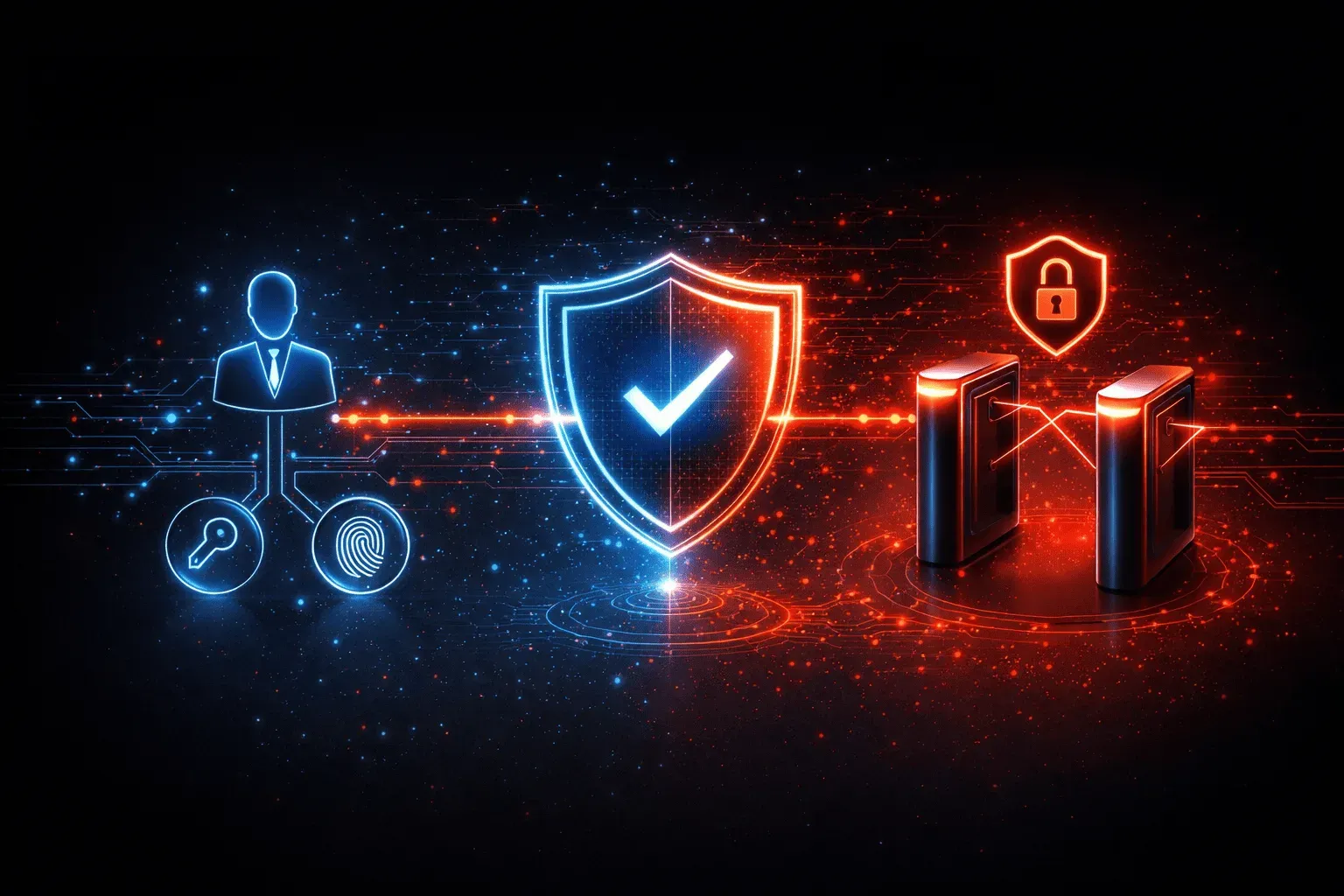
The process follows what security professionals call the AAA model: Authentication, Authorization, and Accounting. Think of it as a three-step security checkpoint.
Step 1: Authentication - Proving Who You Are
Authentication is like showing your driver's license at the airport. The system needs to verify you are who you claim to be. This happens through one or more of these methods:
- Something you know: Passwords, PINs, security questions
- Something you have: Smart cards, security tokens, your smartphone
- Something you are: Fingerprints, facial recognition, voice patterns
When you type your username and password, the access control system compares this information against its database. If there's a match, you pass the first checkpoint. Modern systems often require two or more of these factors (MFA - Multi Factor Authentication), which is why you might need both your password and a code from your phone.
Step 2: Authorization - Determining What You Can Access
Just because you're authenticated doesn't mean you can access everything. Authorization is like having different levels of clearance in a building. Your keycard might get you into the lobby and your floor, but not the executive suite or server room.
The system checks your permissions against what you're trying to access. For example:
- A regular employee might access email and shared documents
- A manager might also access budget reports and team schedules
- An IT administrator might access server configurations and user accounts
This follows the principle of least privilege - giving users only the minimum access they need to do their job effectively.
Step 3: Accounting - Tracking What Happens
Accounting is like a security camera that records everything. The system logs who accessed what, when they accessed it, and what actions they performed. This creates an audit trail that's crucial for security monitoring and compliance.
These logs help answer important questions:
- Who accessed sensitive customer data last Tuesday?
- When did someone try to access the payroll system?
- What files did the intern download during their last week?
How It All Works Together
Here's a practical example of how access management works when you log into your company's email system:
- You enter credentials: Username and password (authentication)
- System verifies identity: Checks against the user database
- System checks permissions: Determines what email folders and features you can access (authorization)
- You gain access: The system grants the appropriate level of access
- System logs activity: Records login time, IP address, and subsequent actions (accounting)
Common Access Control Models
Different organizations use different approaches to manage access:
Role-Based Access Control (RBAC): Like job titles, determining access. All accountants get the same permissions, all managers get another set.
Discretionary Access Control (DAC): Like letting file owners decide who can access their documents. You control who sees your shared folders.
Mandatory Access Control (MAC): Like military security clearances. The system enforces strict rules that users can't override.
Why Access Management Matters
Effective access management prevents data breaches, protects sensitive information, and ensures compliance with regulations. It's the foundation of cybersecurity, after all, you can't protect what you can't control access to.
Understanding how access management works helps you appreciate why your IT department has certain policies and why security procedures exist. It's not just bureaucracy, it's protecting valuable assets.
What's Next
Now that you understand the basics of how access management works, the next step is exploring specific authentication methods in detail. We'll dive into multi-factor authentication, single sign-on, and emerging technologies like biometric authentication that are reshaping how we prove our identities in the digital world.