
How Does Frame Switching Work?
Frame switching is the process by which network switches intelligently forward data frames between devices. This post explains the three switching methods (store-and-forward, cut-through, and fragment-free) and how switches learn MAC addresses to make efficient forwarding decisions.

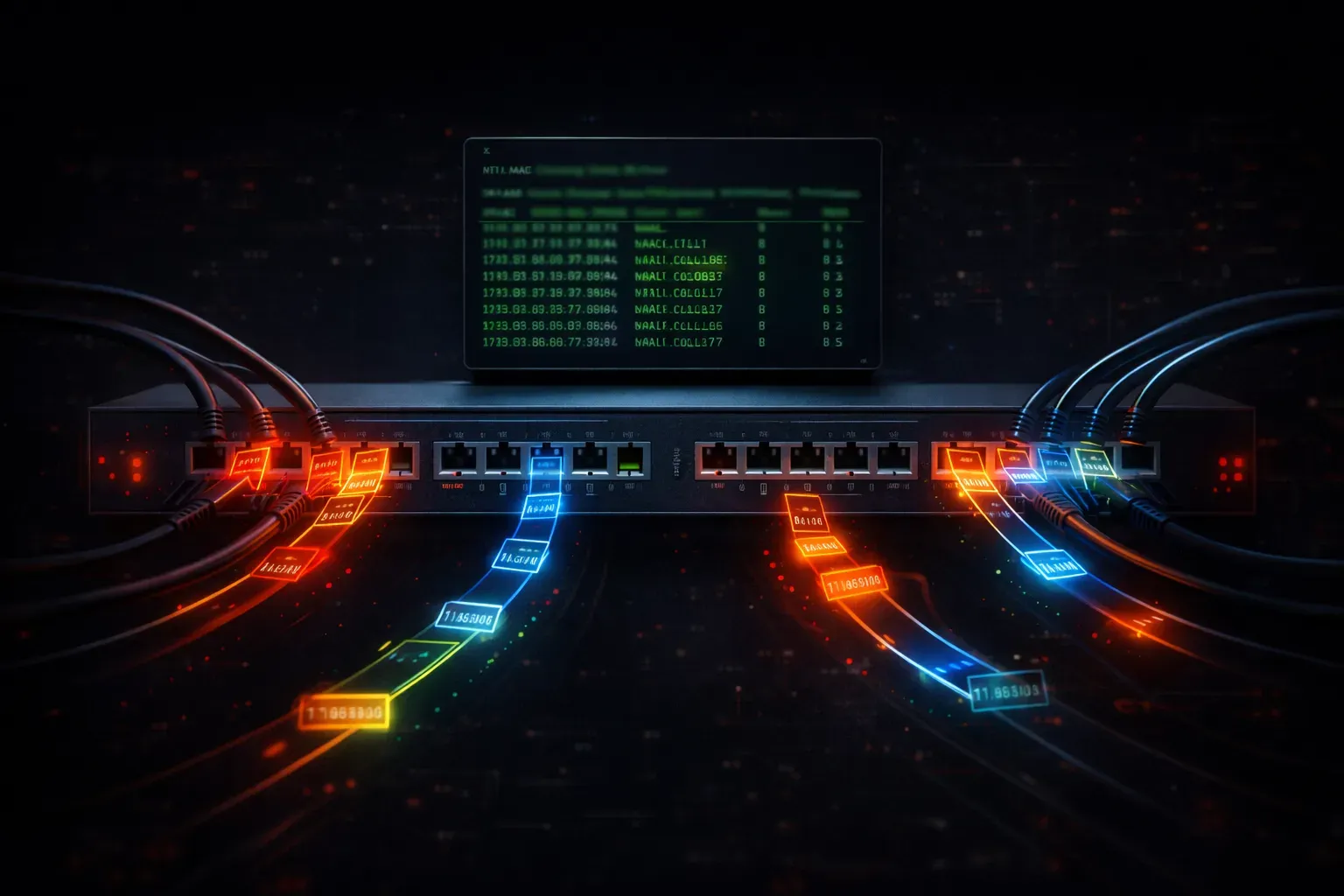
When you send a message across a network, your data doesn't magically teleport from your device to its destination. Instead, it travels through a series of network switches that make intelligent decisions about where to forward your data. This process, called frame switching, is fundamental to modern networking and directly impacts network efficiency.
What Happens When Data Travels Through a Switch
Think of a network switch as an intelligent traffic controller. When your computer wants to send data to another device, it packages that data into frames, small units that include both your actual data and addressing information. Here's what happens during the switching process:
- Frame Reception: The switch receives a frame on one of its ports
- Address Learning: The switch examines the source MAC address and learns which port that device is connected to
- Destination Lookup: The switch checks its MAC address table for the destination address
- Forwarding Decision: Based on the lookup, the switch decides where to send the frame
The Three Frame Switching Methods
Modern switches use different methods to handle frames, each with distinct characteristics that affect how quickly data travel occurs:
Store-and-Forward Switching
This method provides the highest reliability. The switch receives the entire frame, stores it in memory, and performs error checking before forwarding it. While this adds a slight delay, it ensures that corrupted frames don't propagate through your network.
Switch# show interfaces gigabitethernet 0/1
GigabitEthernet0/1 is up, line protocol is up
  Hardware is Gigabit Ethernet, address is 0024.c4a1.8c01
  MTU 1500 bytes, BW 1000000 Kbit/sec
  Input queue: 0/75/0/0 (size/max/drops/flushes)
  Output queue: 0/40/0/0 (size/max/drops/flushes)
Cut-Through Switching
For maximum speed, cut-through switching begins forwarding a frame as soon as it reads the destination MAC address, it doesn't wait for the entire frame. This reduces latency but can forward corrupted frames.
Fragment-Free Switching
This hybrid approach waits to receive the first 64 bytes of a frame before forwarding. Since most collisions occur within the first 64 bytes, this method catches most errors while maintaining better performance than store-and-forward.
Building the MAC Address Table
The heart of efficient frame switching lies in the MAC address table. Every time a switch receives a frame, it performs this learning process:
Switch# show mac address-table
          Mac Address Table
-------------------------------------------
Vlan    Mac Address       Type        Ports
----    -----------       --------    -----
   1    0050.7966.6800    DYNAMIC     Fa0/1
   1    0050.7966.6801    DYNAMIC     Fa0/2
   1    0050.7966.6802    DYNAMIC     Fa0/3
Total Mac Addresses for this criterion: 3
When a frame arrives with an unknown destination MAC address, the switch floods the frame out all ports except the one it arrived on. This ensures delivery while the switch learns the network topology.
Impact on Network Performance
Understanding frame switching helps you appreciate why switched networks are so much more efficient than older hub-based networks. Each switch port operates as its own collision domain, meaning devices get dedicated bandwidth rather than sharing it with every other device on the network.
The switching process also enables full-duplex communication; devices can send and receive data simultaneously on the same port, effectively doubling available bandwidth.
Troubleshooting Switching Issues
When data travel seems slow or unreliable, you can investigate switching behavior using these commands:
Switch# show mac address-table dynamic
Switch# show interfaces status
Switch# show spanning-tree
These commands reveal how frames are being processed and whether switching is operating efficiently.
What's Next
Now that you understand how individual frames move through switches, the next logical step is exploring how switches handle broadcast traffic and prevent loops in networks with multiple paths. We'll cover the Spanning Tree Protocol and how it maintains a loop-free network topology while providing redundancy.
Tools and resources for this topic
- CCNA Official Cert Guide (Wendell Odom) — The definitive CCNA study resource. Both volumes cover the 200-301 exam blueprint in full.
- Wendell Odom CCNA Vol 1 — Covers networking fundamentals, switching, and routing basics.
- Wendell Odom CCNA Vol 2 — Covers advanced routing, WAN, infrastructure services, and security.