
Implementing AI in Software Development: Best Practices
Learn best practices for integrating AI into software development workflows, covering planning, implementation, testing, and deployment strategies for IT professionals.

Understanding AI Integration in Software Development
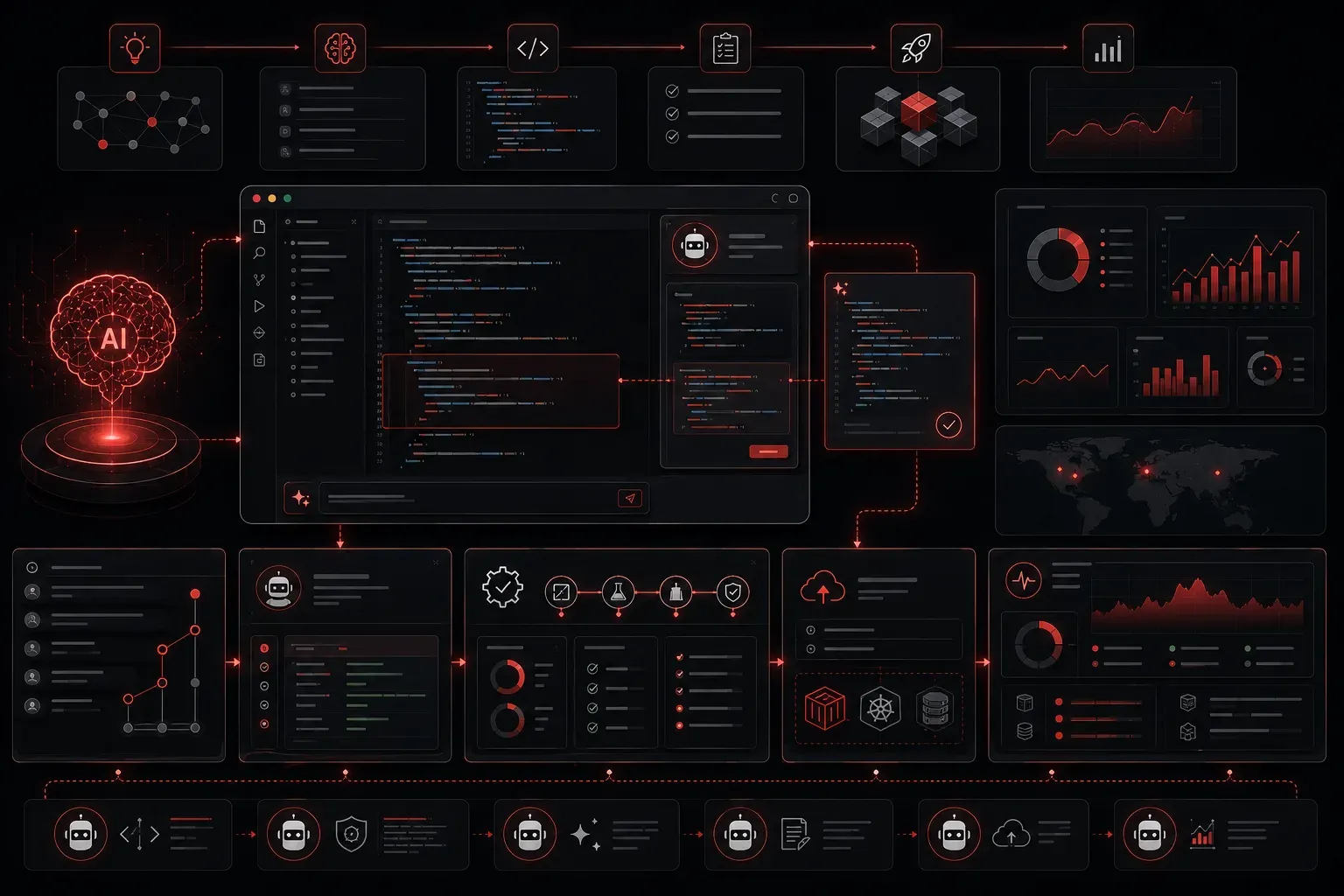
Implementing AI software isn't just about adding machine learning models to your codebase. It's about strategically integrating AI capabilities throughout your development workflow to enhance productivity, code quality, and project outcomes. Whether you're building AI-powered features or using AI tools to accelerate development, the key lies in following proven practices that ensure successful integration.
Pre-Implementation Planning
Before diving into AI integration, establish clear objectives for your software projects. Define what problems AI will solve and set measurable success criteria. This planning phase prevents the common pitfall of implementing AI for its own sake rather than addressing real business needs.
Start by auditing your current development practices. Identify bottlenecks where AI tools could provide immediate value: code generation, testing, documentation, or debugging. Create a roadmap that prioritizes high-impact, low-risk AI implementations first.
Infrastructure Requirements
Modern AI integration requires robust infrastructure. Ensure your development environment can handle:
- API rate limits for AI services like OpenAI, Anthropic, or Google's AI Platform
- Version control systems that track both code and AI model artifacts
- Secure credential management for AI service authentication
- Monitoring systems to track AI tool usage and costs
Development Practices for AI Integration
Code Generation and Assistance
AI-powered coding assistants like GitHub Copilot, Cursor, or Amazon CodeWhisperer can dramatically improve productivity. However, successful implementation requires discipline:
# Example: Using AI-generated code with proper validation
def process_user_data(user_input):
    # AI-generated function with manual review
    sanitized_input = validate_and_sanitize(user_input)

    # Always add explicit error handling
    try:
        result = ai_generated_logic(sanitized_input)
        return {"status": "success", "data": result}
    except Exception as e:
        log_error(f"Processing failed: {str(e)}")
        return {"status": "error", "message": "Processing failed"}
Never deploy AI-generated code without thorough review and testing. Treat AI suggestions as starting points, not final solutions. Establish code review processes that specifically examine AI-generated sections for security vulnerabilities, edge cases, and maintainability issues.
Testing AI-Enhanced Features
When implementing AI software features, traditional testing approaches need adaptation. Create comprehensive test suites that account for AI model uncertainty and variability:
# Example: Testing AI feature outputs
import pytest
from your_ai_module import sentiment_analyzer

class TestAISentimentAnalyzer:
    def test_clear_positive_sentiment(self):
        result = sentiment_analyzer("I love this product!")
        assert result['sentiment'] == 'positive'
        assert result['confidence'] > 0.8

    def test_edge_cases(self):
        # Test empty input
        result = sentiment_analyzer("")
        assert 'error' in result

        # Test extremely long input
        long_text = "word " * 1000
        result = sentiment_analyzer(long_text)
        assert result['status'] == 'processed'
Deployment and Monitoring
Successful AI integration extends beyond development into production monitoring. Implement logging that tracks AI service usage, response times, and error rates. This data helps optimize costs and identify performance issues before they impact users.
Create fallback mechanisms for AI service failures. Your software projects should gracefully degrade when AI services are unavailable, ensuring core functionality remains operational.
Security Considerations
AI integration introduces new security vectors. Sanitize all inputs before sending to AI services, implement proper authentication for AI APIs, and never expose API keys in client-side code. Regularly audit AI service permissions and monitor for unusual usage patterns that might indicate compromise.
Team Adoption and Training
Successful implementing AI software requires team buy-in. Provide training on AI tool capabilities and limitations. Establish guidelines for when to use AI assistance versus traditional development approaches. Some team members may resist AI tools; address concerns through education and gradual implementation rather than forced adoption.
Document your AI integration practices. Create internal guides that explain which AI tools to use for specific tasks, how to validate AI-generated code, and when to escalate AI-related issues. This documentation becomes invaluable as your team scales AI usage.
What's Next
Now that you understand the fundamentals of implementing AI in software development, the next step is exploring specific AI tools for different development phases. In our upcoming post, we'll dive deep into AI-powered testing frameworks and how they're revolutionizing quality assurance processes in modern software projects.