
What is IPv6 Anycast and How Does It Work?
IPv6 anycast allows multiple devices to share the same IP address, with traffic automatically routed to the nearest available node. This addressing scheme provides automatic failover, load distribution, and optimal performance for services like DNS and content delivery.

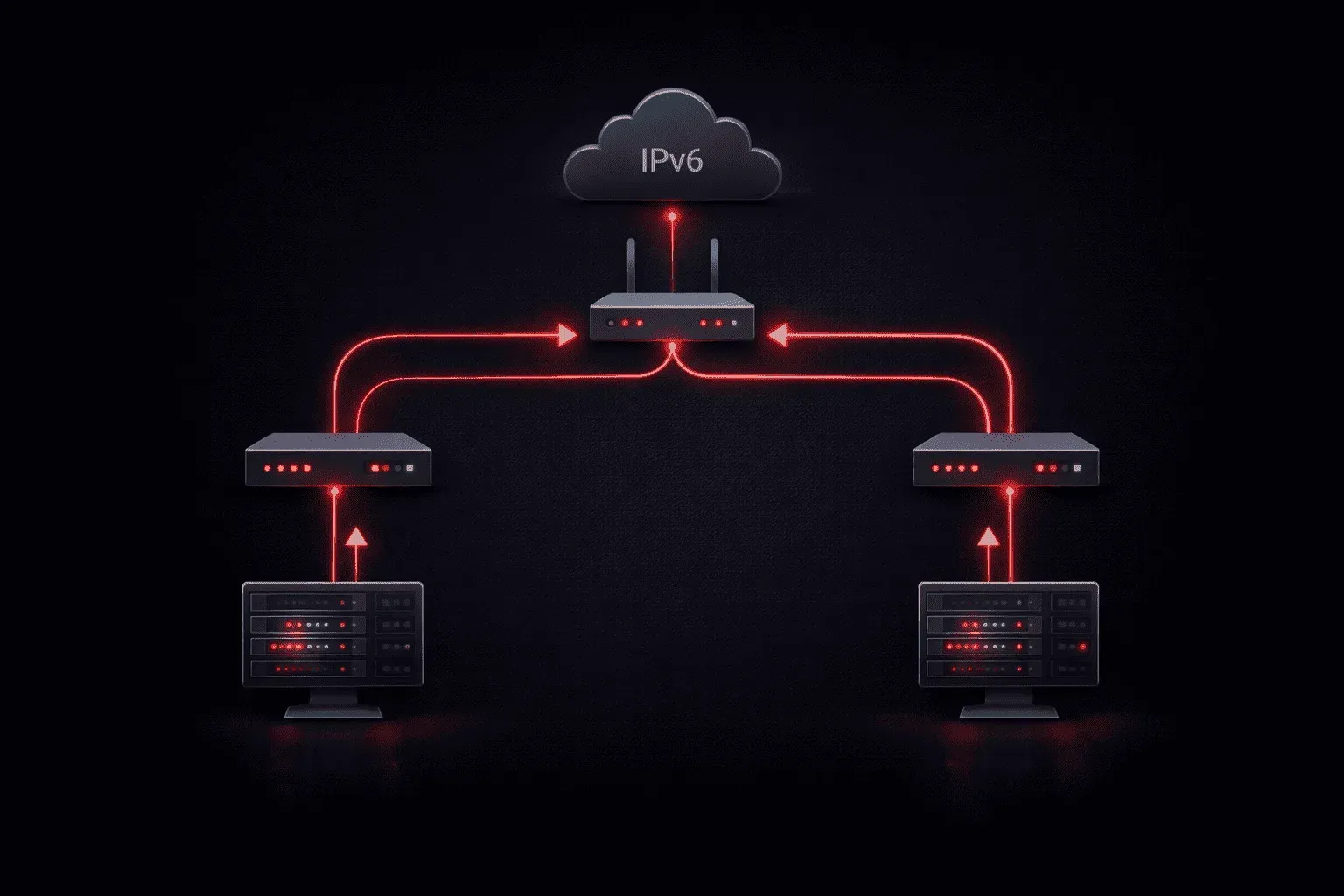
IPv6 anycast is a specialized addressing scheme that allows multiple devices to share the same IP address, with traffic automatically routed to the nearest available node. Unlike unicast (one-to-one) or multicast (one-to-many), anycast represents a one-to-nearest communication model that's particularly valuable for load distribution and service redundancy.
Understanding IPv6 Anycast Fundamentals
An anycast address looks identical to a regular unicast IPv6 address; there's no special format or prefix that distinguishes it. The magic happens in how the network infrastructure handles routing to these addresses. When you configure multiple devices with the same anycast address, the routing protocol automatically directs traffic to the topologically closest node.
For example, imagine three DNS servers in different cities all configured with the same anycast address 2001:db8::53. A client in New York will reach the New York server, while a client in London will reach the London server – all using the same destination address.
How Anycast Routing Works
The routing magic behind anycast relies on standard routing protocols like OSPF or BGP. When multiple nodes advertise the same anycast prefix, routers build their routing tables based on the shortest path to each advertising node. This means:
- Automatic failover: If one anycast node goes down, traffic automatically redirects to the next nearest node
- Load distribution: Traffic naturally spreads across multiple nodes based on geographic and network proximity
- Optimal performance: Users always connect to the closest available service
Practical IPv6 Anycast Configuration
Configuring anycast on Cisco devices is straightforward. Here's how you'd set up an anycast address on a router interface:
Router(config)# interface loopback0
Router(config-if)# ipv6 address 2001:db8::100/128 anycast
Router(config-if)# exit
Router(config)# ipv6 route 2001:db8::100/128 loopback0
The key is the anycast keyword, which tells the router that this address can be shared with other nodes. You'll also need to advertise this route through your routing protocol:
Router(config)# router ospfv3 1
Router(config-router)# router-id 1.1.1.1
Router(config-router)# address-family ipv6 unicast
Router(config-router-af)# redistribute connected
Common Anycast Use Cases
IPv6 anycast addressing shines in several scenarios:
- DNS services: Root DNS servers use anycast extensively to provide global coverage with automatic failover
- Content delivery: CDN providers use anycast to direct users to the nearest content cache
- Network services: Services like NTP, DHCP, and authentication servers benefit from anycast's redundancy
- Load balancing: Distributing traffic across multiple servers without complex load balancer configurations
Important Anycast Considerations
While powerful, anycast addressing requires careful planning. Since routing changes can redirect traffic to different nodes mid-session, anycast works best with stateless protocols. TCP connections may break if the anycast node changes during the session, though modern implementations often use techniques like connection persistence to minimize this issue.
Also, remember that anycast doesn't guarantee true load balancing; traffic distribution depends on routing topology, not actual server load. A single anycast node might handle disproportionate traffic if it's topologically closer to many clients.
What's Next
Now that you understand IPv6 anycast addressing, you're ready to explore multicast addressing, another IPv6 addressing type that enables efficient one-to-many communication. We'll cover how IPv6 multicast addresses are structured and how they're used for applications like video streaming and network protocols.
CCNA study resources
- CCNA Official Cert Guide Library (Wendell Odom) — Both volumes covering the full 200-301 exam blueprint. The definitive CCNA study resource.
- Wendell Odom CCNA Vol 1 — Networking fundamentals, switching, VLANs, STP, and IPv4 routing.
- Wendell Odom CCNA Vol 2 — Advanced routing, WAN, security, automation, and network management.