
JavaScript Logical Operators
Learn JavaScript's three logical operators (&&, ||, !) and how they combine boolean values to make decisions in your code. Includes practical examples and short-circuit evaluation concepts.

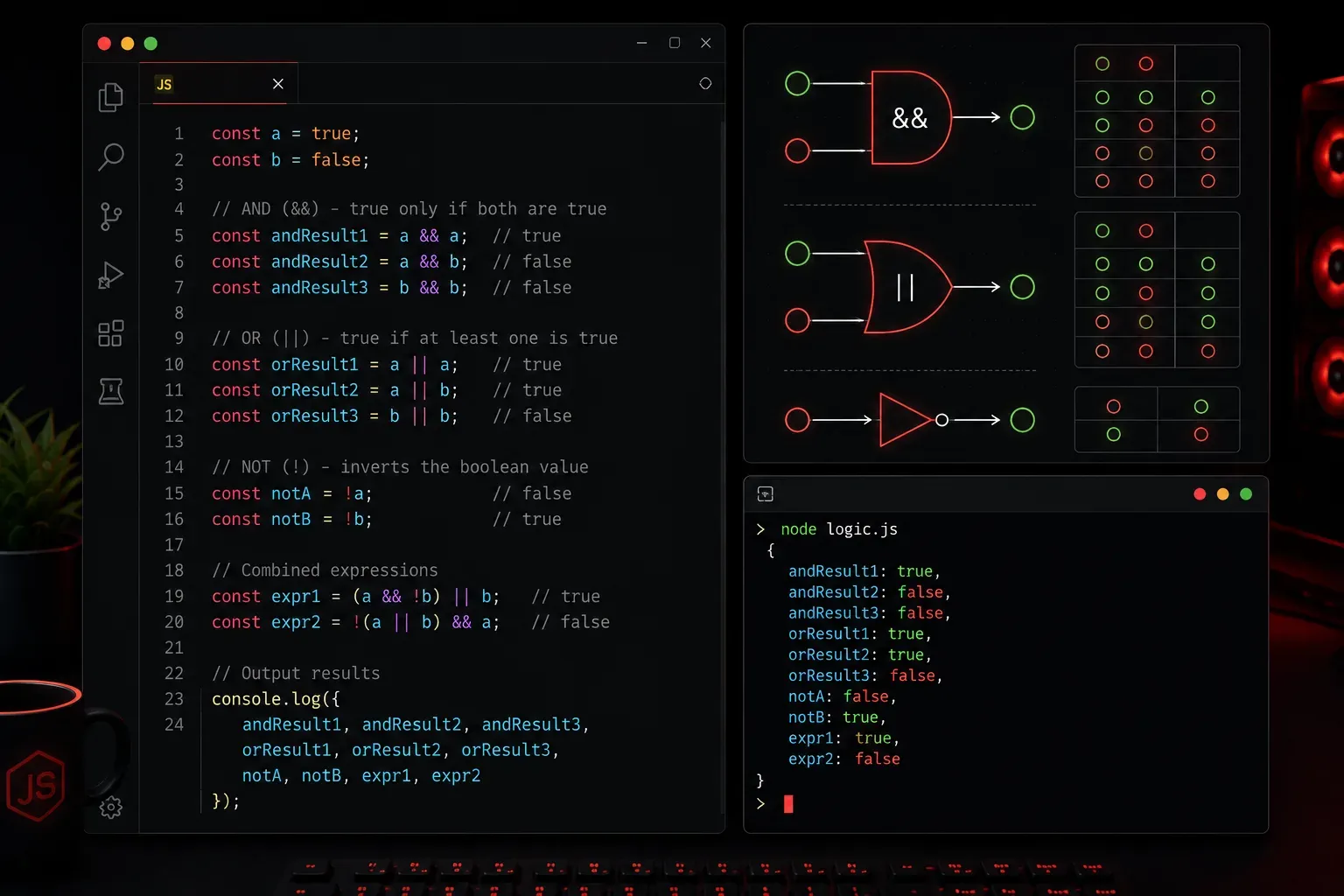
JavaScript logical operators are essential tools that help you make decisions in your code by combining and evaluating boolean values (true or false). Think of them as the decision-making logic of your programs; they determine which code blocks run based on multiple conditions.
There are three main logical operators in JavaScript, each serving a specific purpose in conditional logic.
The AND Operator (&&)
The AND operator (&&) returns true only when both conditions are true. It's like saying "this AND that must both be true."
let age = 25;
let hasLicense = true;

if (age >= 18 && hasLicense) {
    console.log("You can drive!");
}
// Output: "You can drive!" (both conditions are true)
If either condition is false, the entire expression becomes false:
let temperature = 30;
let isRaining = true;

if (temperature > 25 && !isRaining) {
    console.log("Perfect day for a picnic!");
} else {
    console.log("Maybe stay inside today.");
}
// Output: "Maybe stay inside today." (it's raining)
The OR Operator (||)
The OR operator (||) returns true when at least one condition is true. It's like saying "this OR that needs to be true."
let isWeekend = false;
let isHoliday = true;

if (isWeekend || isHoliday) {
    console.log("No work today!");
}
// Output: "No work today!" (holiday is true)
The OR operator is commonly used for providing default values:
let userName = "";
let displayName = userName || "Guest";
console.log("Welcome, " + displayName);
// Output: "Welcome, Guest" (empty string is falsy)
The NOT Operator (!)
The NOT operator (!) flips the boolean value — it turns true into false and vice versa.
let isLoggedIn = false;

if (!isLoggedIn) {
    console.log("Please log in first.");
}
// Output: "Please log in first." (!false becomes true)
You can also use it to check if something is empty or undefined:
let userInput = "";

if (!userInput) {
    console.log("Please enter some text.");
}
// Output: "Please enter some text."
Combining Multiple Operators
You can combine these operators to create complex logical expressions. Use parentheses to control the order of evaluation:
let age = 16;
let hasPermit = true;
let hasAdult = true;

if ((age >= 18) || (age >= 16 && hasPermit && hasAdult)) {
    console.log("You can drive!");
} else {
    console.log("You cannot drive yet.");
}
// Output: "You can drive!" (minor with permit and adult)
Short-Circuit Evaluation
JavaScript logical operators use "short-circuit evaluation," meaning they stop evaluating as soon as the result is determined:
// With &&, if first condition is false, second isn't checked
let result = false && someExpensiveFunction();
// someExpensiveFunction() never runs

// With ||, if first condition is true, second isn't checked
let value = "Hello" || getDefaultValue();
// getDefaultValue() never runs
Practical Tips
When working with logical operators, remember that JavaScript considers certain values as "falsy": false, 0, "" (empty string), null, undefined, and NaN. Everything else is "truthy."
let score = 0;

if (score) {
    console.log("You have points!");
} else {
    console.log("No points yet.");
}
// Output: "No points yet." (0 is falsy)
What's Next
Now that you understand logical operators, you're ready to explore conditional statements like if, else if, and switch. These work hand-in-hand with logical operators to create the decision-making structure of your JavaScript programs.