
Local LLMs with Ollama: Building Custom IT Solutions
Ollama makes it practical for IT professionals to run large language models locally, eliminating cloud dependency and data privacy concerns. This post covers installation, model management, API integration with Python, and AI customization using Modelfiles to build purpose-built IT assistants.

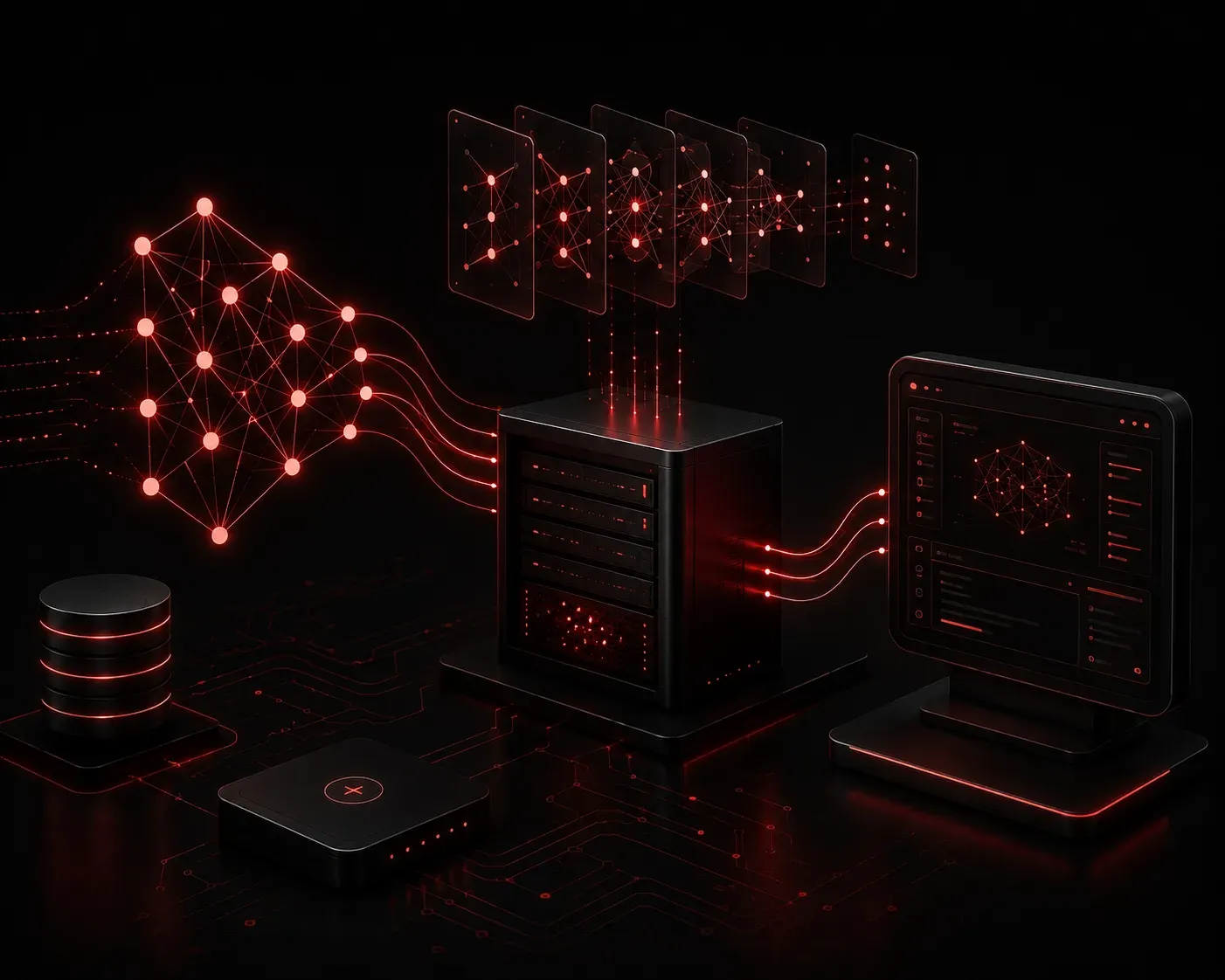
Running AI models in the cloud is convenient, but it comes with real trade-offs: data privacy concerns, API rate limits, ongoing subscription costs, and internet dependency. For IT professionals managing sensitive infrastructure, those trade-offs can be dealbreakers. That is where local LLMs come in, and Ollama makes running them surprisingly straightforward.
This post walks you through what Ollama is, how to get it running, and how you can start building practical IT solutions with it on your own hardware.
What Is Ollama?
Ollama is a free-to-use tool that lets you download, manage, and run large language models locally on your machine. Think of it like Docker, but for AI models. It handles all the complexity of model setup, GPU acceleration, and serving so you can focus on actually using the model.
You can find it at ollama.com. It supports macOS, Linux, and Windows, and works with both NVIDIA and Apple Silicon GPUs.
Installing Ollama
On Linux, installation is a single command pulled directly from the official Ollama documentation:
curl -fsSL https://ollama.com/install.sh | shOnce installed, the Ollama service starts automatically. You can verify it is running with:
systemctl status ollamaOn macOS, download the installer from the website and follow the standard app installation process. After that, Ollama runs as a background service.
Pulling and Running Your First Model
Ollama uses a simple CLI to manage models. To pull and run llama3, Meta's open-weights Llama 3 model as distributed through Ollama's model library, use:
ollama run llama3This downloads the model and drops you into an interactive chat session. Other useful models for IT work include:
- mistral: Fast and efficient, great for general Q&A and scripting help
- codellama: Optimized for code generation and explanation
- phi3: Microsoft's small but capable model, runs well on modest hardware
To list all downloaded models, run:
ollama listUsing the Ollama API for IT Automation
Ollama exposes a local REST API on port 11434. This is where things get genuinely useful for IT professionals. You can integrate local AI inference directly into your scripts and tools without any API keys or cloud dependency.
Here is a basic Python example that sends a prompt to a locally running model and prints the response:
import requests

def ask_ollama(prompt, model="llama3"):
    url = "http://localhost:11434/api/generate"
    payload = {
        "model": model,
        "prompt": prompt,
        "stream": False
    }
    response = requests.post(url, json=payload)
    return response.json()["response"]

result = ask_ollama("Write a Python script to check disk usage on Linux.")
print(result)
With a wrapper like this, you can plug local AI assistance into monitoring scripts, chatbots, documentation generators, or Ansible playbooks. No internet, no API bills, no data leaving your network.
Practical IT Use Cases
Here are real scenarios where local LLMs with Ollama add value:
- Log analysis: Pipe syslog or application logs into a model and ask it to summarize anomalies or suggest root causes
- Script generation: Ask
codellamato write Bash or Python scripts for repetitive admin tasks - Documentation: Feed a model your configuration files and have it generate human-readable documentation
- Runbook assistance: Build an internal chatbot that answers questions based on your team's existing runbooks
AI Customization with Modelfiles
One of Ollama's more powerful features is the Modelfile, which lets you customize model behavior. You can set a system prompt so the model always responds in a specific way. For example, create a file named Modelfile:
FROM llama3
SYSTEM "You are a senior network engineer. Answer questions clearly and concisely, always including relevant Cisco CLI examples where appropriate."
Then build and run your custom model:
ollama create network-assistant -f Modelfile
ollama run network-assistant
Now you have a locally running AI assistant tuned specifically for networking tasks. No fine-tuning required, and no data sent to a third party.
What's Next
Now that you have a local LLM running and integrated into a basic Python workflow, the next step is learning how to feed it context from your own documentation, knowledge bases, or network inventories. In the next post, we will explore Retrieval-Augmented Generation (RAG), which lets you give your local AI model access to your organization's specific information so it can answer questions that no general-purpose model could get right on its own.