
How MAC Learning, Aging, and Frame Flooding Interact
MAC learning, aging, and frame flooding are not isolated processes but a coordinated system that keeps a switch's MAC address table accurate and up to date. This post explains how each process triggers the others and what that means for network performance. Practical Cisco IOS commands are included

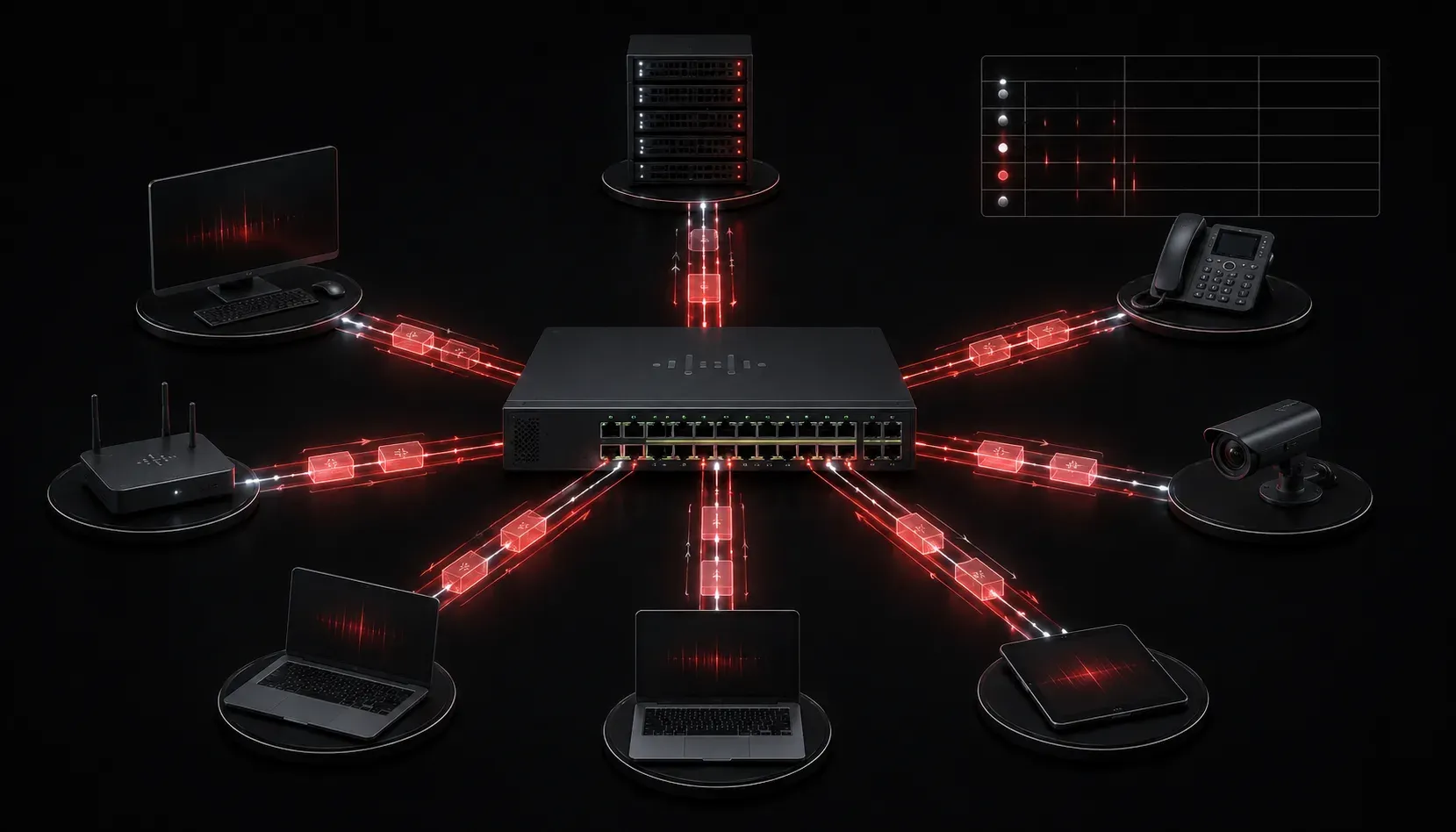
When you first start studying switching concepts for the CCNA, it's easy to learn MAC learning, aging, and flooding as three separate ideas. But the real insight comes when you understand how these three processes work together as a system. Each one influences the others, and together they determine how efficiently your network moves frames from source to destination.
A Quick Recap of Each Process
Before diving into the interaction, let's make sure the individual concepts are solid.
MAC Learning
When a frame arrives on a switch port, the switch reads the source MAC address and records it in the MAC address table, along with the port it arrived on. This is called MAC learning. The switch is essentially building a map of where each device lives in the network.
MAC Aging
Entries in the MAC address table don't live forever. If a MAC address isn't seen again within a certain time window (default is 300 seconds on Cisco switches), the entry is removed. This process is called aging. It keeps the table clean and avoids stale entries for devices that have moved or powered off.
Frame Flooding
When a switch receives a frame and does not have a matching entry in its MAC address table for the destination address, it floods the frame out every port except the one it arrived on. This ensures the frame reaches its destination even when the switch doesn't know where that destination is.
How They Interact as a System
Here's where it gets interesting. These three processes form a feedback loop that continuously adapts to changes on your network.
Picture a device sending its first frame on the network. The switch learns the source MAC address and adds it to the table. But the switch doesn't know where the destination is yet, so it floods the frame. The destination device receives the frame and sends a reply. When that reply arrives at the switch, the switch learns the destination device's MAC address too. Now both sides of the conversation are in the table, and future frames are forwarded directly without flooding.
Now bring aging into the picture. If either of those devices goes silent for 300 seconds, the switch removes that entry. The next time a frame arrives for that destination, the switch has to flood again until it re-learns the address. This is completely normal behavior and by design.
Impact on Network Performance
Understanding this interaction matters because it directly affects network performance.
- Flooding creates extra traffic: Every flooded frame is sent to all ports in the VLAN. On a small network, this is barely noticeable. On a large network with many devices, excessive flooding can consume bandwidth and CPU resources on end devices.
- Aging keeps the table accurate: Without aging, the MAC table would fill up with stale entries for devices that no longer exist at those locations. This could cause frames to be sent to the wrong port.
- Learning reduces flooding over time: As devices communicate, the table fills up and flooding decreases. A well-established network with active devices will flood far less than one that just restarted.
Verifying These Concepts on a Cisco Switch
You can observe all three processes in action using a couple of Cisco IOS commands.
To view the current MAC address table:
Switch# show mac address-table
          Mac Address Table
-------------------------------------------
Vlan    Mac Address       Type        Ports
----    -----------       --------    -----
   1    0050.7966.6800    DYNAMIC     Gi0/1
   1    0050.7966.6801    DYNAMIC     Gi0/2
To check the current aging time:
Switch# show mac address-table aging-time
Global Aging Time:  300
You can also manually clear the table to observe flooding in action:
Switch# clear mac address-table dynamicAfter clearing, watch how quickly entries reappear as devices communicate and the switch re-learns their locations.
What's Next
Now that you understand how MAC learning, aging, and flooding interact as a system, the next logical step is understanding how switches handle broadcast and multicast frames differently from known unicast frames. That distinction builds directly on what you've learned here and is another key switching concept for the CCNA exam.
Tools and resources for this topic
- CCNA Official Cert Guide (Wendell Odom) — The definitive CCNA study resource. Both volumes cover the 200-301 exam blueprint in full.
- Wendell Odom CCNA Vol 1 — Covers networking fundamentals, switching, and routing basics.
- Wendell Odom CCNA Vol 2 — Covers advanced routing, WAN, infrastructure services, and security.