
Understanding MAC Learning and Aging in Networks
This post explains how switches use MAC learning to map devices to ports and how aging automatically removes stale entries to maintain network efficiency. It covers the MAC address table, aging timers, and configuration commands.

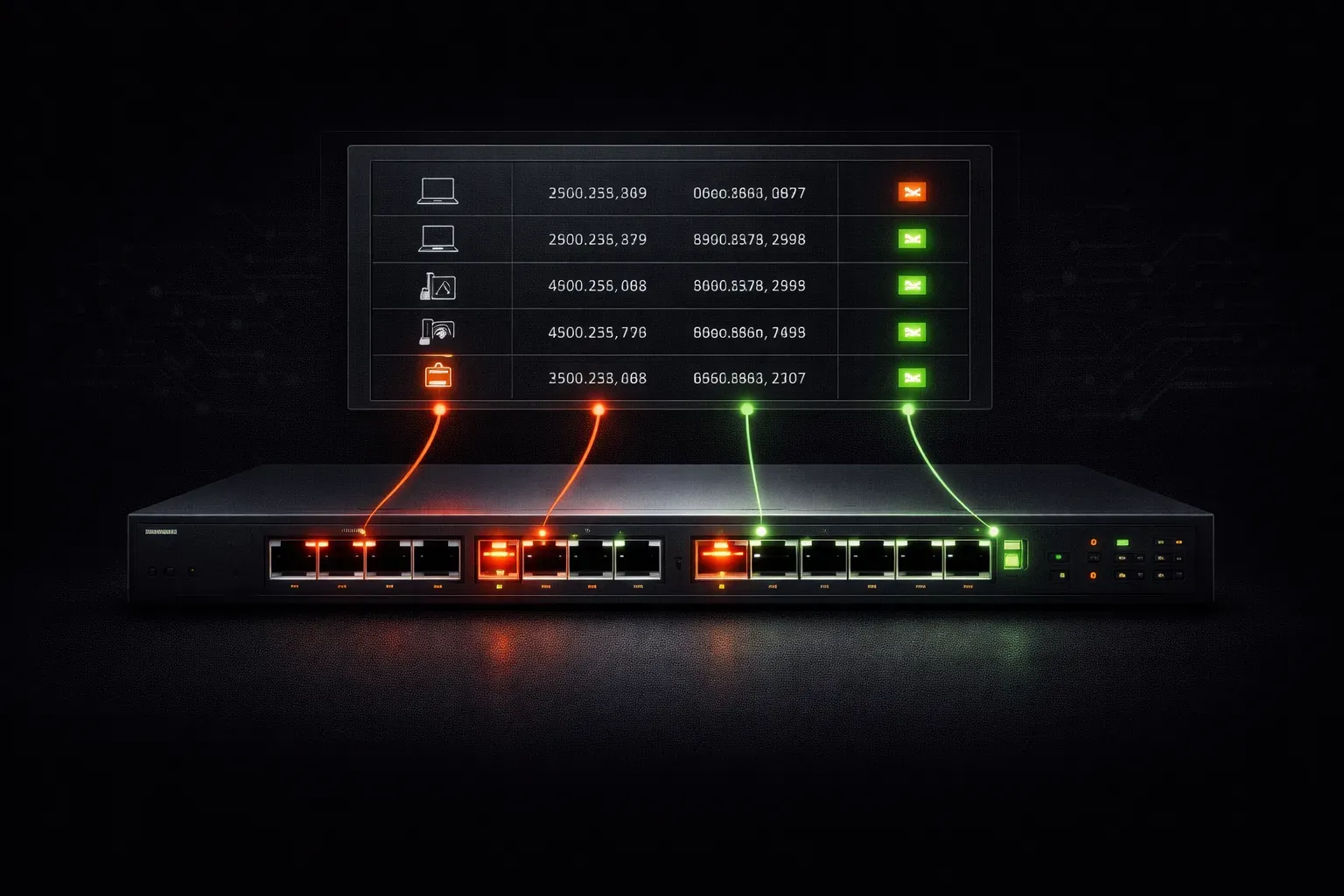
When you connect devices to a switch, something fascinating happens behind the scenes. The switch doesn't magically know where every device is located; it learns through a process called MAC learning. Understanding this fundamental concept is crucial for anyone studying networking, as it underpins how modern switched networks operate efficiently.
What is MAC Learning?
MAC learning is the process by which a switch builds and maintains its MAC address table (also called the CAM table). When a frame arrives at a switch port, the switch examines the source MAC address and associates it with the port where the frame was received. This creates a mapping between MAC addresses and switch ports.
Here's how it works step by step:
- A device sends a frame into the network
- The switch receives the frame on a specific port
- The switch records the source MAC address and associates it with that port
- This information is stored in the MAC address table
The MAC Address Table in Action
Let's see what this looks like on a real Cisco switch. You can view the MAC address table using the show mac address-table command:
Switch# show mac address-table
          Mac Address Table
-------------------------------------------

Vlan    Mac Address       Type        Ports
----    -----------       --------    -----
   1    0050.56c0.0001    DYNAMIC     Fa0/1
   1    0050.56c0.0002    DYNAMIC     Fa0/2
   1    0050.56c0.0003    DYNAMIC     Fa0/5
Total Mac Addresses for this criterion: 3
This output shows that the switch has learned three MAC addresses dynamically. Each entry maps a specific MAC address to a physical port, enabling efficient frame forwarding.
Why MAC Aging Matters for Network Efficiency
Imagine if switches remembered every MAC address they ever learned. The MAC address table would eventually become enormous and filled with stale entries. This is where MAC aging comes to the rescue.
MAC aging is the process of automatically removing old entries from the MAC address table. By default, Cisco switches use an aging time of 300 seconds (5 minutes). If a MAC address isn't seen as a source address within this timeframe, the switch removes it from the table.
How Aging Maintains Network Efficiency
The aging process ensures network efficiency in several ways:
- Memory optimization: Keeps the MAC address table size manageable
- Faster lookups: Smaller tables mean quicker frame forwarding decisions
- Automatic cleanup: Removes mappings for disconnected devices without manual intervention
- Topology adaptation: Allows the network to adapt when devices move between switch ports
Configuring MAC Address Aging
You can customize the aging time based on your network's needs. Here's how to view and modify the aging timer:
Switch# show mac address-table aging-time
Global Aging Time: 300

Switch# configure terminal
Switch(config)# mac address-table aging-time 600
Switch(config)# exit
This example changes the aging time to 600 seconds (10 minutes). Shorter aging times free up table space more quickly but may cause more flooding as entries are removed. Longer aging times reduce flooding but use more memory.
The Learning and Aging Cycle
MAC learning and aging work together in a continuous cycle. When a device sends traffic, its MAC address entry gets refreshed in the table, resetting the aging timer. This means active devices stay in the table while inactive ones are gradually removed, creating an optimal balance between switch mapping accuracy and resource efficiency.
Understanding this process helps you troubleshoot connectivity issues and optimize network performance. If a device suddenly can't communicate, checking the MAC address table can reveal whether the switch has learned its location correctly.
What's Next
Now that you understand how switches learn and age MAC addresses, the next step is exploring how switches handle unknown destinations through flooding and the role of broadcast domains in network segmentation.
Tools and resources for this topic
- CCNA Official Cert Guide (Wendell Odom) — The definitive CCNA study resource. Both volumes cover the 200-301 exam blueprint in full.
- Wendell Odom CCNA Vol 1 — Covers networking fundamentals, switching, and routing basics.
- Wendell Odom CCNA Vol 2 — Covers advanced routing, WAN, infrastructure services, and security.