
Maximizing IT Efficiency with AI Image Generators
This post explores how IT professionals and network engineers can use AI image generators like DALL-E 3, Midjourney, Adobe Firefly, and Microsoft Copilot Designer to create polished technical visuals and diagrams. It covers practical prompt-writing techniques and where these tools fit into a real I

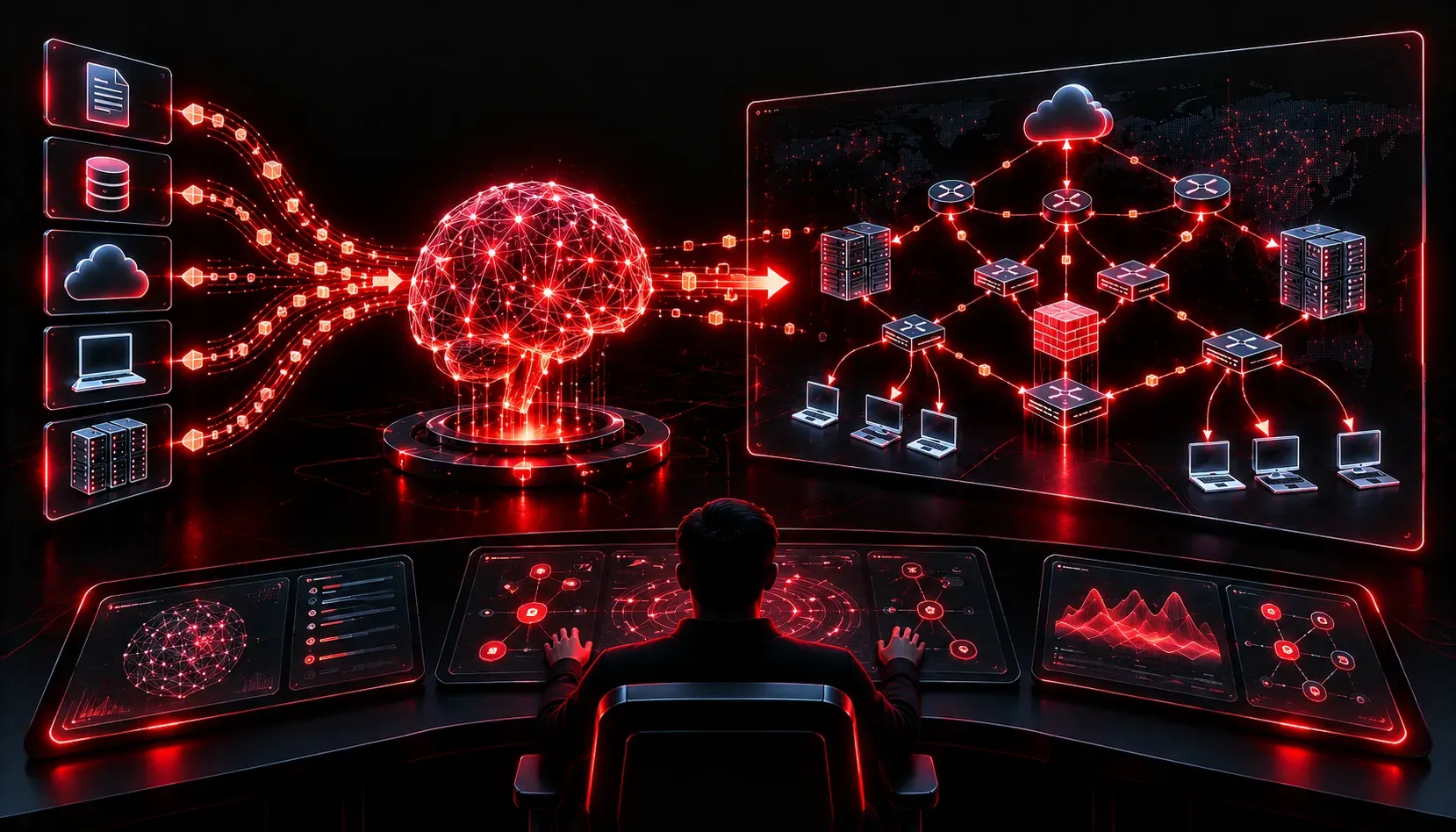
Network diagrams, architecture visuals, and presentation graphics have always been a pain point for IT professionals. You either spend hours wrestling with Visio, pay for expensive design software, or end up with something that looks like it was drawn in MS Paint circa 2003. AI image generators are changing that equation fast, and if you are not using them yet, you are leaving serious productivity on the table.
This post focuses on practical ways network engineers and IT professionals can use AI image generation tools to improve documentation, presentations, and training materials. We will cover the best tools for the job, how to write effective prompts for technical visuals, and where these tools fit into your existing workflow.
Why AI Image Generators Matter for IT Professionals
Before diving into tools, it is worth framing the problem. Network engineers are regularly asked to produce:
- Network topology diagrams for clients or stakeholders
- Architecture visuals for change management documentation
- Conceptual diagrams explaining protocols or data flows
- Presentation graphics for leadership or vendor meetings
Traditional diagramming tools like Lucidchart, draw.io, and Visio are excellent for precise, structured diagrams. But when you need a conceptual visual, a polished presentation image, or a compelling illustration of how a technology works at a high level, AI image generators fill a gap that those tools simply cannot.
The Right Tool for the Right Job
Not all AI image generators are created equal. Here is a breakdown of the most useful options for IT professionals:
DALL-E 3 (via ChatGPT)
Best for: Quick conceptual diagrams, presentation graphics, and training materials. DALL-E 3 is available through ChatGPT for subscribers with image generation enabled, which means you can describe a concept in plain language and iterate with follow-up prompts in the same conversation. Visit it at chat.openai.com. Note that access details and feature availability may vary depending on your subscription tier, so check the current OpenAI offerings for the latest information.
Midjourney
Best for: Polished, high-quality visuals for client-facing presentations. Midjourney produces the most aesthetically refined output of any current tool. Access it at midjourney.com or through their Discord server. The learning curve for prompting is slightly steeper, but the results are worth it.
Adobe Firefly
Best for: Teams already using the Adobe ecosystem. If your organization uses Adobe Express or Photoshop, Firefly is built right in. It is also commercially safe by design, meaning images are generated from licensed content. Access it at firefly.adobe.com.
Microsoft Copilot Designer
Best for: Microsoft 365 shops. Copilot Designer is powered by DALL-E and integrated into Microsoft products. If your team is already in Teams, Word, or PowerPoint, this is the path of least resistance. Find it at designer.microsoft.com.
Writing Effective Prompts for Technical Visuals
The quality of your output depends entirely on the quality of your prompt. Vague prompts produce vague images. Here are some principles that work well for IT and network visualization use cases:
Be Specific About Style and Context
Instead of prompting network diagram, try something like this:
A conceptual illustration of a zero-trust network architecture showing
user devices connecting through an identity-aware proxy to segmented
internal resources, clean flat design, blue and dark gray color scheme,
white background, professional technical diagram style
Notice the prompt specifies the concept, the visual style, the color scheme, and the intended aesthetic. Each of those details shapes the output meaningfully.
Use Technical Language Confidently
Modern AI models understand networking terminology. Do not shy away from terms like SD-WAN, BGP route reflector, microsegmentation, or DMZ topology. The model will incorporate those concepts into the visual.
Iterate Quickly
Do not expect perfection on the first attempt. Generate four options, pick the closest, then refine with a follow-up prompt like:
Make the same image but remove the server rack on the left and
add a cloud icon representing AWS above the firewall layer
This iterative approach inside ChatGPT or Copilot Designer is where real efficiency gains show up.
Where These Tools Fit in Your Workflow
A few honest use cases where AI image generators genuinely save time:
- Change management documentation: Generate a clean conceptual "before and after" network diagram for a migration proposal without spending an hour in Visio.
- Training slide decks: Replace stock photos of servers with custom illustrations that actually reflect your topic.
- Client onboarding materials: Produce polished visuals that explain your network design at a non-technical level.
- Blog and internal wiki graphics: Add custom header images and explainer visuals to documentation without a design budget.
One important note: AI image generators are not a replacement for precise, structured network diagrams where accuracy is critical. For topology documentation that operations teams rely on, stick with draw.io, Lucidchart, or Visio. These tools do not produce the kind of exact, editable diagrams that production environments require. AI image tools shine for conceptual and presentational visuals, not production-accurate diagrams.
What's Next
Now that you have a solid foundation in AI image generation for IT work, the next logical step is exploring how AI writing tools can accelerate the rest of your documentation workflow. Runbooks, change requests, and technical write-ups all benefit from AI assistance, and there are some specific techniques that make those tools far more effective for networking contexts. We will cover exactly that in the next post.