
Native VLAN: What It Is and How It Works
The native VLAN is a special VLAN that carries untagged traffic across trunk links between switches. Unlike other VLANs that receive 802.1Q tags, native VLAN traffic remains untagged, making proper configuration and management crucial for network security and functionality.

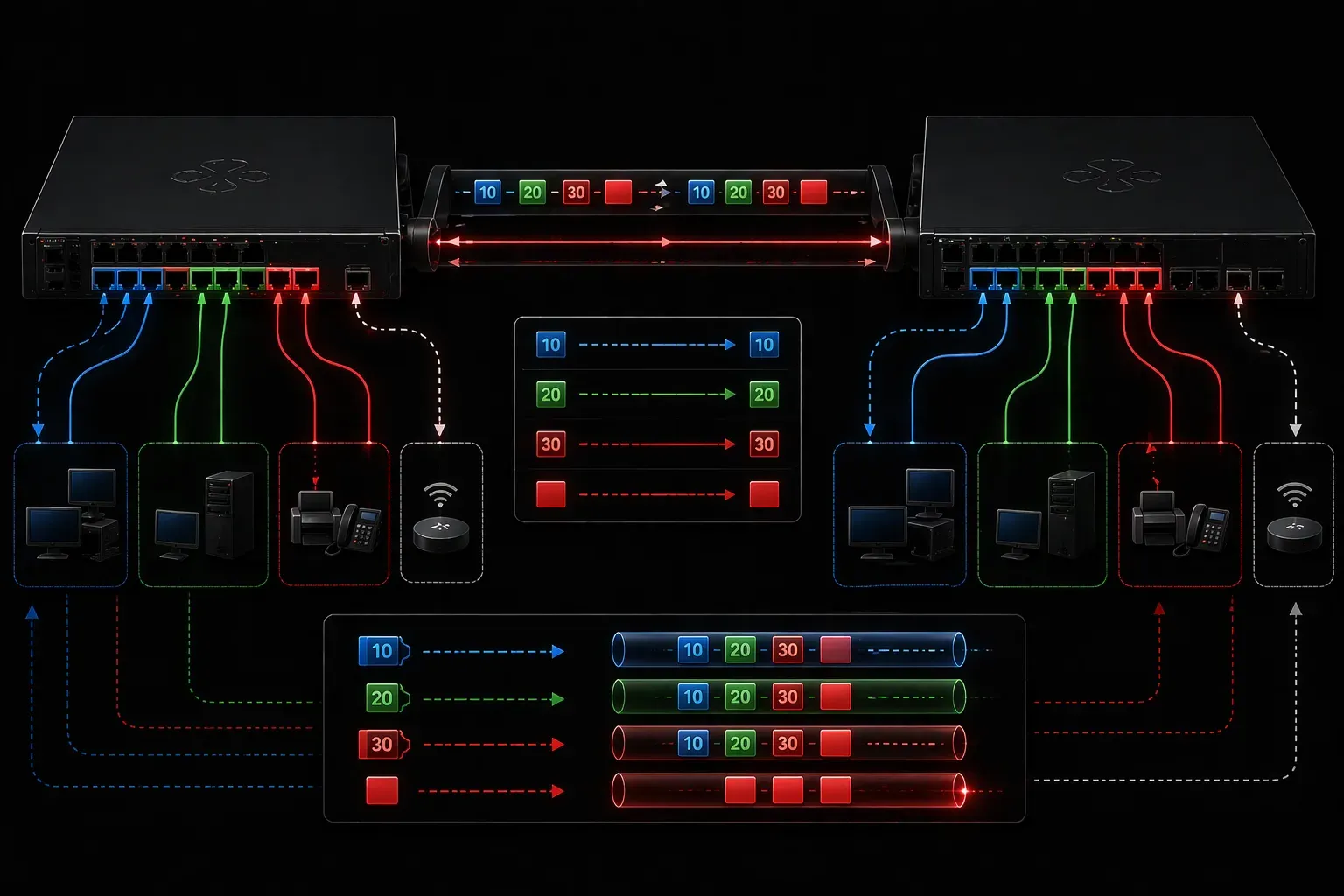
When you first encounter VLANs in your CCNA studies, you'll quickly discover that one VLAN gets special treatment: the native VLAN. Understanding this concept is crucial because it affects how switches handle untagged traffic and plays a vital role in trunk link communication.
What Is a Native VLAN?
The native VLAN is a special VLAN designation used on trunk ports between switches. When a switch sends traffic from the native VLAN across a trunk link, it doesn't add a VLAN tag to the frame. This untagged behavior makes the native VLAN fundamentally different from all other VLANs, which are tagged when traversing trunk links.
By default, VLAN 1 serves as the native VLAN on Cisco switches, though you can change this configuration. Think of the native VLAN as the "default lane" for traffic that doesn't explicitly belong to any other VLAN.
How Native VLANs Work
To understand the native VLAN's networking role, let's examine what happens when traffic crosses a trunk link:
Tagged Traffic: When a switch sends frames from VLAN 10, 20, or any non-native VLAN across a trunk, it adds an 802.1Q tag containing the VLAN ID. The receiving switch reads this tag and knows exactly which VLAN the frame belongs to.
Untagged Traffic: When the switch sends frames from the native VLAN, no tag is added. The receiving switch sees untagged frames and automatically assigns them to its native VLAN.
Here's a simple trunk configuration showing the native VLAN:
Switch(config)# interface gigabitethernet0/1
Switch(config-if)# switchport mode trunk
Switch(config-if)# switchport trunk native vlan 99
Switch(config-if)# switchport trunk allowed vlan 10,20,30,99
In this example, VLAN 99 becomes the native VLAN, replacing the default VLAN 1.
Key Differences from Other VLANs
Several important VLAN differences distinguish the native VLAN from regular VLANs:
- Tagging Behavior: Native VLAN traffic remains untagged on trunk links, while all other VLANs receive 802.1Q tags
- Default Assignment: Untagged frames automatically belong to the native VLAN
- Security Implications: The native VLAN can pose security risks if not properly managed
- Spanning Tree: By default, spanning tree BPDUs are sent on the native VLAN
Native VLAN Management Best Practices
Proper VLAN management requires attention to native VLAN configuration. Here are essential practices:
Change the Default: Avoid using VLAN 1 as your native VLAN. Create a dedicated native VLAN like 99 or 999:
Switch(config)# vlan 99
Switch(config-vlan)# name NATIVE_VLAN
Switch(config-vlan)# exit
Consistency is Critical: Both ends of a trunk link must use the same native VLAN. Mismatched native VLANs cause connectivity issues and potential security vulnerabilities.
Unused Native VLAN: Consider using a native VLAN that doesn't contain any active devices. This approach minimizes security risks from untagged traffic.
You can verify your native VLAN configuration with:
Switch# show interfaces trunkThis command displays the native VLAN for each trunk port, helping you ensure consistency across your network.
Common Native VLAN Issues
Native VLAN mismatches represent the most frequent problem. When switches on opposite ends of a trunk have different native VLANs configured, you'll see CDP/LLDP warnings and potential traffic leakage between VLANs.
Another issue occurs when network devices send untagged management traffic, which automatically enters the native VLAN. This is why many administrators dedicate the native VLAN exclusively to infrastructure traffic.
What's Next
Now that you understand native VLANs and their role in trunk links, the next step is exploring VLAN Trunking Protocol (VTP) and how it automates VLAN management across multiple switches in your network.
Tools and resources for this topic
- CCNA Official Cert Guide (Wendell Odom) — The definitive CCNA study resource. Both volumes cover the 200-301 exam blueprint in full.
- Wendell Odom CCNA Vol 1 — Covers networking fundamentals, switching, and routing basics.
- Wendell Odom CCNA Vol 2 — Covers advanced routing, WAN, infrastructure services, and security.