
How to Orchestrate Multi-Agent AI Systems
This post explains how to orchestrate multi-agent AI systems for IT workflows, covering core components like agents, tools, orchestrators, and memory. It walks through a practical IT use case, introduces popular frameworks like CrewAI and LangGraph, and outlines key orchestration patterns and commo

If you've been exploring AI tools for IT work, you've probably noticed that a single AI agent can only take you so far. It can answer a question, summarize a document, or write a script. But what happens when you need an AI to research a problem, write a fix, test it, and document it, all in sequence, without you babysitting every step? That's where multi-agent systems come in.
This post walks through what multi-agent orchestration actually means, why it matters for IT professionals, and how you can start thinking about it practically.
What Is Multi-Agent Orchestration?
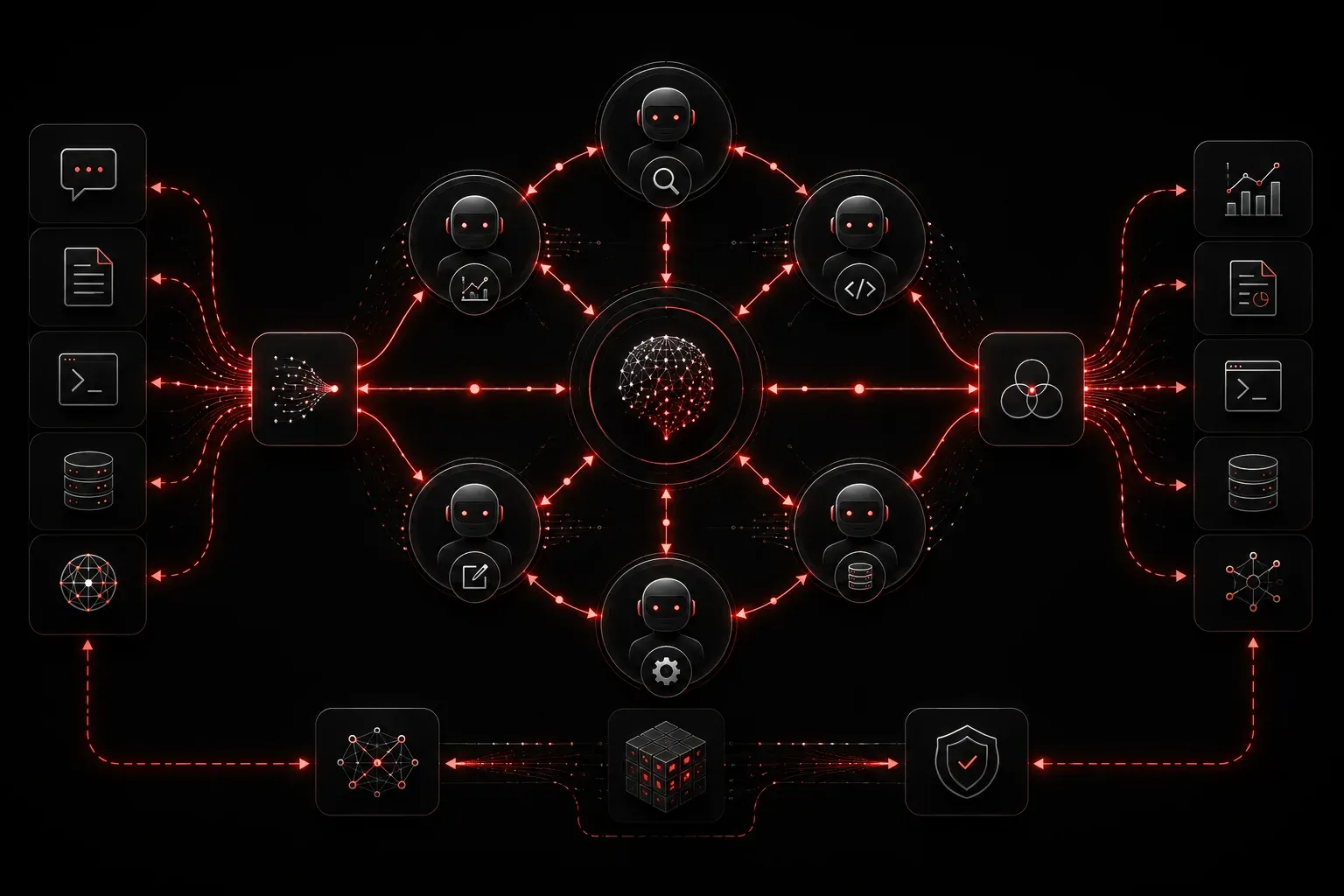
A single AI agent is like a skilled technician who can do one job at a time. An orchestrated multi-agent system is like a coordinated team: one agent researches, one writes, one reviews, and an orchestrator (the "manager") decides who does what and when.
When you orchestrate multi-agent AI, you're building a workflow where multiple specialized agents collaborate to complete a larger task. Each agent has a defined role, a set of tools it can use, and instructions for when to hand off work to the next agent.
Think of a real IT workflow: a user reports a network issue, someone investigates, someone else writes a change ticket, and a senior engineer reviews it. Multi-agent AI mimics this same division of responsibility, but automatically.
Core Components You Need to Understand
Before you build anything, get familiar with these building blocks:
- Agents: Individual AI models with a specific role and set of instructions (a "system prompt").
- Tools: Functions an agent can call, such as a web search, a Python interpreter, or an API call.
- Orchestrator: The controlling agent or logic layer that routes tasks between agents and decides the order of operations.
- Memory: A way for agents to pass context to each other, either through shared variables or a memory store.
- Handoffs: The mechanism by which one agent passes its output to the next agent in the pipeline.
A Practical IT Workflow Example
Let's say you want to automate log analysis and incident documentation. Here's how a simple multi-agent pipeline might look:
- Agent 1 (Log Parser): Reads a raw syslog file and extracts error events.
- Agent 2 (Analyst): Takes the extracted errors and researches known causes using a search tool.
- Agent 3 (Writer): Drafts an incident report based on the analyst's findings.
- Orchestrator: Manages the flow, passing output from each agent to the next and stopping if any agent hits an error it can't resolve.
Each agent gets a focused job. The orchestrator glues them together.
Getting Hands-On: Frameworks to Know
You don't need to build multi-agent systems from scratch. Several frameworks handle the orchestration layer for you:
- OpenAI Swarm (experimental): A lightweight, experimental framework released by OpenAI for exploring agent handoffs and orchestration patterns using Python. It is explicitly not intended for production use, but it is useful for understanding the fundamentals of how agents pass control to one another.
- LangGraph: An extension of the LangChain ecosystem that models agent workflows as directed graphs, where nodes represent agents or functions and edges represent transitions between them. It is designed for more complex, stateful workflows and is better suited to production scenarios than simpler chain-based approaches.
- AutoGen (Microsoft): Designed specifically for multi-agent conversations, where agents can debate, verify, and iterate on each other's outputs. For example, you might configure one agent to write a Python function and another to critique and test it, with the two iterating until the output meets a defined standard.
- CrewAI: A higher-level framework focused on role-based agents. You define a crew of agents, assign each a role and goal, and specify tasks for them to complete. The framework handles sequencing and output passing, making it very readable and beginner-friendly.
For IT professionals just starting out, CrewAI is worth your time first. Its structure of "crews," "agents," and "tasks" maps cleanly to how IT teams actually work.
Key Orchestration Patterns
As you design AI orchestration workflows, you'll encounter a few common patterns:
- Sequential: Agents run one after another, each consuming the previous agent's output.
- Parallel: Multiple agents run simultaneously on different parts of a task, with results merged at the end.
- Hierarchical: A manager agent breaks a large task into subtasks and delegates to sub-agents.
- Loop/Retry: An agent repeats a task until a condition is met, useful for validation steps.
Most real IT workflows combine these patterns. A sequential pipeline might include a parallel research step in the middle, or a hierarchical structure where each sub-agent runs its own sequential logic.
Common Mistakes to Avoid
When you're first building multi-agent systems, watch out for these pitfalls:
- Too many agents: More agents means more points of failure. Start with two or three agents and add complexity only when you need it.
- Poor handoff design: If one agent's output is vague, the next agent will produce garbage. Be specific about what each agent should return.
- No error handling: Agents fail. Build logic to catch failures and decide whether to retry, skip, or alert a human.
- Ignoring cost: Every agent call hits an API and costs tokens. Design efficient pipelines, not ones that run unnecessary agents.
What's Next
Now that you understand the concepts behind multi-agent orchestration, the logical next step is getting hands-on with a real framework. In the next post, we'll walk through building your first multi-agent workflow using CrewAI, including setting up agents, defining tasks, and running a complete pipeline in Python. If you've been following along with the agentic AI series, that's where concepts start turning into working code.