
Understanding QoS Classification and Marking
This post explains QoS classification and marking for CCNA candidates, covering how routers and switches identify traffic types and stamp packets with DSCP or CoS values. It includes Cisco IOS configuration examples for class maps and policy maps, and introduces the concept of the trust boundary.

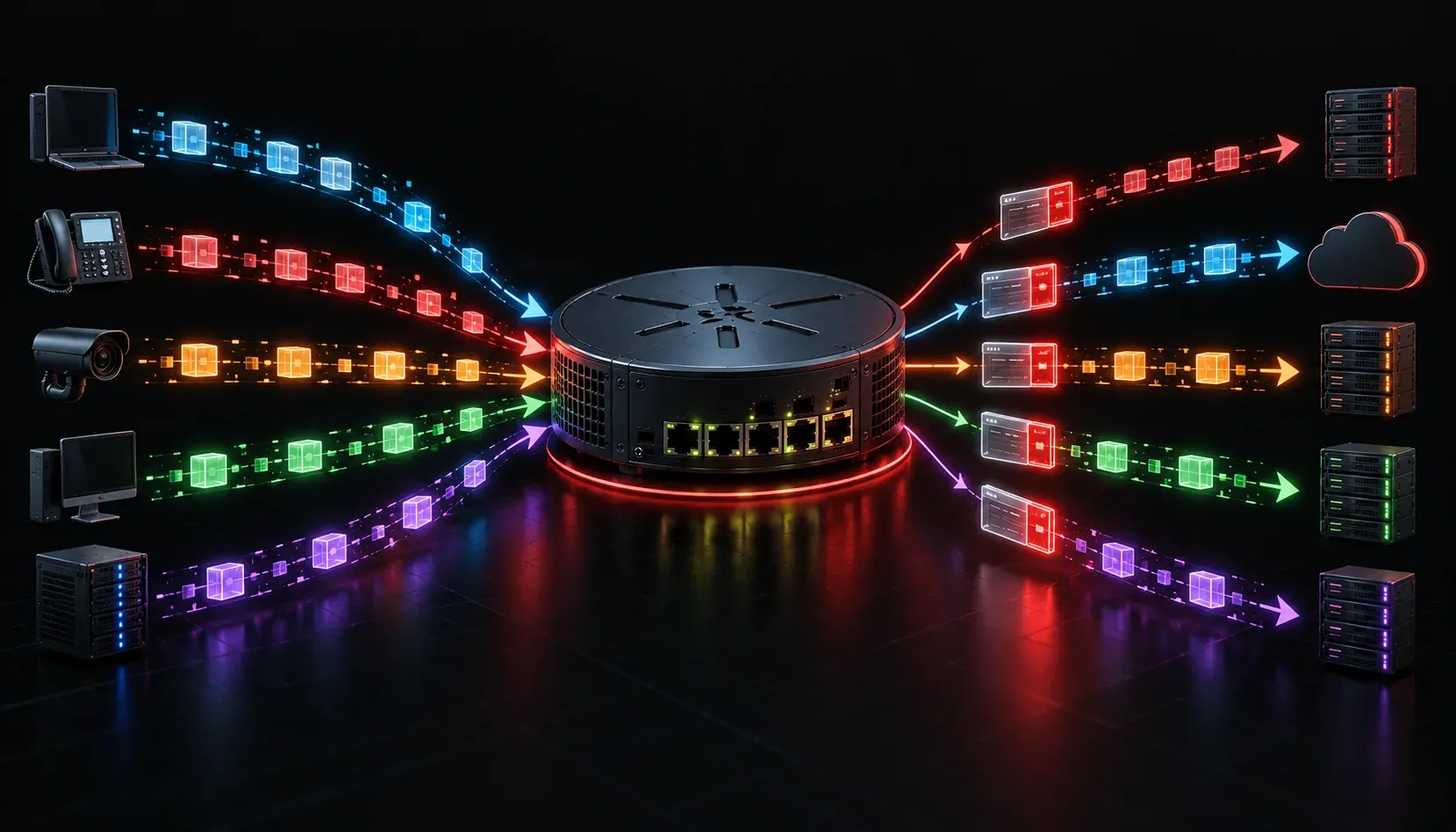
When your video call starts breaking up while a file download runs in the background, you are experiencing what happens without Quality of Service (QoS). QoS is the mechanism that allows routers and switches to treat different types of traffic differently. The first step in that process is classification and marking, and understanding these two concepts is essential for both the CCNA exam and real-world networking.
What Is QoS Classification?
Classification is the process of identifying what type of traffic a packet belongs to. Before a network device can prioritize anything, it needs to know what it is looking at. Is this a voice call? A video stream? A routine file transfer? Classification answers that question.
Routers and switches can classify traffic based on several criteria:
- Source or destination IP address: Identify traffic from a specific server or user
- Layer 4 port numbers: For example,
TCP 443for HTTPS orUDP 5060for SIP voice signaling - DSCP or CoS values: Pre-existing markings already on the packet
- Access control lists (ACLs): Match traffic based on defined rules
- Network-Based Application Recognition (NBAR): Identify applications by deep packet inspection
On Cisco devices, classification often happens inside a class map, which defines the matching criteria for a particular traffic type.
class-map match-any VOICE-TRAFFIC
 match protocol rtp
 match dscp ef
This class map matches traffic using the Real-Time Protocol (RTP) or packets already marked with the Expedited Forwarding (EF) DSCP value, both common indicators of voice traffic.
What Is QoS Marking?
Once traffic is classified, the next step is marking. Marking means writing a value into the packet header so that every other device downstream knows how to handle it. Instead of every router along the path having to re-classify traffic from scratch, marked packets carry their priority with them.
There are two primary marking fields used in QoS:
- DSCP (Differentiated Services Code Point): A 6-bit field in the IP header, giving 64 possible values. This is the most common marking used in modern networks. Common values include
EF(46) for voice andAF41(34) for video. - CoS (Class of Service): A 3-bit field in the 802.1Q Ethernet frame header, giving 8 possible values. This is a Layer 2 marking used on trunk links between switches.
Marking is configured inside a policy map in Cisco IOS. Here is a simple example that builds on the class map defined earlier:
policy-map MARK-QOS
 class VOICE-TRAFFIC
  set dscp ef
 class class-default
  set dscp default
This policy marks voice traffic with the EF DSCP value and leaves everything else at the default (best-effort) value of 0.
Why the Trust Boundary Matters
One important concept tied to marking is the trust boundary. This is the point in the network where you decide to trust the markings already on a packet. End devices like phones and laptops can mark their own traffic, but you should not blindly trust those markings. A misconfigured or even malicious device could mark all its traffic as high priority, disrupting the entire network.
The trust boundary is typically set at the first network infrastructure device: usually the access layer switch. Markings from devices connected beyond that boundary are re-classified and re-marked according to your network policy.
Putting It Together
Effective QoS classification and marking form the foundation of network traffic prioritization. Without accurate classification, you cannot make intelligent decisions. Without consistent marking, each device works in isolation instead of as a coordinated system. Together, they give you the visibility and control needed for proper data packet management across your entire network.
Think of classification as reading a label and marking as stamping a new one that the whole network can understand.
What's Next
Now that you understand how traffic gets identified and labeled, the next logical step is learning what the network actually does with those labels. The next post in this series covers QoS queuing mechanisms, including how tools like CBWFQ and LLQ use markings to prioritize traffic during times of congestion.
Tools and resources for this topic
- CCNA Official Cert Guide (Wendell Odom) — The definitive CCNA study resource. Both volumes cover the 200-301 exam blueprint in full.
- Wendell Odom CCNA Vol 1 — Covers networking fundamentals, switching, and routing basics.
- Wendell Odom CCNA Vol 2 — Covers advanced routing, WAN, infrastructure services, and security.