
Configuring MPLS LSR and LDP for Optimal Performance
This post covers MPLS LSR configuration and LDP setup at ENARSI exam depth, including LDP session protection, LDP-IGP synchronization, timer tuning, and a structured verification and troubleshooting methodology. It targets engineers building or maintaining MPLS cores who need to go beyond basic ena

MPLS LSR and LDP: What You're Actually Configuring
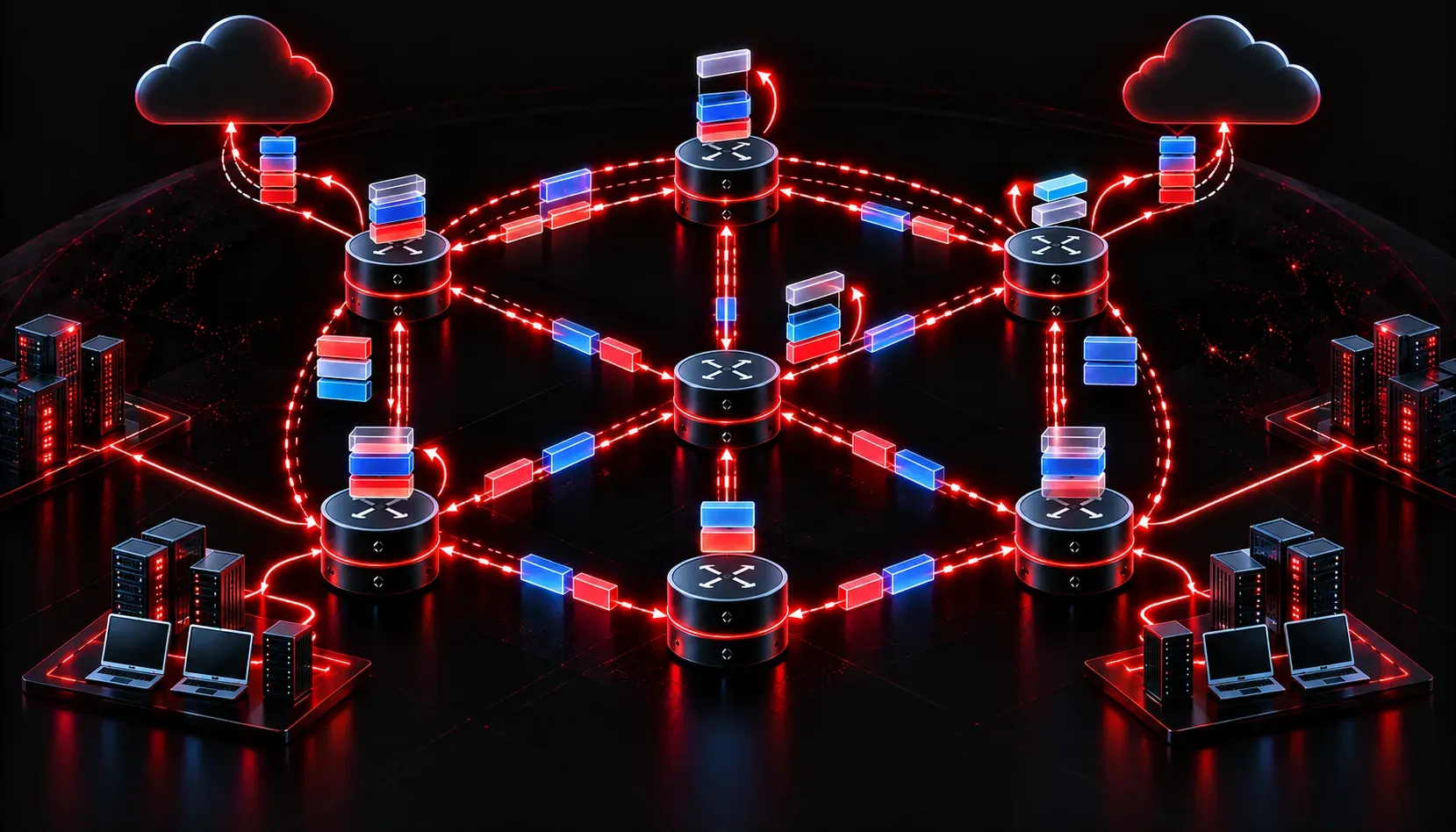
When you enable MPLS in a service provider or enterprise core, every router in the label-switched path takes on one of three roles: Label Edge Router (LER), Label Switch Router (LSR), or both. The LSR is the transit device: it receives a labeled packet, swaps the incoming label for an outgoing label, and forwards it. Label Distribution Protocol (LDP) is what makes that label exchange happen automatically between neighbors. Get either piece wrong and you end up with black holes, unreachable prefixes, or silent traffic drops that are miserable to troubleshoot.
This post focuses on MPLS LSR configuration and LDP setup at the depth the ENARSI exam expects, covering the mechanics, the CLI, verification, and common failure points.
LDP Fundamentals You Need to Internalize
LDP uses TCP port 646 for session establishment and UDP port 646 for hello discovery. Hellos are multicast to 224.0.0.2 on LDP-enabled interfaces. The router with the higher LDP Router ID becomes the active session initiator. By default, the LDP Router ID is the highest loopback IP on the device. This matters because mismatched Router IDs between what LDP advertises and what IGP uses for next-hop resolution is one of the most common causes of label imposition failures.
LDP distributes bindings for all IGP prefixes in the routing table, not just loopbacks. Every prefix gets a local label binding. The downstream unsolicited, liberal label retention mode is the default: routers accept and store label bindings from all neighbors, even non-best-path neighbors. This improves convergence but consumes memory. You can change retention mode, but in most enterprise scenarios the defaults are left intact.
Base MPLS LSR Configuration
The minimum viable configuration requires enabling CEF (confirmed with show ip cef), enabling MPLS globally or per-interface, and ensuring LDP is running. On IOS-XE, MPLS LDP is enabled when you enable MPLS on an interface.
! Enable MPLS on core-facing interfaces
interface GigabitEthernet0/0/0
 description MPLS Core Link to P1
 ip address 10.0.12.2 255.255.255.252
 mpls ip

interface GigabitEthernet0/0/1
 description MPLS Core Link to P2
 ip address 10.0.23.1 255.255.255.252
 mpls ip

! Pin the LDP Router ID to the loopback
mpls ldp router-id Loopback0 force
The force keyword is critical. Without it, IOS waits until the next LDP process restart to apply the Router ID change. Using force immediately resets LDP sessions and reapplies the new ID. Always anchor your LDP Router ID to Loopback0, which should be reachable via IGP from all neighbors. If your loopback is not in the IGP, LDP sessions will never fully resolve label bindings for that prefix.
Optimizing LDP for Reliability and Performance
LDP Session Protection
LDP session protection maintains the TCP session and label bindings between LDP peers even when the directly connected link goes down, as long as an alternate path exists. This eliminates the reconvergence delay caused by re-establishing LDP sessions after a link failure.
mpls ldp session protectionWhen enabled, LDP creates a targeted LDP session (unicast hello) to each peer in addition to the link-level hello. If the link fails, the targeted session keeps the label bindings synchronized. This is particularly valuable in topologies where the IGP reconverges quickly but LDP lags behind, causing transient traffic drops.
LDP IGP Synchronization
Without LDP-IGP sync, the IGP can converge and start forwarding traffic over a link before LDP has established its session and exchanged labels on that link. The result is unlabeled traffic hitting an LSR that expects labeled packets, causing drops. LDP-IGP synchronization holds the link metric at maximum until LDP is fully operational on that interface.
! Configure under the IGP process (OSPF example)
router ospf 1
 mpls ldp sync

! EIGRP equivalent
router eigrp CORE
 address-family ipv4 unicast autonomous-system 100
  af-interface GigabitEthernet0/0/0
   mpls ldp sync
You can verify sync status with show mpls ldp igp sync. Look for the Sync Status: achieved field. Until that appears, the IGP is advertising a max-metric cost on that interface.
Tuning LDP Timers
Default LDP hello timers are 5-second hello interval and 15-second hold time for link hellos. For high-availability environments, consider tightening these values:
mpls ldp discovery hello interval 3
mpls ldp discovery hello holdtime 9

! For targeted sessions (used with session protection)
mpls ldp discovery targeted-hello interval 10
mpls ldp discovery targeted-hello holdtime 30
Aggressive timer tuning on targeted sessions is generally not necessary since those sessions run over loopbacks with stable reachability. Focus aggressive tuning on link hellos in topologies where physical failure detection is slower than your BFD deployment.
Verification and Troubleshooting
These are the commands you need to methodically confirm the MPLS forwarding plane is intact:
! Confirm LDP neighbors are up
show mpls ldp neighbor

! Verify label bindings for a specific prefix
show mpls ldp bindings 192.168.1.1 32

! Check the MPLS forwarding table (LFIB)
show mpls forwarding-table

! Confirm interfaces are MPLS-enabled
show mpls interfaces detail

! Verify LDP-IGP sync state
show mpls ldp igp sync
When troubleshooting a label-forwarding failure, work the problem top-down. First confirm the IGP has a valid route to the destination. Then confirm LDP has a binding for that prefix from the correct next-hop neighbor. Then check the LFIB entry exists with a valid outgoing label and interface. If the LFIB shows No Label or Pop Label unexpectedly, the issue is almost always a missing or mismatched LDP Router ID, a neighbor adjacency that is up but not exchanging bindings for that prefix, or an access-list filtering LDP advertisements.
One specific trap: if show mpls ldp bindings shows a binding from a neighbor but the LFIB does not install it, verify that the neighbor's LDP Router ID matches the IGP next-hop for that prefix. If they do not match, IOS cannot resolve the label binding against the routing table entry.
Production Considerations
- MTU: MPLS adds a 4-byte label header per label. Ensure your core interfaces support at least 1504-byte MTU (or larger for label stacks) to avoid fragmentation.
- Penultimate Hop Popping (PHP): The LSR one hop before the egress LER pops the label before forwarding. This is default behavior and reduces the egress LER's lookup load. Verify with
show mpls forwarding-tableand look forPop Labelas the outgoing label on the penultimate router. - BFD integration: BFD does not natively protect LDP sessions, but it accelerates IGP convergence which indirectly reduces the window during which LDP-IGP sync holds traffic off a restored link.
What's Next
With your LSR and LDP foundation solid, the next logical step is Layer 3 MPLS VPNs: how VRFs attach to the MPLS backbone, how MP-BGP carries VPNv4 prefixes between PE routers, and how the label stack gets built end-to-end across the provider core. That is where the real complexity of MPLS in enterprise and SP environments comes together.
Tools and resources for this topic
- CCNP ENARSI 300-410 Official Cert Guide — The definitive ENARSI study resource by Raymond Lacoste. Covers advanced routing, services, and troubleshooting.