
Servers: The Backbone of Network Communication
This post explains what servers are and how they function as critical endpoints in network communication. It covers common server types including web, DNS, DHCP, file, and email servers, and explains their role in data hosting and centralized resource management. The content is written for CCST Net

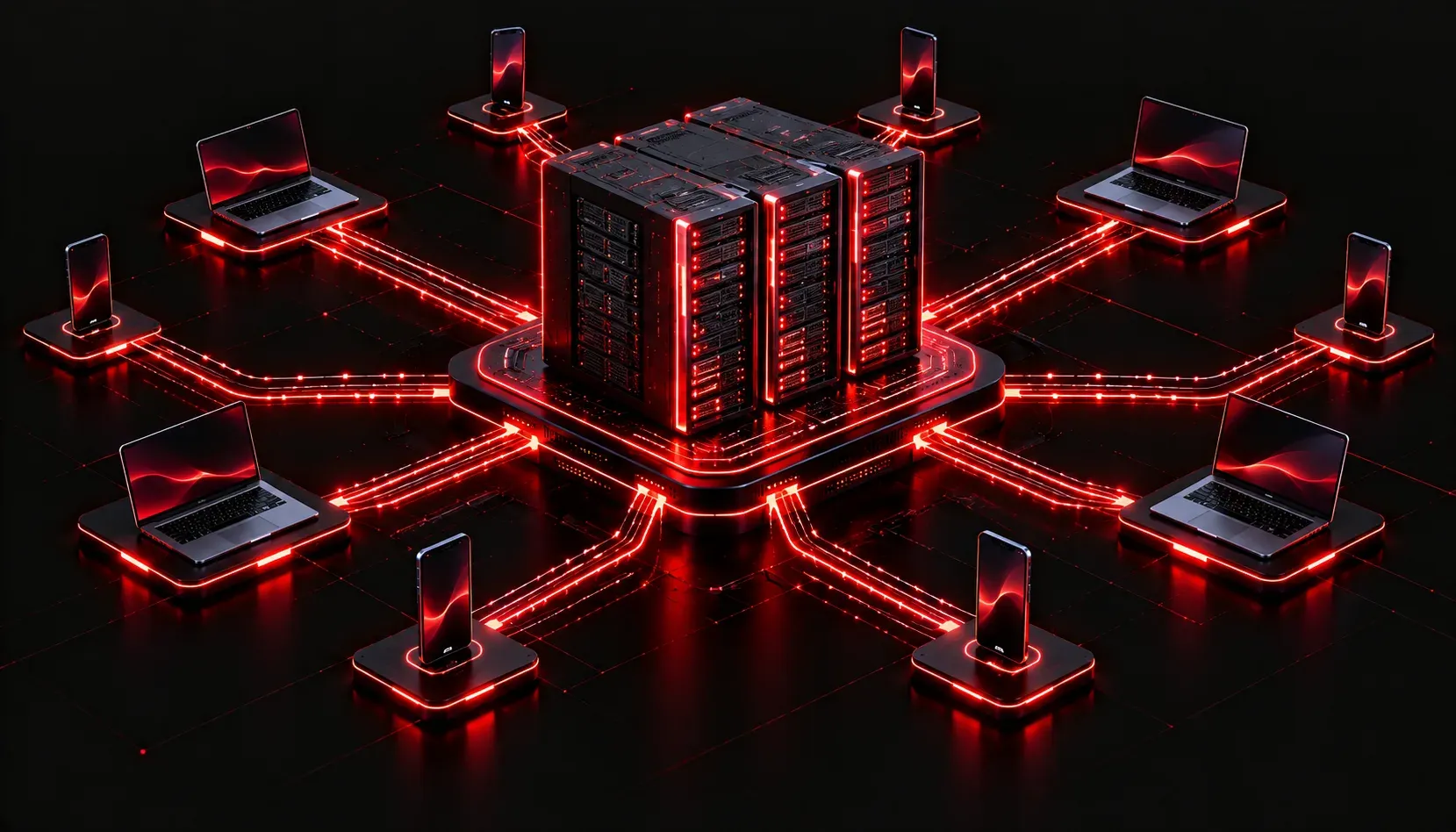
When you browse a website, send an email, or stream a video, you are relying on a server doing work behind the scenes. For many beginners, the word "server" sounds intimidating, but the concept is straightforward once you understand what problem it solves. This post breaks down what servers are, what they do, and why they matter in the context of network communication.
What Is a Server?
A server is simply a device (or software running on a device) that provides services or resources to other devices on a network. Those other devices are called clients. The relationship between them is called the client-server model.
Think of it like a restaurant. The kitchen (server) prepares food and delivers it when requested. The customer (client) places an order and waits for the response. The client initiates the request; the server fulfills it.
Physically, a server can look like:
- A dedicated rack-mounted machine in a data center
- A tower computer sitting in a closet
- A virtual machine running on shared hardware in the cloud
- Even a Raspberry Pi serving files on a home network
What makes something a server is its role, not necessarily its hardware.
Common Server Functions on a Network
Different server types handle different network responsibilities. Here are the most common ones you will encounter:
Web Server
Hosts websites and web applications. When you type a URL into your browser, your computer sends an HTTP or HTTPS request to a web server, which responds with the page content. Common examples include Apache and Nginx.
DNS Server
Translates human-readable domain names into IP addresses. Without DNS, you would need to memorize the IP address for every website you visit. When you request www.google.com, a DNS server resolves that name to an IP like 142.250.80.36 before your traffic can be routed correctly.
DHCP Server
Automatically assigns IP addresses to devices when they join the network. When your laptop connects to Wi-Fi, it sends a broadcast request and the DHCP server responds with an available IP address, subnet mask, default gateway, and DNS server information.
File Server
Stores and shares files across a network. Instead of emailing documents back and forth, users can access a central location. Protocols like SMB (Windows file sharing) and NFS (Linux/Unix file sharing) make this possible.
Email Server
Handles sending, receiving, and storing email. Protocols like SMTP (sending), IMAP, and POP3 (receiving) are the building blocks of email communication between servers and clients.
Servers and Data Hosting
Data hosting is one of the most critical server functions in modern networking. Whether it is a business storing customer records or a school hosting learning materials, servers provide a centralized, accessible location for data. This centralization makes management, backup, and security much more practical than spreading data across individual devices.
For example, rather than each employee storing their own copy of a company policy document, a file server hosts a single authoritative version. Everyone accesses the same file, and changes are immediately available to all users.
How Servers Fit Into the Bigger Picture
In the context of the CCST Networking exam, servers are classified as endpoints. They are devices that sit at the edge of the network and generate or consume data. Unlike routers and switches (which move data), servers produce the content and services that give networking its purpose.
A simple network communication example looks like this:
Client (your laptop)
    |
    | HTTP Request --> www.example.com
    |
  Router/Switch (forwards the traffic)
    |
    v
Web Server (responds with the webpage)
    |
    | HTTP Response --> back to your laptop
    |
  Your browser displays the page
Every step depends on the server being reachable, responsive, and properly configured.
What's Next
Now that you understand what servers are and the key roles they play in network communication, the next logical step is exploring how all of these endpoints (servers, computers, phones, and IoT devices) connect to each other. In the next post, we will look at the physical and wireless media types that carry network traffic between devices, including copper cabling, fiber optics, and Wi-Fi standards.