
How Do IoT Devices Work in a Network?
This post explains how IoT devices connect to and function within networks, covering connection methods, network roles, and data flow patterns. It uses practical examples to help beginners understand smart device integration.

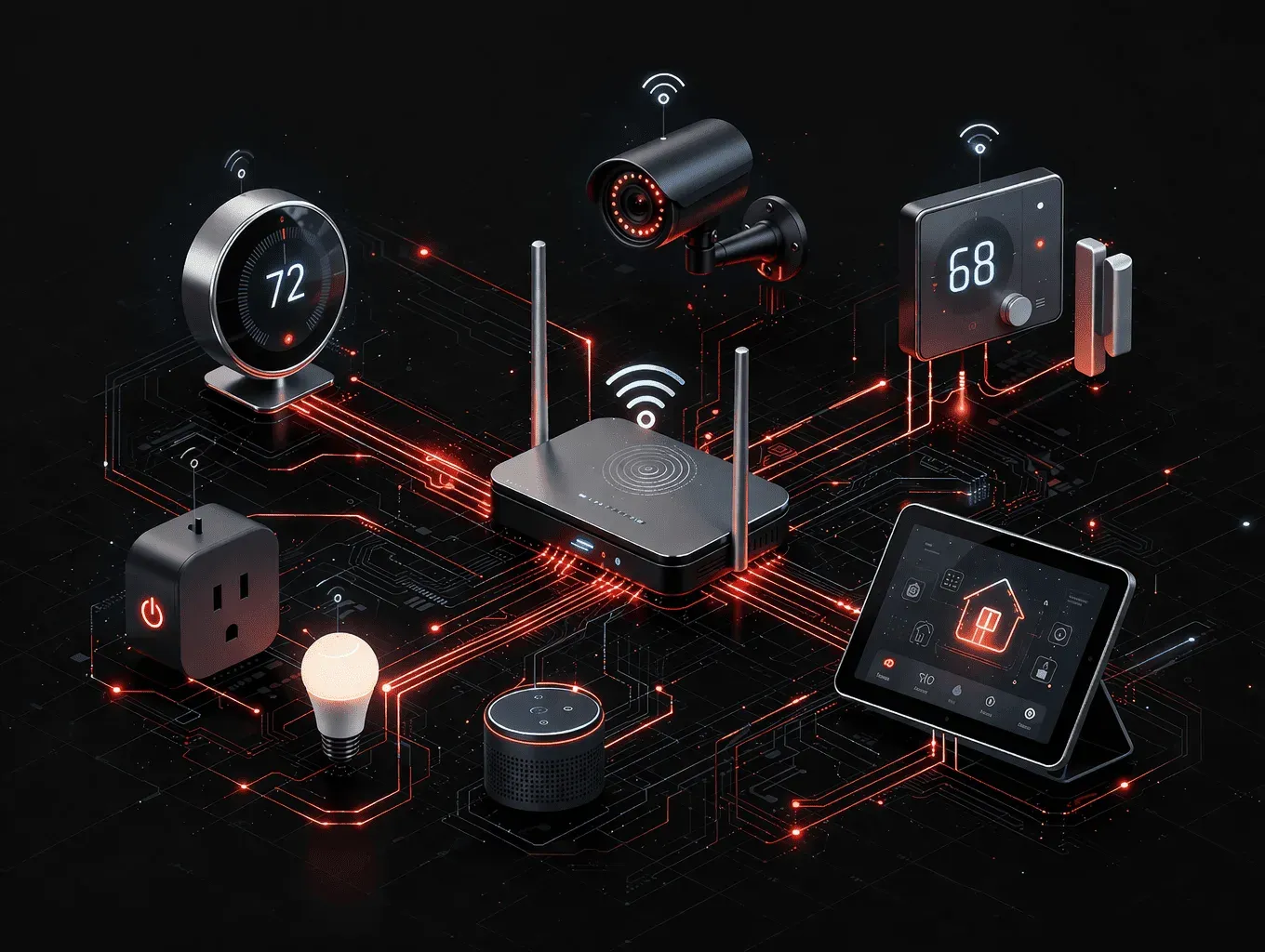
The Internet of Things (IoT) has transformed how we interact with technology in our daily lives. From smart thermostats that learn your schedule to security cameras you can check from anywhere, these devices are reshaping our homes and workplaces. But how exactly do these smart devices connect and function within a network?
Think of IoT devices network integration like a bustling city where every building (device) needs to communicate with others. Just as buildings connect through roads, utilities, and communication lines, IoT devices use various network pathways to share information and receive commands.
What Makes a Device "Smart"?
Traditional devices like a basic light switch simply turn lights on or off. Smart devices, however, can connect to your network, receive commands remotely, and often collect data about their usage. A smart light switch might report energy consumption, allow scheduling through an app, or integrate with voice assistants.
The key difference is IoT connectivity. These devices contain small computers with network interfaces that allow them to join your home or business network, just like your laptop or smartphone.
How IoT Devices Connect to Networks
IoT devices use several connection methods to join networks:
- Wi-Fi: Most common for home devices like smart speakers, cameras, and thermostats
- Ethernet: Used for devices requiring stable, high-speed connections
- Bluetooth: Short-range connections, often for wearables and sensors
- Zigbee/Z-Wave: Low-power mesh networks for home automation
- Cellular: For devices in remote locations without local network access
When you set up a smart doorbell, for example, it typically connects to your Wi-Fi network using credentials you provide through a mobile app. Once connected, it receives an IP address from your router, allowing it to communicate with other devices and internet services.
Network Roles of Smart Devices
Understanding network roles helps clarify how these devices fit into your network infrastructure:
Sensors and Data Collectors
Many IoT devices act as sensors, constantly gathering information about their environment. A smart thermostat monitors temperature and humidity, while a security camera captures video footage. These devices typically send data to cloud services or local hubs for processing.
Controllers and Actuators
Other devices receive commands and perform actions. Smart outlets can turn connected devices on or off based on schedules or remote commands. Smart locks can grant or deny access when triggered by authenticated requests.
Gateways and Hubs
Some IoT devices serve as intermediaries, collecting data from multiple sensors and forwarding it to the main network. A smart home hub might communicate with dozens of sensors using low-power protocols, then relay that information via Wi-Fi to cloud services.
Data Flow in IoT Networks
Here's a simplified example of how an IoT device works in your network:
Smart Thermostat → Home Router → Internet → Cloud Service → Mobile App
                ↑                                              ↓
          Reads temperature                       Sends new temperature setting
When you adjust your thermostat from work, your phone sends a command through the cloud service, which routes it through the internet to your home router, and finally to the thermostat itself.
Security and Management Considerations
Each IoT device on your network represents both an opportunity and a potential security consideration. These devices often have default passwords, may not receive regular security updates, and can become entry points if not properly managed.
Network administrators increasingly segment IoT devices onto separate network VLANs (Virtual Local Area Networks) to isolate them from critical business systems while still allowing necessary connectivity.
The Growing Impact
As smart devices become more prevalent, they're changing network design and management. A typical home might have dozens of connected devices, while businesses might deploy thousands of sensors for monitoring everything from air quality to equipment performance.
This growth requires network infrastructure that can handle increased device density, varied traffic patterns, and diverse connectivity requirements, all while maintaining security and performance.
What's Next
Now that you understand how IoT devices function in networks, the next step is exploring how different endpoint types - including computers, mobile devices, and IP phones - each play distinct roles in network communication and require different configuration approaches.