
Understanding SPAN RSPAN ERSPAN Differences
This post breaks down the key differences between SPAN, RSPAN, and ERSPAN for experienced network engineers preparing for CCNP ENCOR. It covers configuration syntax, operational constraints, troubleshooting methodology, and the scenarios where each technology is the appropriate choice.

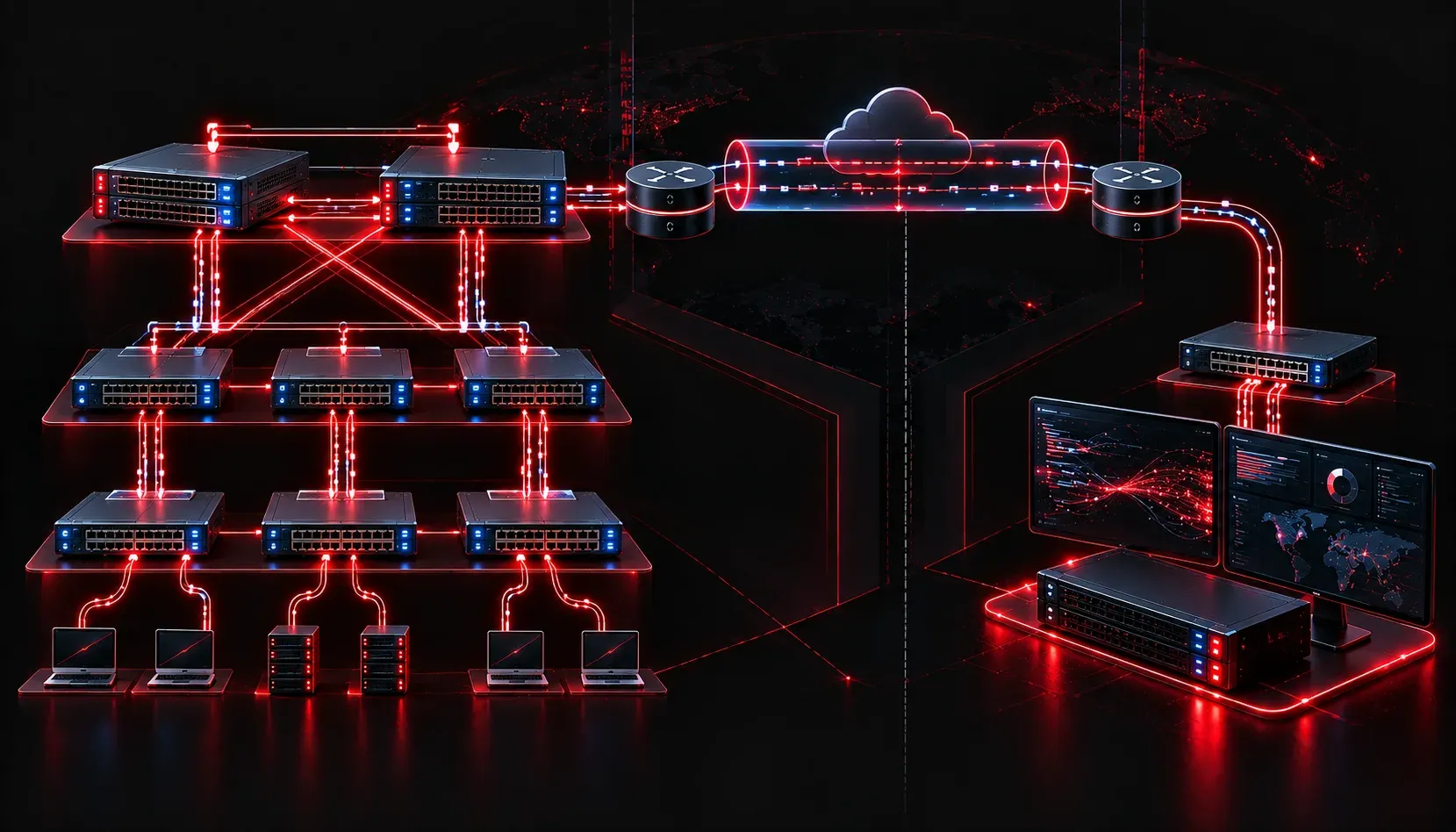
When you need to capture and analyze traffic on a Cisco network, selecting the right port mirroring technology is critical. SPAN, RSPAN, and ERSPAN each solve different problems, and choosing the wrong one can mean incomplete captures, scalability bottlenecks, or an architecture that simply won't work across your topology. This post breaks down each method with enough depth to configure, verify, and troubleshoot them in production and answer ENCOR exam questions with precision.
SPAN: Local Port Mirroring
Switched Port Analyzer (SPAN) mirrors traffic from one or more source ports or VLANs to a destination port on the same switch. The destination port connects to your analyzer (Wireshark, IDS sensor, network TAP recorder, etc.). It is entirely local: source and destination must reside on the same physical switch.
A basic SPAN session configuration looks like this:
SW1(config)# monitor session 1 source interface GigabitEthernet0/1 both
SW1(config)# monitor session 1 destination interface GigabitEthernet0/2
The both keyword captures ingress and egress traffic. You can restrict to rx or tx if needed. Verify with:
SW1# show monitor session 1
Session 1
---------
Type                   : Local Session
Source Ports           :
    Both               : Gi0/1
Destination Ports      : Gi0/2
    Encapsulation      : Native
          Ingress      : Disabled
Key operational constraints to know for the exam and production:
- Destination port limitations: The destination port does not participate in any spanning tree instance and does not forward normal traffic unless ingress is explicitly enabled.
- Session limits: Catalyst platforms typically support two concurrent SPAN sessions, though this varies by platform.
- VLAN-based SPAN (VSPAN): You can specify a VLAN as the source rather than an individual port, which mirrors all traffic on that VLAN traversing the switch.
RSPAN: Remote SPAN Across the Campus
Remote SPAN (RSPAN) extends port mirroring across multiple switches within the same Layer 2 domain. Mirrored traffic is carried across a dedicated RSPAN VLAN to a destination port on a remote switch. This solves the core limitation of SPAN: your analyzer no longer needs to be physically adjacent to the monitored port.
RSPAN requires three components: a dedicated RSPAN VLAN, a source session on the ingress switch, and a destination session on the egress switch.
Step 1: Define the RSPAN VLAN on all switches in the path.
SW1(config)# vlan 999
SW1(config-vlan)# remote-span
SW1(config-vlan)# exit
Step 2: Configure the source session on SW1.
SW1(config)# monitor session 1 source interface GigabitEthernet0/1 both
SW1(config)# monitor session 1 destination remote vlan 999
Step 3: Configure the destination session on SW2 (where the analyzer is connected).
SW2(config)# monitor session 1 source remote vlan 999
SW2(config)# monitor session 1 destination interface GigabitEthernet0/5
The RSPAN VLAN carries replicated frames across trunk links between switches. Critically, the RSPAN VLAN must be allowed on all trunks in the path, and it must be defined as a remote-span VLAN on every switch that participates. Normal user traffic should never be placed in the RSPAN VLAN.
RSPAN limitations worth noting:
- Layer 2 boundary: RSPAN traffic cannot cross a Layer 3 boundary. The source and destination switches must be reachable within the same L2 domain.
- Bandwidth consumption: Mirrored traffic floods the RSPAN VLAN across your trunk infrastructure. Plan accordingly for high-traffic sources.
- No encapsulation modification: Frames arrive at the destination as native Ethernet; there is no GRE encapsulation involved.
ERSPAN: Encapsulated Remote SPAN Across Layer 3
Encapsulated Remote SPAN (ERSPAN) removes the Layer 2 domain restriction entirely. Mirrored traffic is encapsulated in a GRE tunnel (ERSPAN Type II or Type III) and routed to an analyzer anywhere in the IP network. This is the architecture required for monitoring across data center interconnects, WAN edges, or any routed boundary.
ERSPAN is configured using a monitor session with an erspan-destination IP. Here is a Type II source session example:
SW1(config)# monitor session 1 type erspan-source
SW1(config-mon-erspan-src)# source interface GigabitEthernet0/1 both
SW1(config-mon-erspan-src)# destination
SW1(config-mon-erspan-src-dst)# erspan-id 1
SW1(config-mon-erspan-src-dst)# ip address 10.100.0.100
SW1(config-mon-erspan-src-dst)# origin ip address 10.0.0.1
SW1(config-mon-erspan-src-dst)# no shutdown
On the receiving device (which could be a router, another switch, or a dedicated sensor appliance supporting ERSPAN termination):
SW2(config)# monitor session 1 type erspan-destination
SW2(config-mon-erspan-dst)# destination interface GigabitEthernet0/5
SW2(config-mon-erspan-dst)# source
SW2(config-mon-erspan-dst-src)# erspan-id 1
SW2(config-mon-erspan-dst-src)# ip address 10.100.0.100
SW2(config-mon-erspan-dst-src)# no shutdown
The erspan-id must match on source and destination sessions. ERSPAN traffic is encapsulated with a GRE header and an ERSPAN header, which your capture tool (Wireshark handles this natively) will decode automatically. Verify sessions with show monitor session 1 detail to confirm the tunnel state and packet counters.
Side-by-Side Comparison
- SPAN: Same switch only, no encapsulation, simplest to configure, best for localized captures.
- RSPAN: Multiple switches within a single L2 domain, uses a dedicated VLAN to carry mirrored traffic, no routing required.
- ERSPAN: Crosses L3 boundaries, GRE encapsulation, routable to any IP destination, most flexible and most complex.
Troubleshooting Methodology
When a capture session yields no traffic or partial traffic, work through this sequence:
- Verify session state with
show monitor session all. Confirm the session shows as active, not inactive or errored. - For RSPAN, confirm the RSPAN VLAN is defined with
remote-spanon all switches and is allowed on all trunk links usingshow interfaces trunk. - For ERSPAN, verify IP reachability between origin and destination IPs. Run
pingsourced from the origin address. Check for ACLs blocking GRE (IP protocol 47). - Confirm the destination interface or ERSPAN session is not in a shutdown state.
- If using VSPAN, verify that the monitored VLAN is active on the source switch with
show vlan brief.
What's Next
With SPAN, RSPAN, and ERSPAN in your toolkit, the next logical step in the Network Assurance domain is understanding IP SLA. IP SLA lets you proactively measure network performance metrics like delay, jitter, and packet loss without waiting for a user to report a problem. It is heavily tested in ENCOR and pairs directly with tracking objects for reliable path failover.
Tools and resources for this topic
- CCNP ENCOR 350-401 Official Cert Guide — The definitive ENCOR study resource by Brad Edgeworth. Covers enterprise infrastructure, virtualisation, and automation.