
String Methods: Manipulating Text in Python
Python's built-in string methods give you powerful tools for manipulating text without importing any libraries. This post covers the most useful methods including case conversion, stripping whitespace, searching, splitting, joining, and content checking, with practical examples throughout.

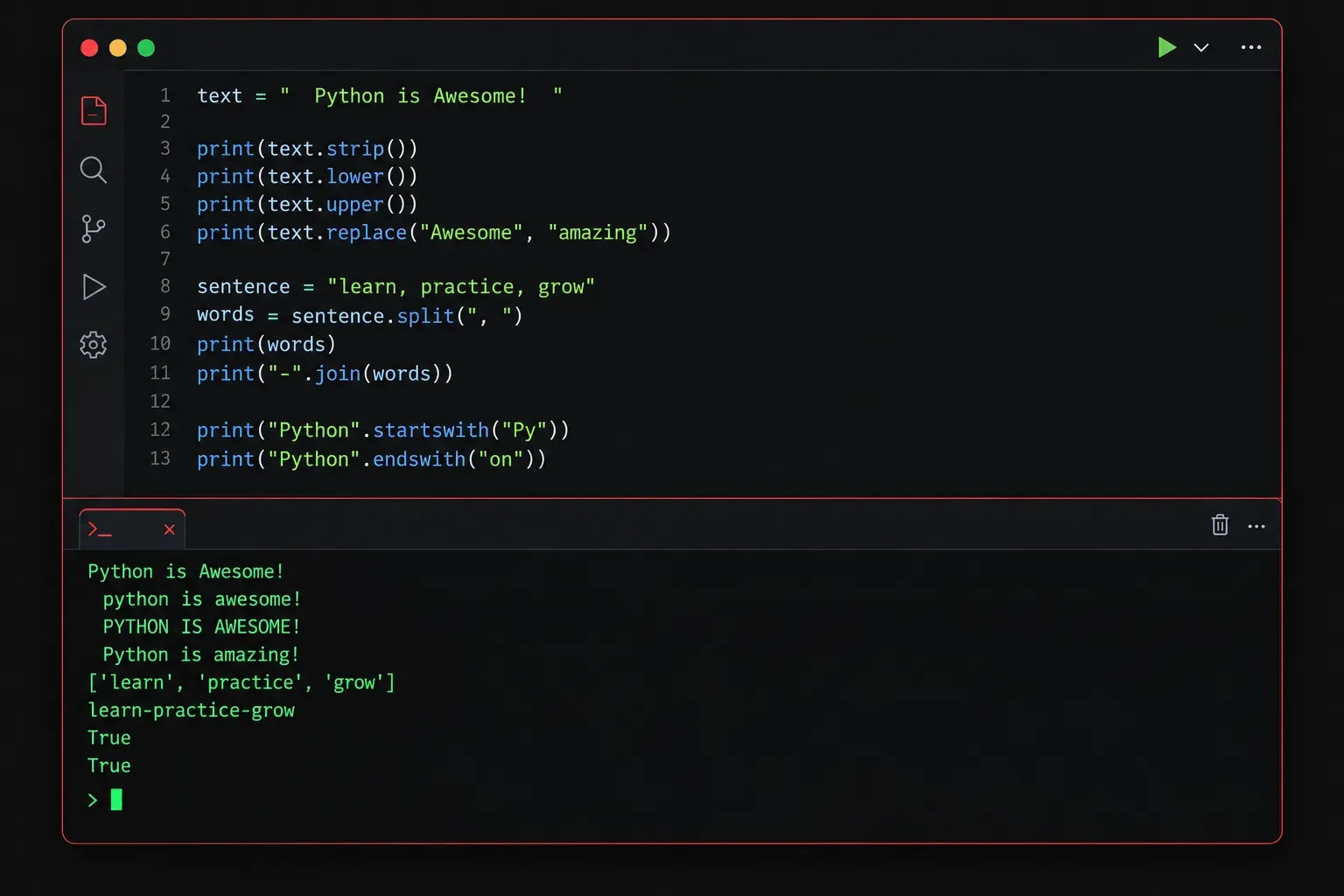
Strings are everywhere in programming. Whether you're processing user input, reading log files, or building network automation scripts, you'll constantly need to manipulate text. Python gives you a powerful set of built-in string methods that make this surprisingly easy.
This post covers the most useful string methods you'll reach for again and again.
What Is a String Method?
A method is a function that belongs to an object. Since strings are objects in Python, they come with built-in methods you can call directly on them using dot notation. The syntax looks like this:
some_string.method_name()You don't need to import anything. These methods are built right into Python's string type.
Case Conversion Methods
These methods let you change the capitalisation of a string without altering the original (strings in Python are immutable, so methods always return a new string).
hostname = "ROUTER-01"

print(hostname.lower())   # router-01
print(hostname.upper())   # ROUTER-01
print(hostname.title())   # Router-01
The .lower() method is particularly useful when you're comparing user input, since "Yes", "YES", and "yes" will all match after lowercasing.
Stripping Whitespace
When reading data from files or user input, you'll often end up with unwanted spaces or newline characters. These three methods clean that up:
raw_input = "   192.168.1.1\n"

print(raw_input.strip())    # "192.168.1.1"
print(raw_input.lstrip())   # "192.168.1.1\n"
print(raw_input.rstrip()) # " 192.168.1.1"- .strip(): removes whitespace from both ends
- .lstrip(): removes whitespace from the left side only
- .rstrip(): removes whitespace from the right side only
Searching Inside Strings
You often need to check whether a string contains something, or find where something appears.
log_line = "Interface GigabitEthernet0/1 is down"

print("down" in log_line)          # True
print(log_line.startswith("Int"))  # True
print(log_line.endswith("down"))   # True
print(log_line.find("Gigabit"))    # 10  (index position)
The in keyword is the simplest check. The .find() method returns the index of the first match, or -1 if nothing is found. This makes it safe to use in a conditional without crashing your script.
Replacing and Splitting
Two of the most commonly used methods in real-world scripts are .replace() and .split().
interface = "GigabitEthernet0/1"

# Replace a substring
short_name = interface.replace("GigabitEthernet", "Gi")
print(short_name)  # Gi0/1

# Split a string into a list
csv_data = "router1,router2,router3"
devices = csv_data.split(",")
print(devices)  # ['router1', 'router2', 'router3']
The .split() method is incredibly powerful for parsing structured text. By default it splits on whitespace, but you can pass any delimiter you need. The result is always a list, which you can then loop over or index into.
Joining a List Back Into a String
The reverse of .split() is .join(). It's called on the separator string, with your list passed as the argument:
devices = ["router1", "router2", "router3"]
result = ", ".join(devices)
print(result)  # router1, router2, router3
This pattern is common when you need to build a readable output line from a list of items.
Checking String Content
Python also provides methods that return True or False based on what a string contains:
print("192".isdigit())   # True
print("Gi0/1".isalpha()) # False  (contains digits and slash)
print("  ".isspace())    # True
These are handy for input validation before you process data further.
Putting It Together
Here's a short practical example that combines several methods to parse a simple log entry:
log = "  ERROR: Interface Gi0/2 went down at 14:32  "

cleaned = log.strip()
if cleaned.startswith("ERROR"):
    parts = cleaned.split(":")
    print(parts[0])   # ERROR
    print(parts[1].strip())  # Interface Gi0/2 went down at 14
Notice how chaining .strip() with other methods keeps the code clean and readable.
What's Next
Now that you can manipulate strings effectively, the next step is learning how to format them cleanly for output. In the next post, we'll look at f-strings and string formatting in Python, which give you a clean, readable way to build dynamic strings with variables embedded directly inside them.