
What is a Structured Troubleshooting Approach?
Learn the essential steps of structured troubleshooting for network problems. This systematic approach helps beginners solve network issues efficiently by following proven problem-solving steps instead of random guessing.

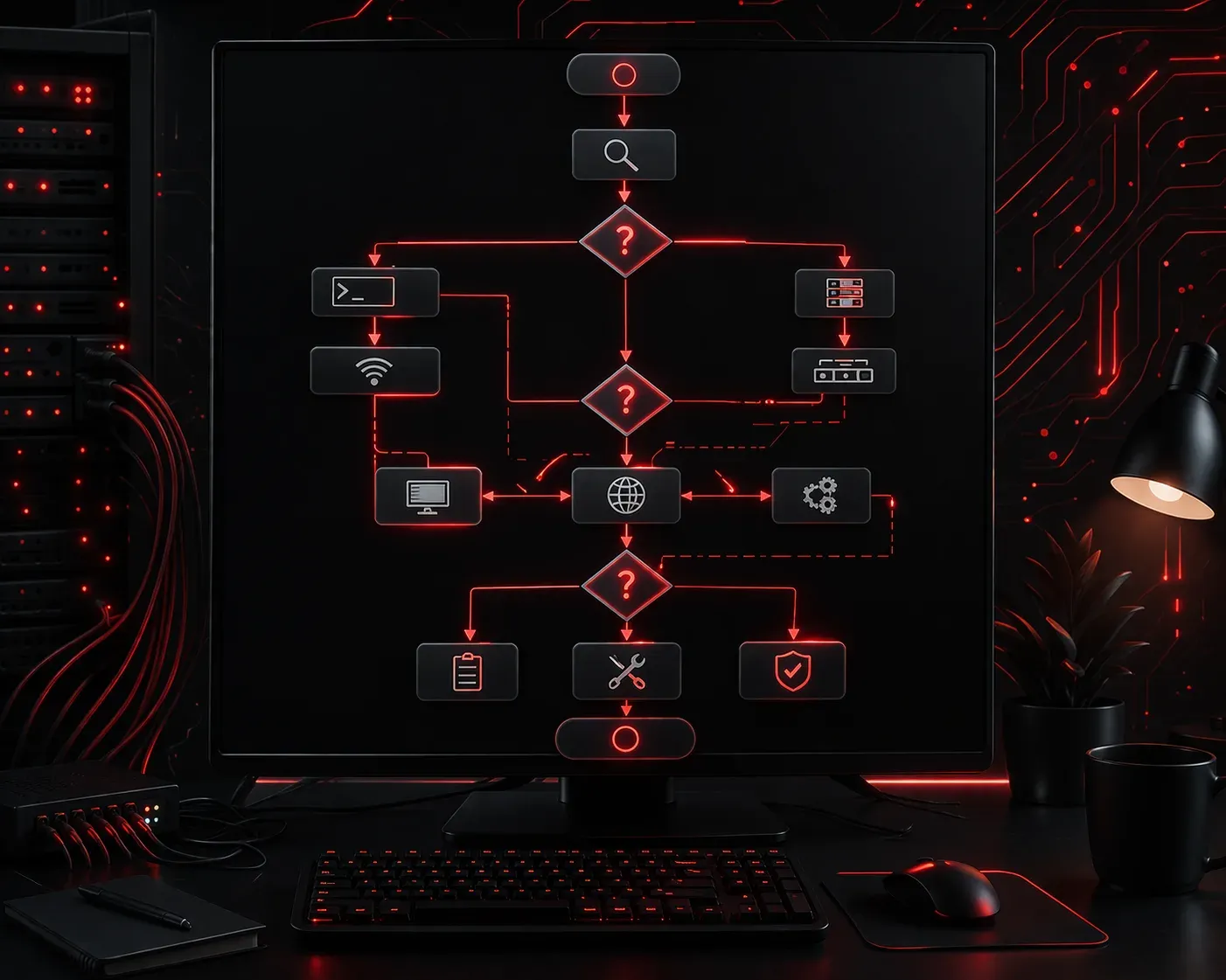
When network problems strike, it's tempting to jump straight into checking cables or rebooting devices. However, successful network professionals follow a structured troubleshooting approach that saves time, prevents mistakes, and leads to faster resolution.
Think of structured troubleshooting like following a recipe. Instead of randomly throwing ingredients together and hoping for the best, you follow proven steps in the right order to get consistent results.
The Core Steps of Structured Troubleshooting
A structured approach follows these essential problem-solving steps:
- Identify the problem: What exactly is broken?
- Establish a theory: What might be causing this?
- Test the theory: Is your guess correct?
- Establish a plan: How will you fix it?
- Implement the solution: Make the changes
- Verify functionality: Did it work?
- Document the process: Record what happened
Real-World Example: Users Can't Access the Internet
Let's walk through a common scenario using these troubleshooting basics:
Step 1: Identify the Problem
Don't accept vague descriptions like "the internet is broken." Ask specific questions: How many users are affected? When did it start? What error messages appear? Can they access local resources?
In our example, you discover that all users in Building A cannot browse websites, but they can still access the company file server.
Step 2: Establish a Theory
Based on the symptoms, you theorize that the router connecting Building A to the internet might have failed, since local network access still works.
Step 3: Test the Theory
You test your theory by checking the router status lights and attempting to ping external websites from a computer in Building A:
ping 8.8.8.8
Request timed out.
Request timed out.
The ping fails, supporting your theory about router connectivity issues.
Step 4: Establish a Plan
Your plan involves checking the router's physical connections, reviewing its configuration, and potentially restarting it if necessary.
Step 5: Implement the Solution
You discover a loose ethernet cable connecting the router to the internet service provider's equipment. After securing the connection, you test again:
ping 8.8.8.8
Reply from 8.8.8.8: bytes=32 time=15ms TTL=56
Reply from 8.8.8.8: bytes=32 time=12ms TTL=56
Step 6: Verify Functionality
You confirm that users can now browse websites normally and access all their usual online resources.
Step 7: Document the Process
You record the incident, including symptoms, cause, and resolution, so future similar issues can be resolved quickly.
Why Structure Matters for Network Issues
Without a structured approach, technicians often fall into common traps when dealing with network issues:
- Random troubleshooting: Trying solutions without understanding the problem
- Assumption-based fixes: Jumping to conclusions without testing theories
- Incomplete solutions: Fixing symptoms instead of root causes
- Repeated problems: Not documenting solutions for future reference
A structured methodology prevents these mistakes and builds your troubleshooting skills systematically. Each step provides valuable information for the next, creating a logical progression toward the solution.
Building Your Troubleshooting Mindset
As you develop your networking skills, remember that structured troubleshooting is a learned skill. Start by consciously following these steps, even for simple problems. Over time, this methodical approach becomes second nature.
The key is patience and discipline. Resist the urge to skip steps, even when you think you know the answer. This structured approach will serve you well throughout your networking career, from basic connectivity issues to complex multi-system failures.
What's Next
Now that you understand the structured troubleshooting framework, we'll explore the OSI model and how it provides a systematic way to isolate network problems at different layers. Understanding where to look first can dramatically speed up your troubleshooting process.