
Tagging and Filtering Techniques with Route Maps
Advanced route map techniques for tagging and filtering routes in enterprise networks. Covers BGP communities, strategic tagging for routing efficiency, troubleshooting methodologies, and performance optimization strategies.

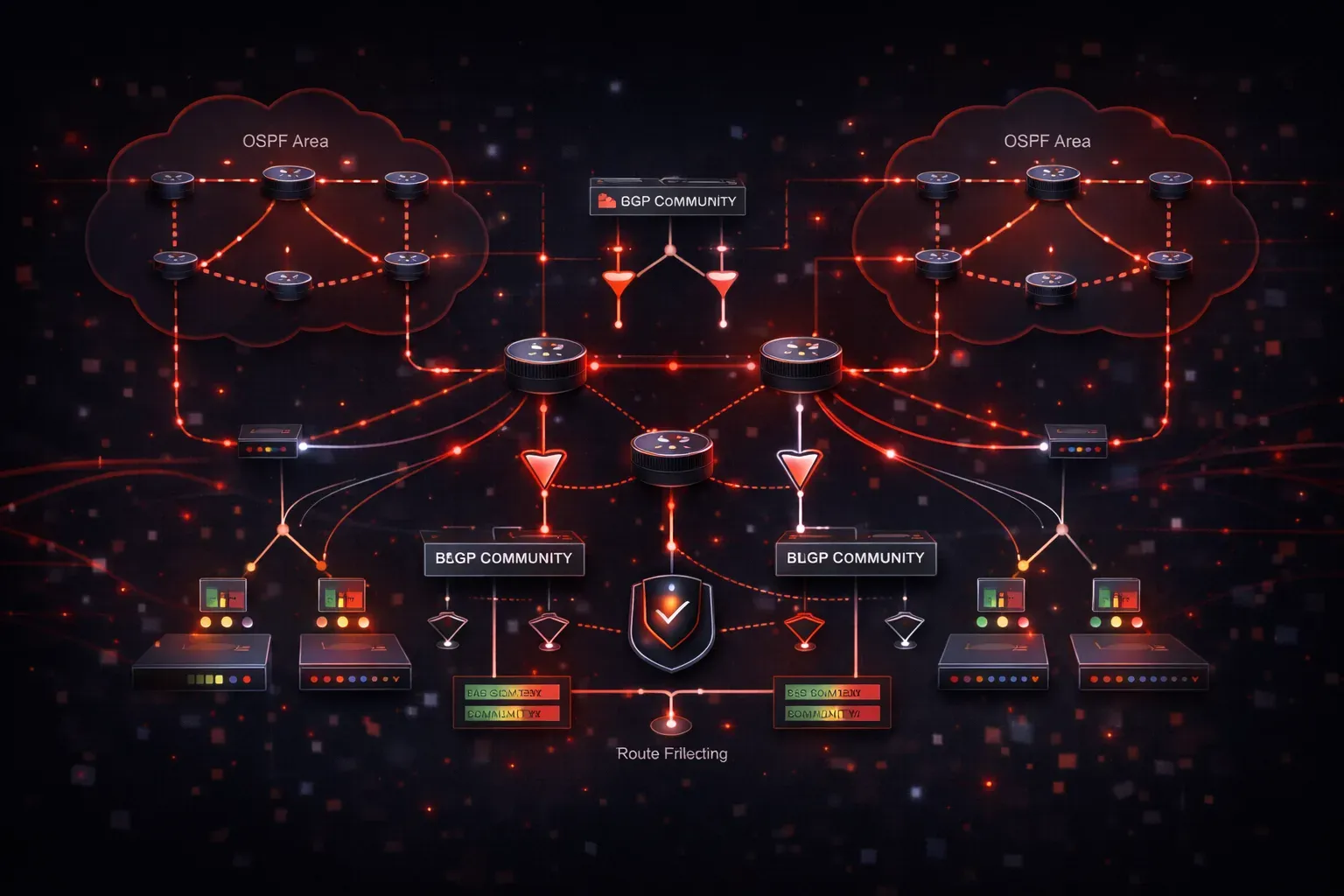
Route maps serve as powerful tools for implementing granular routing policies, with tagging and filtering being two of their most critical applications in enterprise networks. While basic route map functionality might seem straightforward, mastering advanced tagging and filtering techniques separates competent network engineers from those who can architect and troubleshoot complex routing scenarios.
Understanding Route Map Tags and Communities
Route tagging operates at multiple levels within route maps. BGP communities, OSPF tags, and EIGRP tags each serve distinct purposes in route management. BGP communities provide the most flexible tagging mechanism, supporting both standard (32-bit) and extended communities for complex policy implementations.
route-map TAG_INTERNAL permit 10
 match ip address prefix-list INTERNAL_NETWORKS
 set community 65001:100
 set local-preference 150
!
route-map TAG_CUSTOMER permit 20
 match ip address prefix-list CUSTOMER_ROUTES
 set community 65001:200 additive
 set metric-type type-1
The additive keyword prevents overwriting existing communities, crucial when routes traverse multiple policy points. Extended communities enable more granular control, particularly in MPLS VPN environments where route targets and origin attributes require precise manipulation.
Advanced Filtering Strategies
Effective route map filtering goes beyond simple prefix matching. Combining multiple match criteria creates sophisticated filtering logic that adapts to dynamic network conditions.
ip prefix-list CRITICAL_ROUTES seq 5 permit 10.1.0.0/16 le 24
ip prefix-list CRITICAL_ROUTES seq 10 permit 172.16.0.0/12 le 20
!
route-map INBOUND_FILTER permit 10
 match ip address prefix-list CRITICAL_ROUTES
 match community INTERNAL_COMMUNITY
 set local-preference 200
 set weight 500
!
route-map INBOUND_FILTER permit 20
 match as-path ACCESS_LIST_AS_PATH
 match metric 100 200
 set local-preference 100
!
route-map INBOUND_FILTER deny 30
 match community BLACKHOLE_COMMUNITY
This configuration demonstrates layered filtering where critical routes receive preferential treatment, while blackholed routes face explicit denial. The sequence numbering allows for precise control over evaluation order, essential for troubleshooting routing policies.
Routing Efficiency Through Strategic Tagging
Proper route tagging enhances routing efficiency by enabling automated policy decisions throughout the network. Rather than configuring individual policies at each router, strategic tagging allows downstream devices to make intelligent routing decisions based on community values or tag information.
route-map BRANCH_OUTBOUND permit 10
 match ip address prefix-list VOICE_TRAFFIC
 set community 65001:911 additive
 set ip next-hop 10.1.1.1
!
route-map BRANCH_OUTBOUND permit 20
 match ip address prefix-list DATA_TRAFFIC
 set community 65001:100 additive
 set metric 50
!
route-map CORE_INBOUND permit 10
 match community 65001:911
 set local-preference 300
 set metric 10
!
route-map CORE_INBOUND permit 20
 match community 65001:100
 set local-preference 150
This approach scales efficiently across large networks, where voice traffic automatically receives priority treatment based on community tags rather than requiring individual ACLs at every hop.
Troubleshooting Route Map Policies
Route map troubleshooting requires systematic verification of match criteria and set actions. The most effective troubleshooting tips involve checking the evaluation sequence and confirming that routes actually match the intended criteria.
Router# show route-map INBOUND_FILTER
route-map INBOUND_FILTER, permit, sequence 10
  Match clauses:
    ip address prefix-lists: CRITICAL_ROUTES
    community (community-list filter): INTERNAL_COMMUNITY
  Set clauses:
    local-preference 200
    weight 500
  Policy routing matches: 1247 packets, 156800 bytes
The match counter provides immediate feedback about policy effectiveness. Zero matches often indicate incorrect prefix lists or community list configurations. Use debug ip policy cautiously in production, but it provides invaluable insight into route map evaluation logic.
Common troubleshooting scenarios include unexpected route selection and policy inheritance issues. Verify that clear ip bgp * soft refreshes policies after configuration changes, and check for conflicting policies applied at different points in the routing process.
Performance Optimization Techniques
Route map performance directly impacts routing convergence times, especially in networks processing thousands of prefixes. Optimize route maps by placing frequently matched criteria early in the sequence and using efficient matching methods.
route-map OPTIMIZED_FILTER permit 10
 match ip address prefix-list MOST_COMMON_ROUTES
 set community 65001:1
!
route-map OPTIMIZED_FILTER permit 20
 match ip address prefix-list MODERATE_ROUTES
 set community 65001:2
!
route-map OPTIMIZED_FILTER permit 30
 match ip address prefix-list RARE_ROUTES
 set community 65001:3
Prefix lists outperform standard ACLs for route filtering due to their tree-based lookup mechanism. When possible, consolidate similar match criteria into single prefix lists rather than creating multiple route map entries.
Integration with Routing Protocols
Each routing protocol handles route map integration differently. OSPF applies route maps during redistribution, while BGP can apply them for inbound and outbound processing. Understanding these nuances prevents configuration errors that could disrupt network operations.
router ospf 1
 redistribute bgp 65001 subnets route-map BGP_TO_OSPF
!
router bgp 65001
 neighbor 10.1.1.2 route-map PEER_INBOUND in
 neighbor 10.1.1.2 route-map PEER_OUTBOUND out
EIGRP named mode provides additional flexibility for route map application, including support for address family-specific policies that weren't available in classic configuration mode.
What's Next
Mastering route map tagging and filtering provides the foundation for advanced BGP policy implementation. The next logical step involves exploring BGP path selection manipulation and advanced route reflector configurations, where these tagging techniques become essential for controlling traffic flows across complex enterprise and service provider networks.
Tools and resources for this topic
- CCNP ENARSI 300-410 Official Cert Guide — The definitive ENARSI study resource by Raymond Lacoste. Covers advanced routing, services, and troubleshooting.