
Troubleshooting Common AI Model Selection Mistakes
Learn to identify and resolve the most common AI model selection mistakes that lead to poor performance, wasted resources, and project failures. Covers requirements analysis, capability matching, and cost optimization strategies.

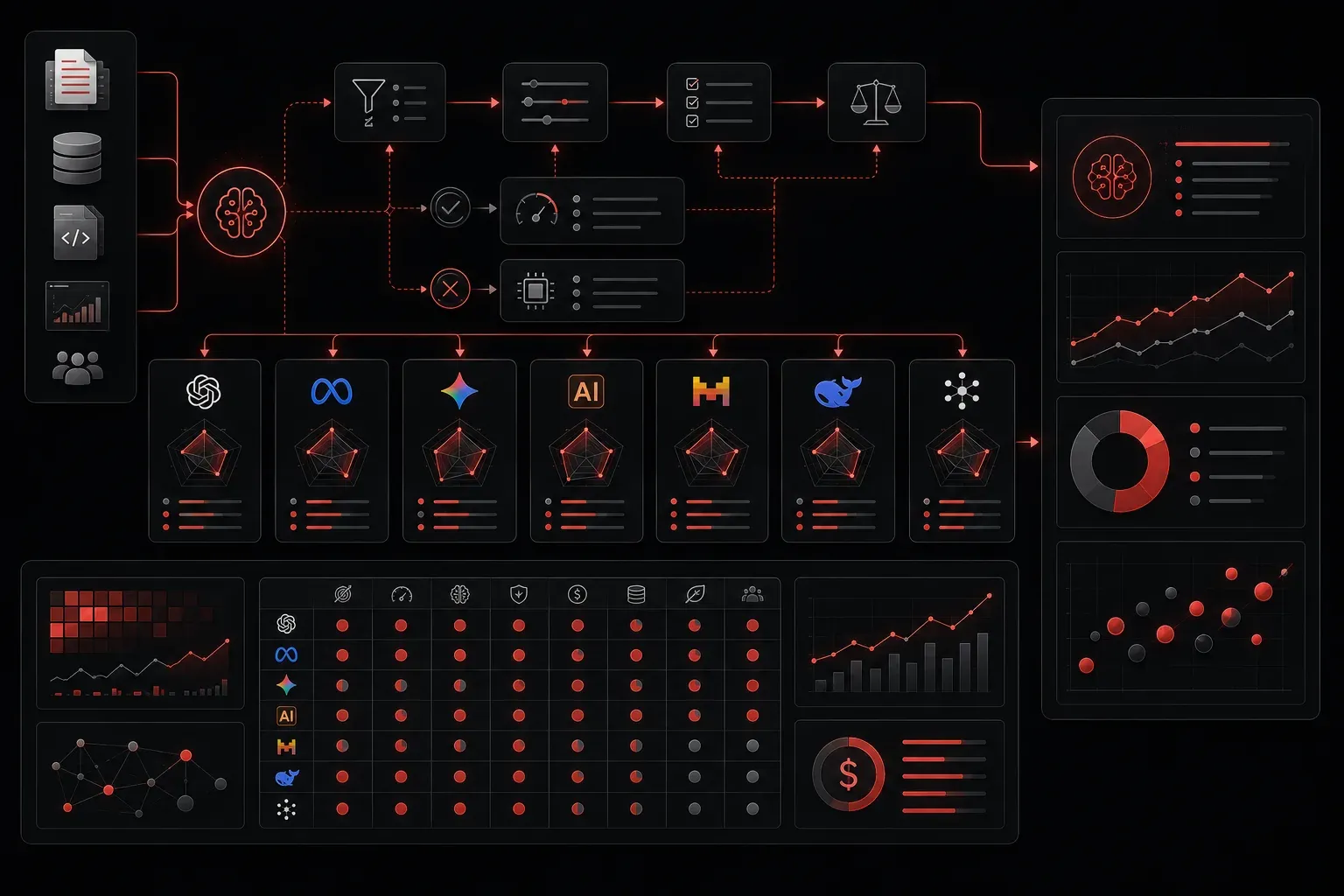
Selecting the right AI model can feel overwhelming, especially when you're faced with dozens of options and conflicting advice online. Even experienced practitioners make costly mistakes that lead to poor performance, wasted resources, or complete project failures. Let's walk through the most common AI model selection mistakes and how to troubleshoot them effectively.
Mistake #1: Choosing Based on Hype Instead of Requirements
The biggest trap newcomers fall into is selecting the latest, most talked-about model without understanding their actual needs. You might choose GPT-4 for a simple text classification task that a smaller model could handle perfectly.
How to troubleshoot: Start by clearly defining your requirements. Ask yourself:
- What specific task am I trying to accomplish?
- How much latency can I tolerate?
- What's my budget for API calls or compute resources?
- Do I need the model to run locally or can I use cloud APIs?
For example, if you're building a chatbot for customer support, you might not need the most powerful language model. A fine-tuned smaller model like Claude 3 Haiku or gpt-3.5-turbo could provide better cost-effectiveness and faster response times.
Practical implementation: Create a requirements matrix scoring each potential model against your specific needs. Weight factors like accuracy requirements, response time, cost constraints, and deployment environment. This structured approach prevents impulsive decisions based on marketing hype.
Mistake #2: Ignoring Model Capabilities and Limitations
Each AI model has specific strengths and weaknesses. Using a text-focused model for image analysis or expecting a general-purpose model to excel at highly specialized tasks leads to disappointing results.
How to troubleshoot: Match model capabilities to your use case. Here's a quick reference:
- Text generation: GPT models, Claude, or open-source alternatives like Llama
- Code generation: Claude Code, GitHub Copilot, CodeLlama, or GPT-4 with code-specific prompts
- Image analysis: GPT-4V (GPT-4 with vision), Claude 3 Opus/Sonnet, or specialized vision models like CLIP
- Structured data extraction: Models that support function calling or JSON mode
Test your chosen model with representative examples before committing to full implementation. Create a simple prototype to validate that the model can handle your specific requirements.
Example scenario: For a Cisco network troubleshooting application, you'd need a model that understands networking protocols and can process configuration files. A general-purpose model might struggle with technical networking terminology, while a domain-specific model or RAG system with networking documentation would excel.
Mistake #3: Not Considering Context Window Limitations
Context window size determines how much text the model can process at once. Selecting a model with an insufficient context window for your use case results in truncated inputs and incomplete responses.
How to troubleshoot: Calculate your typical input size. If you're processing long documents, choose models with larger context windows:
gpt-4-turbo: 128k tokens- Claude 3 models: 200k tokens
gemini-pro: 1M tokens
Remember that longer context windows often mean higher costs and slower processing times. If your documents are consistently large, consider implementing chunking strategies or document summarization before model processing.
Implementation tip: Build a token counter utility that estimates your input size before API calls. This prevents unexpected truncation and helps you choose the most cost-effective model for each request.
Mistake #4: Overlooking Cost and Performance Trade-offs
Jumping straight to the most powerful model without considering alternatives can quickly drain your budget. Sometimes a smaller, faster model with better prompting achieves similar results at a fraction of the cost.
How to troubleshoot: Create a performance baseline with different models. Test the same task across multiple options:
Model Comparison Framework:
1. Define success metrics (accuracy, speed, cost per request)
2. Test with representative data samples
3. Measure performance consistently
4. Calculate cost per successful output
5. Consider scaling requirements
Document your findings in a simple spreadsheet comparing model performance, cost per token, and response quality scores.
Practical example: For processing Cisco device logs, test both GPT-4 and a fine-tuned smaller model. The smaller model might achieve 95% of GPT-4's accuracy at 20% of the cost, making it the better choice for production deployment.
Mistake #5: Failing to Account for Fine-tuning Requirements
Some tasks require domain-specific knowledge that general models don't possess. Expecting out-of-the-box performance for specialized use cases often leads to frustration.
How to troubleshoot: Evaluate whether your use case needs fine-tuning or specialized training. If you're working in highly technical fields, legal documents, or industry-specific contexts, consider:
- Models already fine-tuned for your domain
- Retrieval-augmented generation (RAG) with relevant documents
- Few-shot learning with carefully crafted examples
- Custom fine-tuning if you have sufficient training data
AI certification context: When preparing for technical certifications like Cisco's AI certifications, understanding when and how to implement fine-tuning versus prompt engineering becomes crucial. Practice scenarios that require you to justify model selection decisions based on specific business requirements and technical constraints.
What's Next
Now that you understand common selection errors, the next step is learning how to evaluate and compare AI models systematically. In our upcoming post, we'll cover practical frameworks for benchmarking different models against your specific use cases, including setting up automated testing pipelines and interpreting performance metrics.