
Different Types of Networks: LAN, WAN, and More
This post introduces beginners to the most common types of networks, including LAN, WAN, MAN, WLAN, and PAN. It explains key characteristics, real-world examples, and how these network types relate to each other. Designed to align with CCST Networking exam objective 1.1.

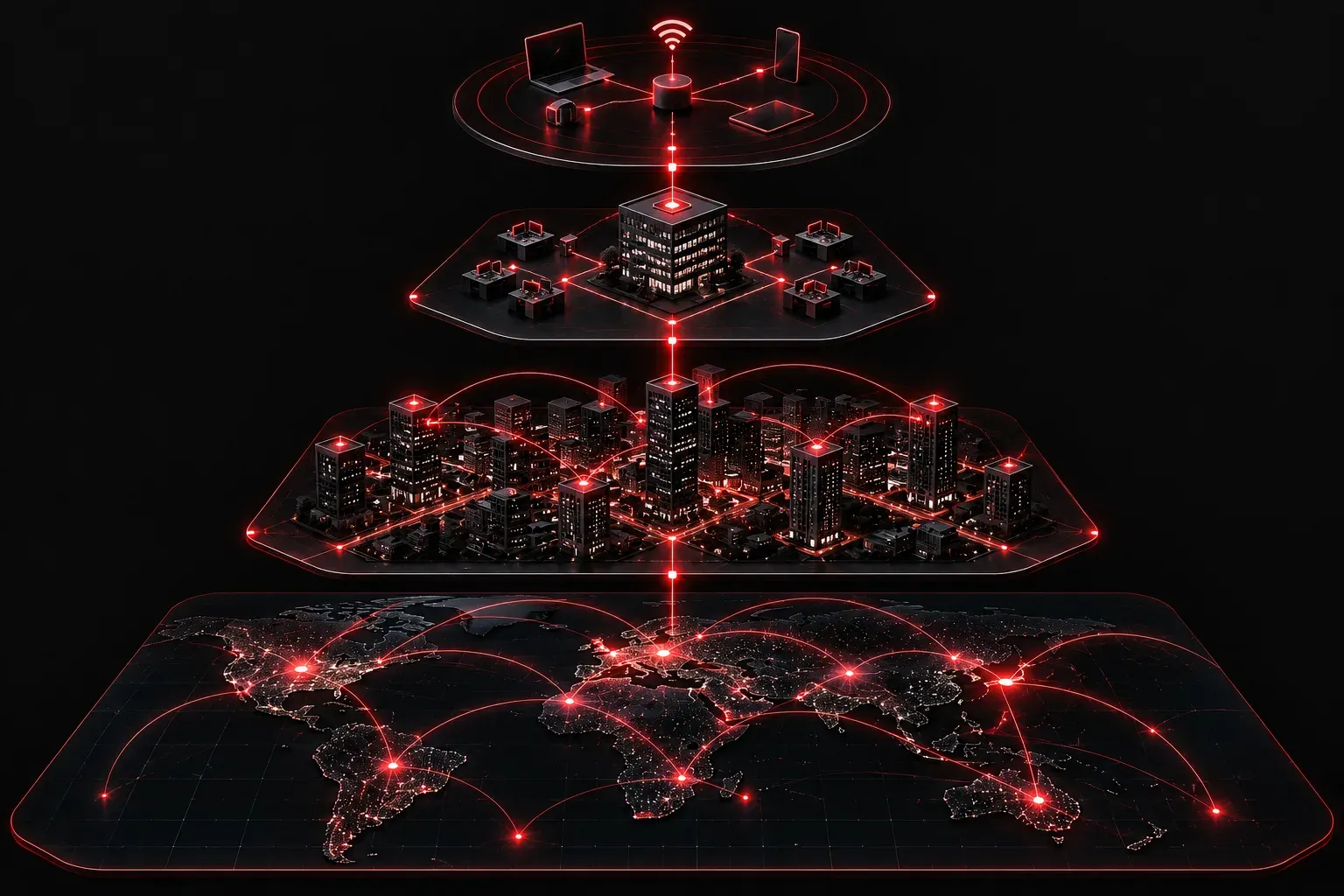
One of the first things you'll encounter when studying for the CCST Networking exam is understanding the different types of networks. Before you can troubleshoot, configure, or secure a network, you need to know what kind of network you're working with. Let's break down the most common network types in a way that actually makes sense.
Why Network Types Matter
Networks are not one-size-fits-all. A network connecting computers in a single office building has very different requirements than one connecting branch offices across multiple cities. Knowing the difference helps you choose the right technologies, understand limitations, and design solutions that actually work.
LAN: Local Area Network
A LAN (Local Area Network) is probably the most familiar network type for beginners. A LAN connects devices within a limited geographic area, such as a home, office, school, or single building.
Key characteristics of a LAN:
- Geographic scope: Limited to a single building or small campus
- Speed: Typically fast, ranging from 100 Mbps to 10 Gbps and beyond
- Ownership: Usually owned and managed by a single organization
- Media: Uses Ethernet cables (
Cat5e,Cat6) or Wi-Fi
A good example is your office network where your laptop, printer, and IP phone all connect to the same switch. That's a LAN in action.
WAN: Wide Area Network
A WAN (Wide Area Network) spans large geographic areas, connecting multiple LANs together. The internet itself is the largest WAN in existence. When your company's New York office communicates with the London office over a leased line, that's a WAN connection.
Key characteristics of a WAN:
- Geographic scope: Cities, countries, or even global reach
- Speed: Generally slower than LANs and more expensive per megabit
- Ownership: Typically relies on third-party service providers (ISPs, telcos)
- Technologies: MPLS, leased lines, broadband, fiber, and cellular connections
Other Network Types Worth Knowing
MAN: Metropolitan Area Network
A MAN sits between a LAN and a WAN. It covers a city or large campus, often used by city governments, universities, or businesses with multiple locations across a metro area. Think of a city connecting its municipal buildings over a single fiber network.
WLAN: Wireless LAN
A WLAN is simply a LAN that uses wireless technology (802.11 Wi-Fi standards) instead of cables. Your home Wi-Fi is a WLAN. It follows the same basic principles as a wired LAN but uses radio frequencies instead of copper or fiber.
PAN: Personal Area Network
A PAN is the smallest network type, covering only a few meters around a person. Bluetooth connections between your phone and wireless earbuds are a common example. PANs are rarely a focus in enterprise networking but are good to recognize on an exam.
Quick Comparison at a Glance
- PAN: Personal devices, very short range (a few meters)
- LAN: Single building or small campus, high speed, privately owned
- WLAN: Wireless version of a LAN using Wi-Fi standards
- MAN: City or metro area, often provider-managed
- WAN: Large geographic areas including countries and the internet
A Real-World Scenario
Imagine a retail company with a headquarters in Chicago and stores across the country. Each store has its own LAN connecting registers, cameras, and computers. Those store LANs connect back to the Chicago headquarters over a WAN, likely using a service from an ISP. Inside the Chicago office, employees connect wirelessly using a WLAN. This is a textbook example of all these network types working together in one organization.
What's Next
Now that you understand the different types of networks, the next logical step is understanding how devices communicate within those networks. In the next post, we'll dig into network topologies, covering how devices are physically and logically arranged, and why it matters for performance and reliability.