
Understanding IPv6 Addressing
Learn IPv6 addressing fundamentals including format, address types (unicast, multicast, anycast), and key advantages over IPv4. Essential knowledge for modern network engineers dealing with IPv4 address exhaustion.

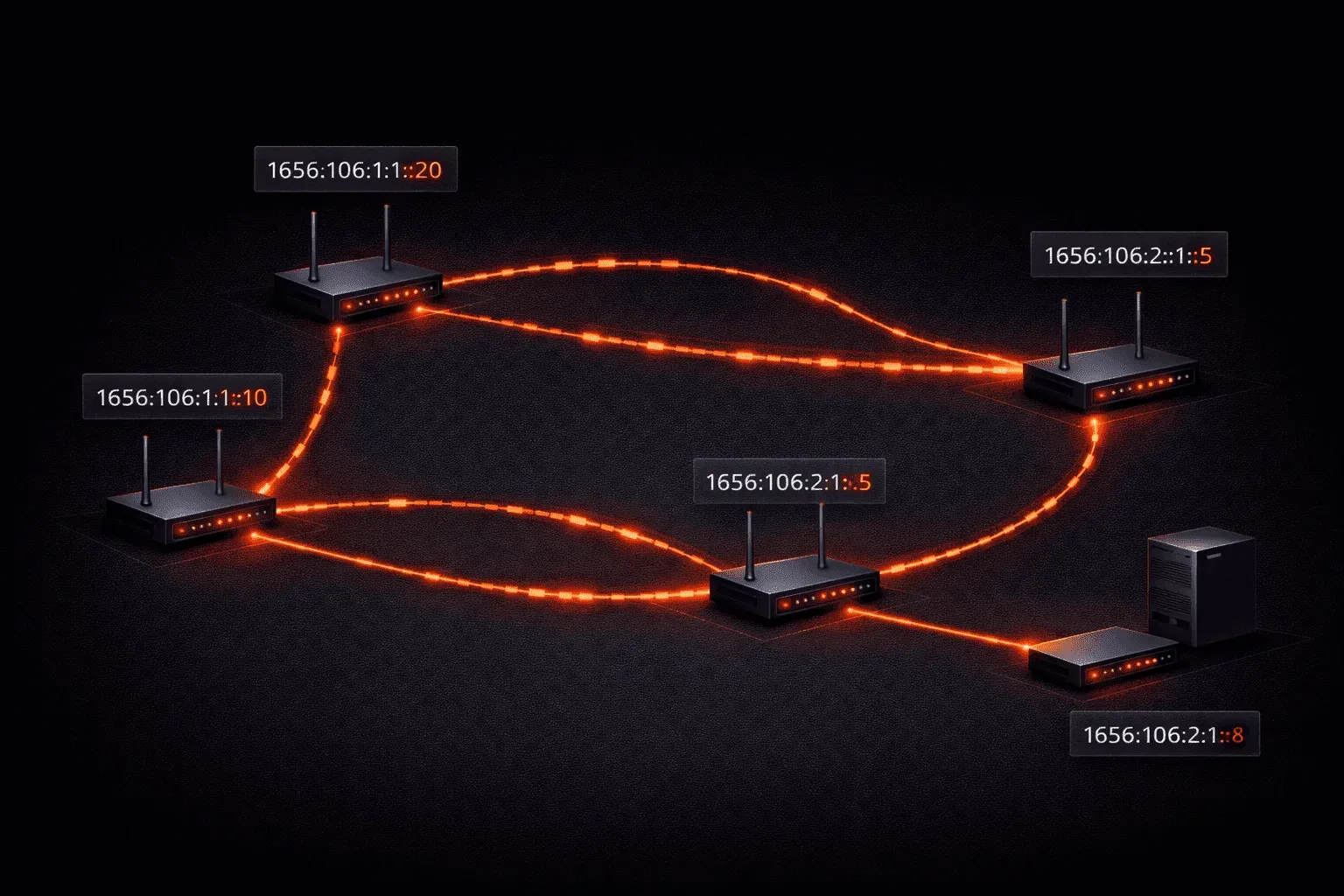
IPv6 addressing represents the future of internet communications, offering a massive expansion in available addresses compared to IPv4. As IPv4 addresses become increasingly scarce, understanding IPv6 has become essential for network engineers. Let's explore the fundamentals of IPv6 addressing and why it matters for your networking career.
Why IPv6 Matters
IPv4 uses 32-bit addresses, providing approximately 4.3 billion unique addresses. With the explosive growth of internet-connected devices, we've essentially run out of IPv4 addresses. IPv6 solves this with 128-bit addresses, offering 340 undecillion addresses. That's 340 followed by 36 zeros!
Beyond just more addresses, IPv6 provides improved security features, more efficient routing, and simplified network configuration through stateless autoconfiguration.
IPv6 Address Format
IPv6 addresses use hexadecimal notation separated by colons, unlike IPv4's dotted decimal format. A full IPv6 address looks like this:
2001:0db8:85a3:0000:0000:8a2e:0370:7334To make addresses more manageable, IPv6 includes shortening rules:
- Leading zeros: You can omit leading zeros in each group.
0db8becomesdb8 - Consecutive zeros: Replace consecutive groups of zeros with
::(only once per address)
So our example address can be shortened to:
2001:db8:85a3::8a2e:370:7334IPv6 Address Types
IPv6 addressing basics include understanding three main address types:
Unicast Addresses
These identify a single interface and include:
- Global Unicast: Routable on the Internet (like IPv4 public addresses)
- Link-Local: Used for local network communication, always starts with
fe80:: - Unique Local: Private addresses for internal networks, start with
fc00::orfd00::
Multicast Addresses
Send packets to multiple destinations simultaneously. Always start with ff00::. IPv6 eliminates broadcast traffic and uses multicast instead.
Anycast Addresses
Route packets to the nearest interface in a group sharing the same address. Useful for load balancing and redundancy.
Key Differences: IPv6 vs IPv4
Understanding these differences helps appreciate why IPv6 is the future:
- Address length: 128 bits vs 32 bits
- Notation: Hexadecimal vs decimal
- Configuration: Stateless autoconfiguration vs manual/DHCP
- Security: IPSec built-in vs optional
- Fragmentation: Only at source vs anywhere in path
- Broadcasting: None (uses multicast) vs broadcast domain
Practical IPv6 Example
Let's look at a typical IPv6 configuration on a Cisco router:
Router(config)# interface GigabitEthernet0/0
Router(config-if)# ipv6 enable
Router(config-if)# ipv6 address 2001:db8:1::1/64
Router(config-if)# no shutdown
The /64 represents the prefix length (similar to subnet mask in IPv4). Most IPv6 subnets use /64, providing 64 bits for host addresses within each subnet.
You can verify the configuration:
Router# show ipv6 interface brief
GigabitEthernet0/0     [up/up]
    FE80::1
    2001:DB8:1::1
Notice the link-local address (FE80::1) was automatically generated alongside our configured global address.
What's Next
Now that you understand IPv6 addressing basics and the key IPv6 types, the next step is learning IPv6 subnetting and how to plan IPv6 network hierarchies. We'll explore how the expanded address space changes traditional subnetting approaches and makes network design more flexible.
CCNA study resources
- CCNA Official Cert Guide Library (Wendell Odom) — Both volumes covering the full 200-301 exam blueprint. The definitive CCNA study resource.
- Wendell Odom CCNA Vol 1 — Networking fundamentals, switching, VLANs, STP, and IPv4 routing.
- Wendell Odom CCNA Vol 2 — Advanced routing, WAN, security, automation, and network management.