
Virtualization in Networking: How Server Virtualization, Containers, and VRFs Work Together
This post explains how server virtualization, containers, and VRFs work together in network environments, creating integrated virtualization solutions that maximize efficiency while maintaining security and isolation across different layers of the network infrastructure.

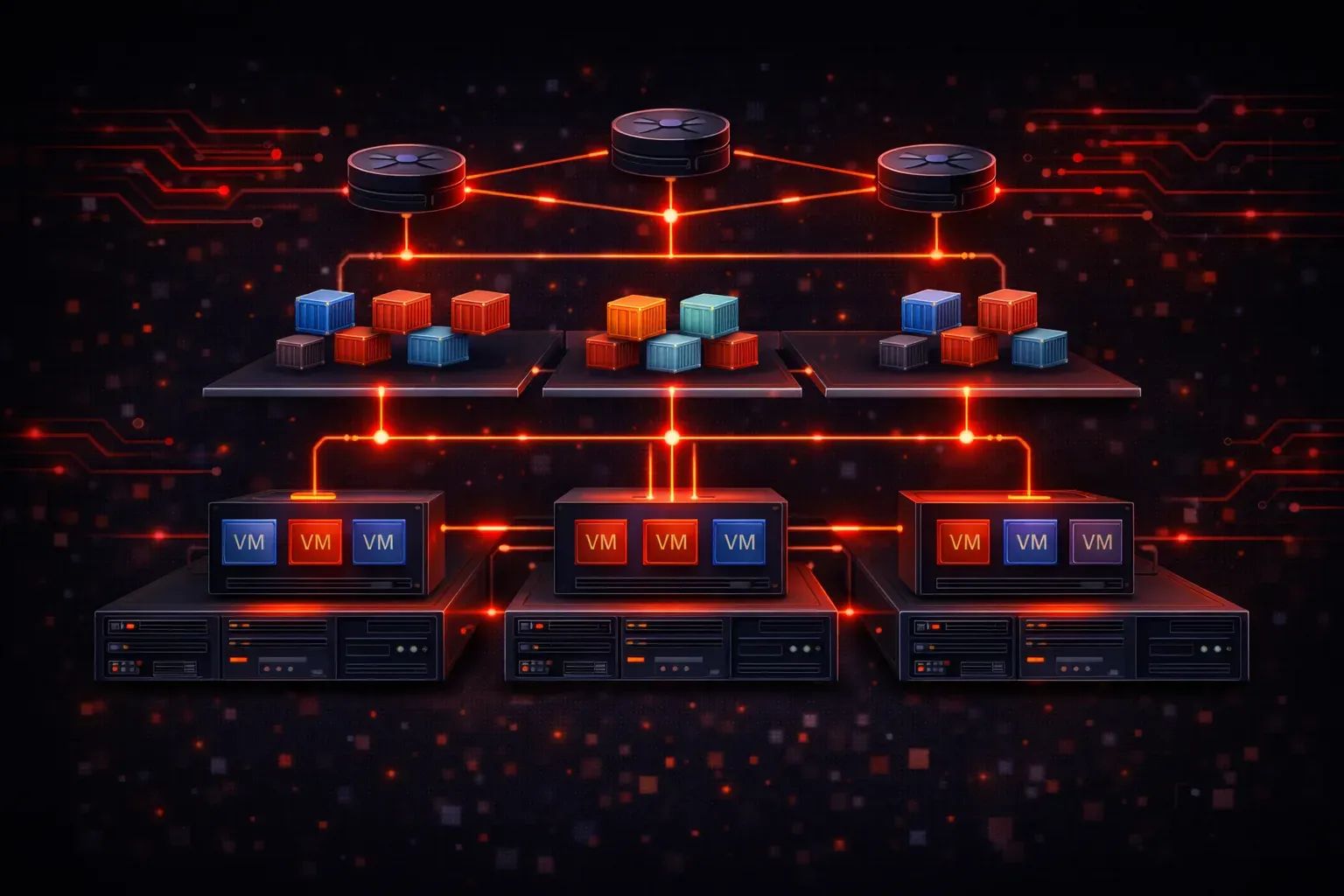
Understanding virtualization in networking means grasping how different virtualization technologies work together to create flexible, efficient network infrastructures. Rather than existing in isolation, server virtualization, containers, and Virtual Routing and Forwarding (VRFs) complement each other to deliver comprehensive solutions that maximize resource utilization while maintaining security and performance.
The Foundation: Server Virtualization
Server virtualization creates the base layer where multiple virtual machines (VMs) run on a single physical server. Each VM operates as if it has dedicated hardware, complete with its own operating system, applications, and network interfaces. This technology transforms how we think about network infrastructure by decoupling services from physical hardware.
When you deploy server virtualization, each VM receives virtual network interfaces that connect to virtual switches. These virtual switches can tunnel traffic to physical network switches, creating a bridge between virtual and physical networking components.
Containers: Lightweight Virtualization
Containers take virtualization a step further by sharing the host operating system kernel while isolating applications and their dependencies. Unlike VMs that virtualize entire operating systems, containers virtualize at the application level, making them incredibly lightweight and fast to deploy.
In networking terms, containers typically share network namespaces with the host or create isolated network namespaces for enhanced security. Container platforms like Docker create virtual network interfaces and use technologies like bridge networks and overlay networks to enable communication between containers across different hosts.
VRFs: Network-Level Virtualization
Virtual Routing and Forwarding (VRFs) provides network-level virtualization by creating separate routing tables within a single router or switch. Each VRF maintains its own routing information, effectively creating multiple virtual routers within one physical device.
Here's a basic VRF configuration on a Cisco router:
Router(config)# ip vrf CUSTOMER_A
Router(config-vrf)# rd 100:1
Router(config-vrf)# exit
Router(config)# interface GigabitEthernet0/1
Router(config-if)# ip vrf forwarding CUSTOMER_A
Router(config-if)# ip address 192.168.1.1 255.255.255.0
How These Technologies Create Virtualization Synergy
The real power of integrated virtualization emerges when these technologies work together. Consider this common scenario: a service provider hosts multiple customer applications using a combination of all three virtualization types.
Layer 1 - Physical Infrastructure: Physical servers run hypervisors that create multiple VMs for different customers.
Layer 2 - Application Isolation: Within each VM, containers provide application-level isolation, allowing customers to run multiple services without interference.
Layer 3 - Network Isolation: VRFs ensure that each customer's network traffic remains completely separate, even when traversing shared physical network equipment.
Practical Benefits in Real Networks
This virtualization synergy delivers several key advantages:
- Resource Efficiency: Physical servers host multiple VMs, each running numerous containers, maximizing hardware utilization
- Security Isolation: VRFs prevent network traffic mixing, while VMs and containers provide compute isolation
- Scalability: New services can be deployed as containers without requiring new hardware, while VRFs handle network scaling
- Cost Reduction: Shared infrastructure reduces capital and operational expenses
Network Management Considerations
Managing integrated virtualization requires understanding how these technologies interact. Network administrators must consider:
- How virtual machine network interfaces map to physical switch ports
- Container network policies and how they affect traffic flow
- VRF route leaking when controlled communication between virtual networks is needed
- Quality of Service (QoS) policies that span virtual and physical components
Modern network monitoring tools must provide visibility across all virtualization layers, from physical switch ports through VRFs to container networks.
What's Next
Now that you understand how virtualization technologies work together, the next step is exploring Software-Defined Networking (SDN) concepts. SDN provides the control plane intelligence that orchestrates these virtualized components, enabling dynamic network provisioning and automated policy enforcement across your integrated virtualization infrastructure.
Tools and resources for this topic
- CCNA Official Cert Guide (Wendell Odom) — The definitive CCNA study resource. Both volumes cover the 200-301 exam blueprint in full.
- Wendell Odom CCNA Vol 1 — Covers networking fundamentals, switching, and routing basics.
- Wendell Odom CCNA Vol 2 — Covers advanced routing, WAN, infrastructure services, and security.