
What is Malware and How Does it Affect Your Computer?
This post explains what malware is, covering the definition and common types including viruses, worms, trojans, and ransomware. It details how malware affects computer systems and why removal is critical for cybersecurity.

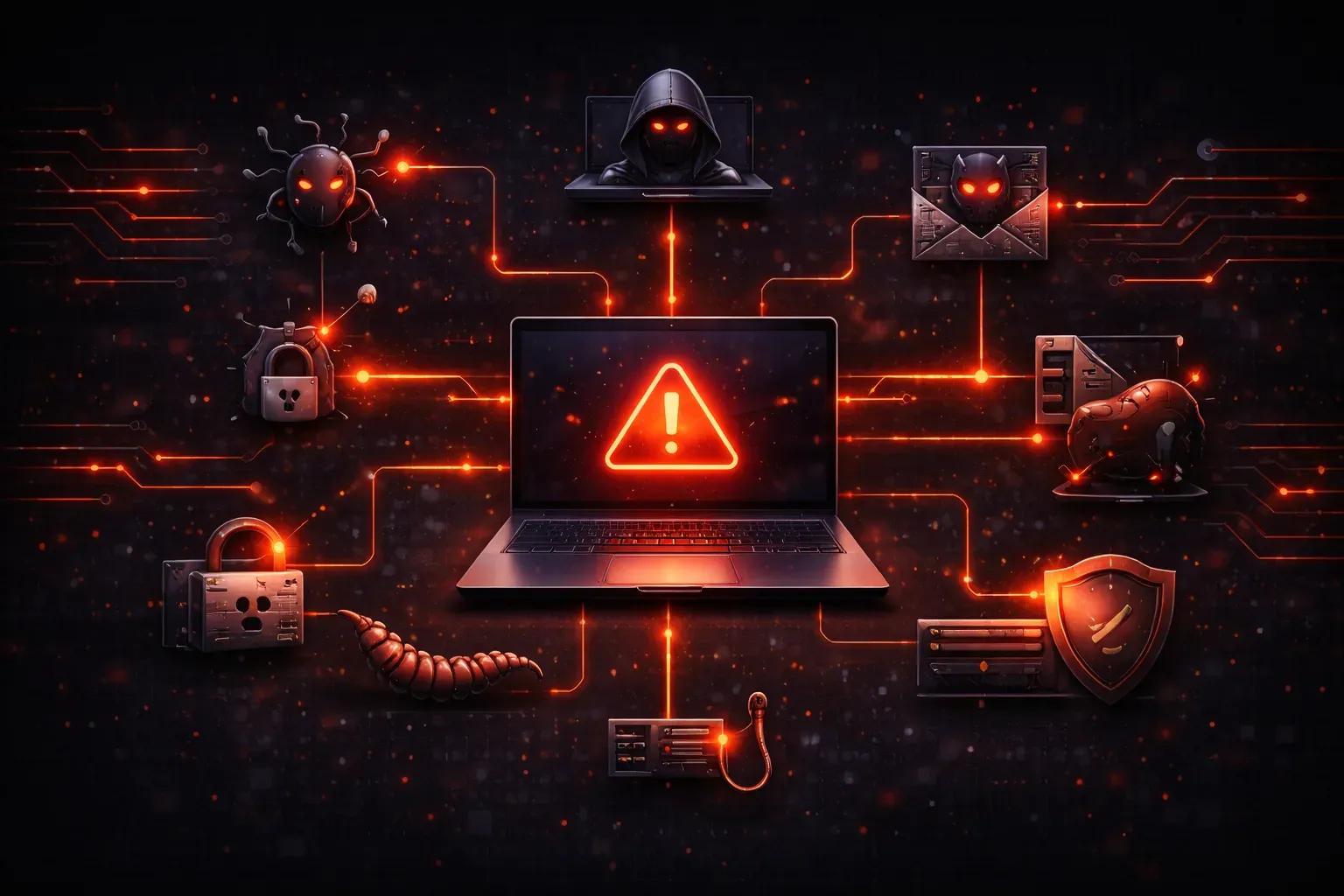
Understanding Malware: The Digital Threats Lurking in Your System
If you've ever wondered what is malware and why cybersecurity professionals spend so much time fighting it, you're not alone. Malware is one of the most significant threats facing computer users today, and understanding it is crucial for anyone working in cybersecurity or simply wanting to protect their digital assets.
Malware Definition: Breaking Down the Basics
The malware definition is straightforward: malware is short for "malicious software." It's any software program specifically designed to harm, disrupt, or gain unauthorized access to computer systems. Think of malware as the digital equivalent of burglars, vandals, or spies; each with different goals but all intent on causing problems.
Unlike legitimate software that helps you accomplish tasks, malware exists solely to benefit cybercriminals at your expense. It can steal your personal information, damage your files, slow down your computer, or turn your system into a launching pad for attacks on others.
Types of Malware: The Common Culprits
Understanding the different types of malware helps you recognize potential threats and their behaviors:
Viruses
A computer virus attaches itself to legitimate programs and spreads when you run those programs. Like biological viruses, computer viruses need a host to survive and replicate. They can corrupt files, slow system performance, or display unwanted messages.
Worms
Unlike viruses, worms don't need a host program. They spread independently across networks, often consuming bandwidth and system resources. The infamous Conficker worm infected millions of computers by exploiting network vulnerabilities.
Trojans
Named after the legendary Trojan horse, these programs disguise themselves as legitimate software while secretly performing malicious activities. They might appear as useful utilities while actually stealing passwords or creating backdoors for hackers.
Ransomware
This particularly nasty malware encrypts your files and demands payment for the decryption key. Recent attacks like WannaCry have affected hospitals, government agencies, and businesses worldwide.
Spyware and Adware
Spyware secretly monitors your activities and collects personal information, while adware bombards you with unwanted advertisements. Both can significantly slow down your system and compromise your privacy.
How Malware Affects Your Computer
Malware can impact your system in numerous ways, often starting subtly before causing major problems:
- Performance degradation: Your computer runs slower, programs take longer to load, and the system may freeze frequently
- Data theft: Personal information, passwords, and financial details can be stolen without your knowledge
- File corruption or deletion: Important documents, photos, and programs may become damaged or disappear entirely
- Network issues: Unusual network activity, slow internet speeds, or unexpected data usage
- System instability: Frequent crashes, blue screens, or unexpected shutdowns
- Unauthorized access: Hackers may use your computer to launch attacks on other systems
Recognizing Malware Infections
Early detection is crucial for minimizing malware damage. Watch for these warning signs:
- Sudden appearance of unknown programs or browser toolbars
- Homepage changes without your permission
- Excessive pop-up advertisements, especially when not browsing the web
- Unusual hard drive activity or fan noise
- Friends reporting spam emails from your account
- Antivirus software disabled or blocked from running
Why Malware Removal Matters
Ignoring malware infections isn't an option in today's connected world. Beyond the immediate system problems, infected computers can:
Compromise sensitive business data, leading to regulatory fines and lost customer trust. Participate in botnets used for large-scale cyberattacks. Provide a gateway for additional malware infections. Result in identity theft and financial losses.
For cybersecurity professionals, understanding malware behavior is essential for developing effective defense strategies and responding to incidents quickly and effectively.
What's Next
Now that you understand what malware is and how it affects systems, the next step is learning how to detect these threats through proper scanning techniques. Our next post will cover malware scanning tools, how to interpret scan results, and the step-by-step process for removing infections from your systems.