
What is an SSID and Why Does it Matter?
SSIDs (Service Set Identifiers) are the broadcast names of wireless networks that enable device identification and connection. This post explains how SSIDs function in wireless networking, their role in network security, and best practices for SSID configuration and management.

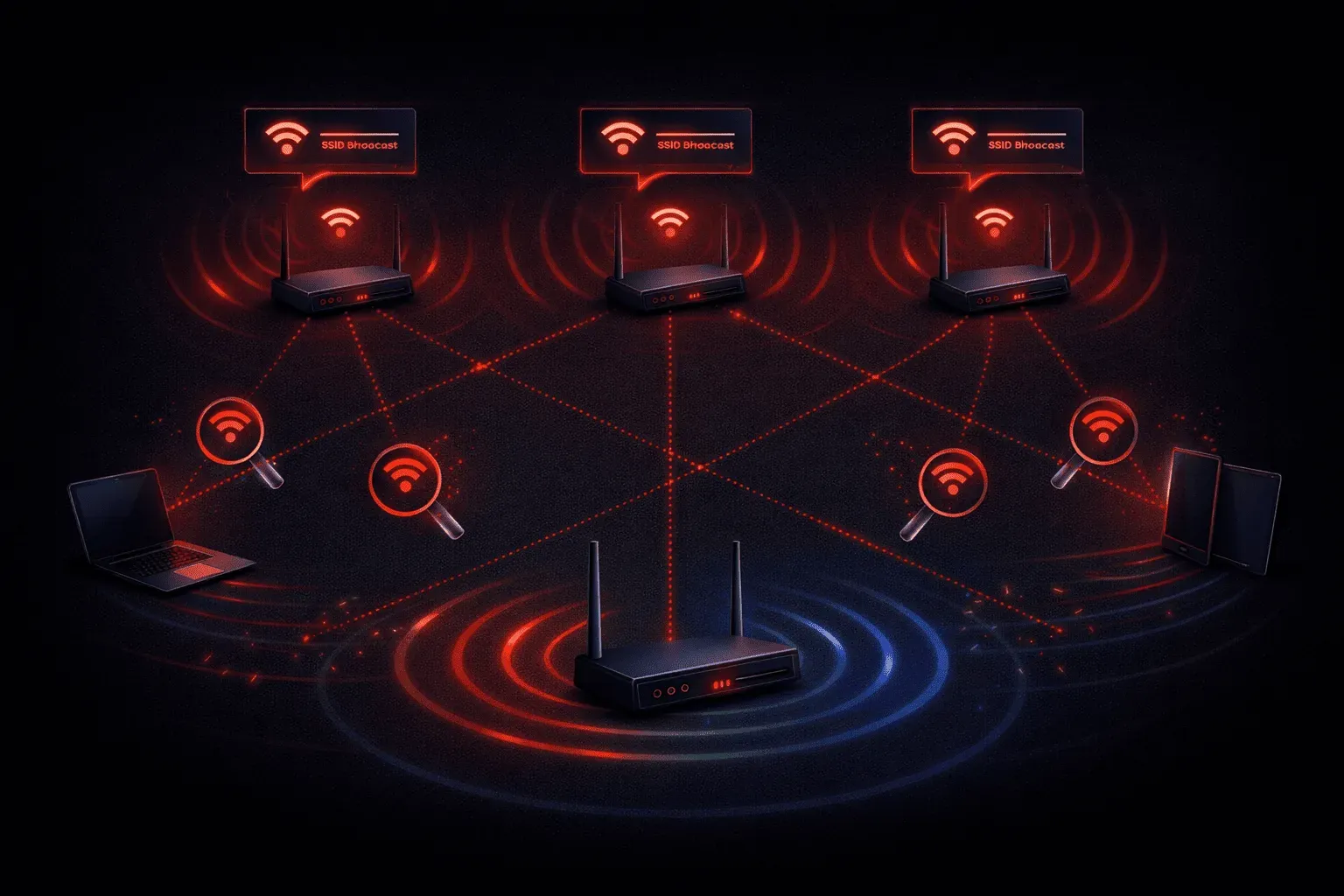
When you look at your WiFi settings, you see a list of network names like "Starbucks_WiFi" or "JohnSmith_Home." or "PrettyFlyFor_a_Wifi". These names are SSIDs, and they play a fundamental role in how wireless networks operate. Understanding SSIDs is essential for anyone working with wireless networking, whether you're studying for your CCNA or managing networks in the real world.
What Exactly is an SSID?
SSID stands for Service Set Identifier, but it's much simpler than it sounds. Think of an SSID as the broadcast name of a wireless network. It's how wireless devices identify and distinguish between different WiFi networks in the area.
Technically speaking, an SSID is a 32-character alphanumeric string that wireless access points broadcast to announce their presence. When your laptop, phone, or tablet scans for available networks, it's actually listening for these SSID broadcasts in beacon frames that access points send out every 100 milliseconds by default.
How SSIDs Function in Wireless Networks
The SSID serves as the first step in the wireless connection process. Here's what happens when you connect to a WiFi network:
- Your device performs a passive scan, listening for beacon frames containing SSIDs
- You select an SSID from the available list
- Your device sends an authentication request to the access point broadcasting that SSID
- After successful authentication, your device associates with the wireless network
On Cisco wireless equipment, you can configure the SSID using commands like this:
Router(config)# dot11 ssid MyNetwork
Router(config-ssid)# authentication open
Router(config-ssid)# guest-mode
Multiple access points can broadcast the same SSID, creating what appears to be a single large wireless network. This is how enterprise networks provide seamless coverage across large buildings or campuses.
SSID Security Considerations
While SSIDs provide network identification, they're not a security feature by themselves. However, they play an important role in your overall wireless security strategy:
SSID Broadcasting
Access points broadcast their SSID by default, making the network visible to all nearby devices. Some administrators disable SSID broadcasting (called a "hidden" network), but this provides minimal security benefit. Determined attackers can easily discover hidden SSIDs by monitoring wireless traffic.
SSID Naming Best Practices
Choose SSID names carefully to avoid revealing sensitive information:
- Avoid: "CompanyName_Finance" or "John_Router_Linksys"
- Better: "Guest_Network" or "Office_WiFi"
Generic names don't advertise your equipment manufacturer or network's purpose to potential attackers.
Multiple SSIDs for Network Segmentation
Modern access points support multiple SSIDs, allowing you to create different wireless networks for different purposes:
- Employee network with full access
- Guest network with internet-only access
- IoT network for smart devices
Each SSID can have different security settings, bandwidth limits, and VLAN assignments, providing network segmentation and improved security.
Common SSID Configurations
In enterprise environments, you'll often see SSIDs mapped to VLANs to separate traffic. For example:
Router(config)# dot11 ssid Corporate
Router(config-ssid)# vlan 10
Router(config-ssid)# authentication open eap

Router(config)# dot11 ssid Guest
Router(config-ssid)# vlan 20
Router(config-ssid)# authentication open
This configuration creates two distinct wireless networks with different security requirements and network access levels.
What's Next
Now that you understand SSIDs and their role in wireless network identification, the next step is to explore how wireless security protocols like WPA2 and WPA3 protect data transmitted over these networks. Understanding these security mechanisms will complete your foundation in wireless networking principles for the CCNA exam.
CCNA study resources
- CCNA Official Cert Guide Library (Wendell Odom) — Both volumes covering the full 200-301 exam blueprint. The definitive CCNA study resource.
- Wendell Odom CCNA Vol 1 — Networking fundamentals, switching, VLANs, STP, and IPv4 routing.