
What is System Management in Linux?
System management in Linux encompasses the comprehensive tasks needed to maintain, monitor, and optimize Linux systems. This includes user management, process control, file system maintenance, and network configuration—all essential skills for Linux administrators.
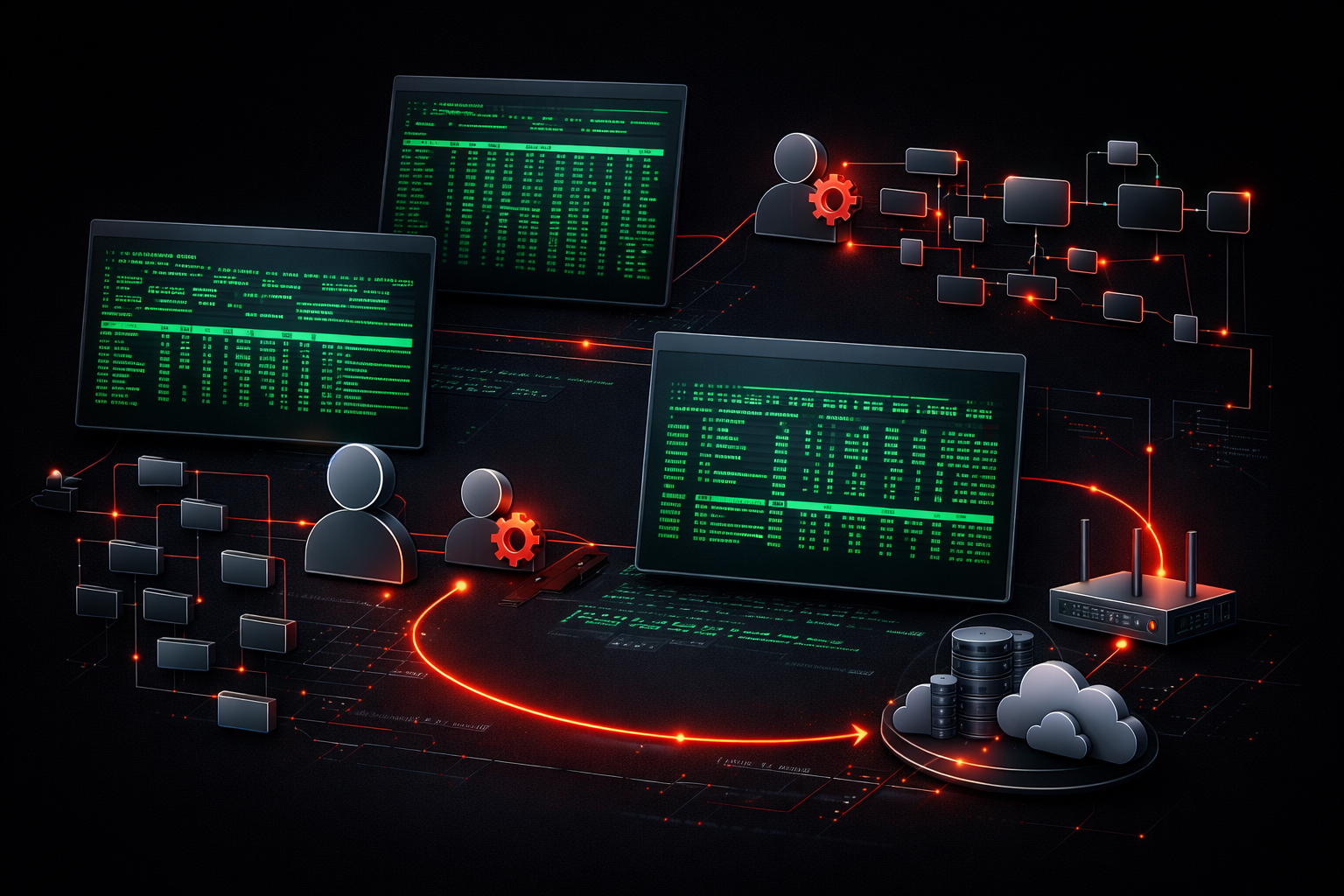
System management in Linux refers to the comprehensive set of tasks and responsibilities involved in maintaining, monitoring, and optimizing a Linux system. Whether you're running a single desktop computer or managing hundreds of servers, understanding system management is essential for anyone working with Linux environments.
At its core, system management Linux encompasses everything needed to keep your Linux system running smoothly, securely, and efficiently. Think of it as being the caretaker of your digital infrastructure; you ensure everything works properly, fix problems when they arise, and plan for future needs.
Core Areas of Linux System Management
Linux administration involves several key areas that work together to maintain a healthy system:
User and Permission Management
One of the fundamental Linux system tasks is managing who can access your system and what they can do. This includes creating user accounts, setting passwords, and configuring file permissions. For example, you might create a new user with:
sudo useradd -m -s /bin/bash newuser
sudo passwd newuser
Process and Service Management
Your Linux system runs dozens of processes and services at any given time. System administrators monitor these processes, start and stop services as needed, and ensure critical services automatically restart if they fail. You can check running processes with:
ps aux | head -10File System and Storage Management
Managing disk space, organizing files, and ensuring data integrity are crucial responsibilities. This includes monitoring disk usage, setting up backup procedures, and maintaining file system health. A simple disk usage check looks like:
df -hNetwork Configuration
Even desktop systems need network management—configuring network interfaces, managing firewall rules, and troubleshooting connectivity issues. Checking your network configuration is as simple as:
ip addr showWhy System Management Matters
Effective system management prevents small issues from becoming major problems. A well-managed Linux system experiences fewer unexpected outages, better performance, and improved security. For beginners, developing good system management habits early will save countless hours of troubleshooting later.
This beginner Linux guide approach to system management focuses on understanding that these tasks are interconnected. Poor user management can lead to security issues, inadequate monitoring might miss performance problems, and neglected updates can introduce vulnerabilities.
Getting Started with System Management
As a beginner, start by familiarizing yourself with basic system information commands. Understanding what your system is currently doing provides the foundation for all other management tasks:
uptime          # System load and uptime
whoami          # Current user
uname -a        # System information
free -h         # Memory usage
The key is building confidence through regular practice with these fundamental commands and gradually expanding your knowledge as you encounter new situations.
What's Next
Now that you understand what system management encompasses, the next step is learning about user management—how to create, modify, and manage user accounts on your Linux system. User management forms the security foundation for everything else you'll do as a system administrator.