
Working with Numbers in Python
This post covers the fundamentals of working with numbers in Python, including integer and float types, arithmetic operators, built-in functions, and the math module. Practical examples show how these concepts apply to real-world scripting tasks like subnet calculations.

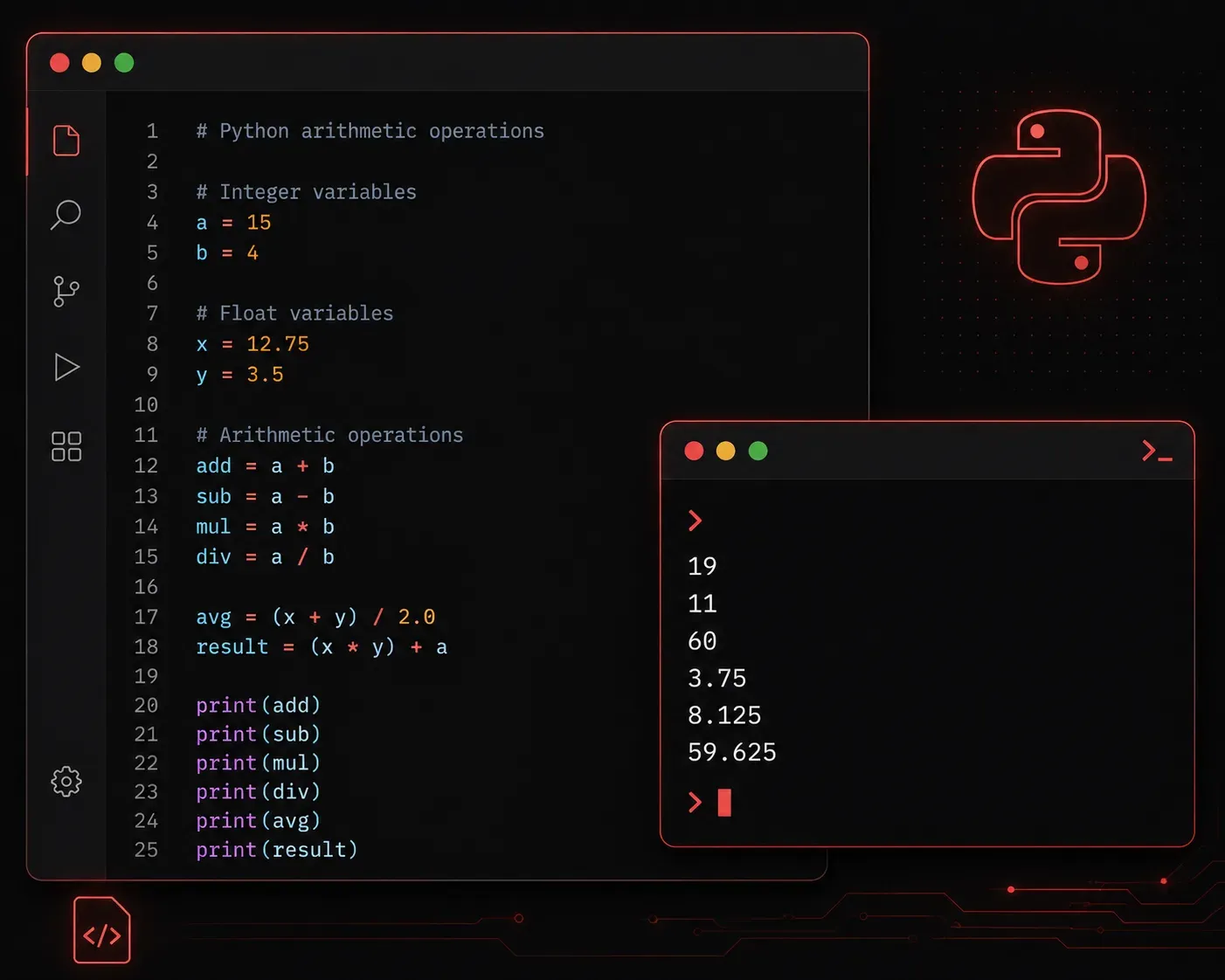
Numbers are everywhere in programming. Whether you are calculating network bandwidth, counting devices in an inventory, or automating a report, Python's number handling is one of the first things you need to get comfortable with. The good news is that Python makes working with numbers straightforward and intuitive.
The Two Main Number Types
Python has two primary number types you will use regularly:
- int (integers): Whole numbers with no decimal point, such as
5,-12, or1000. - float (floating-point numbers): Numbers with a decimal point, such as
3.14,-0.5, or99.9.
You can check what type a value is using the built-in type() function:
x = 10
y = 3.14

print(type(x))  # <class 'int'>
print(type(y))  # <class 'float'>
Python figures out the type automatically based on what you assign. No need to declare it explicitly like in some other languages.
Basic Arithmetic Operations
Python supports all the standard arithmetic operators you would expect:
a = 20
b = 6

print(a + b)   # Addition: 26
print(a - b)   # Subtraction: 14
print(a * b)   # Multiplication: 120
print(a / b)   # Division: 3.3333333333333335
print(a // b)  # Floor division: 3
print(a % b)   # Modulo (remainder): 2
print(a ** b)  # Exponentiation: 64000000
A couple of these deserve a closer look. Regular division with / always returns a float, even if the result is a whole number. Floor division with // rounds down to the nearest integer, which is useful when you need a clean whole-number result. The modulo operator % gives you the remainder after division, which comes in handy for tasks like checking whether a number is even or odd.
Mixing Integers and Floats
When you mix an int and a float in a calculation, Python automatically returns a float:
result = 5 + 2.0
print(result)       # 7.0
print(type(result)) # <class 'float'>
This is called implicit type conversion. Python handles it silently, but it is worth being aware of so unexpected floats do not catch you off guard later.
Useful Built-in Functions for Numbers
Python includes several built-in functions that make number handling more powerful right out of the box:
abs(): Returns the absolute value of a number.round(): Rounds a float to a specified number of decimal places.int(): Converts a float or string to an integer (truncates the decimal).float(): Converts an integer or string to a float.max()andmin(): Return the largest or smallest value from a group of numbers.
print(abs(-45))          # 45
print(round(3.14159, 2)) # 3.14
print(int(9.99))         # 9
print(float(7))          # 7.0
print(max(3, 7, 1, 9))   # 9
print(min(3, 7, 1, 9))   # 1
The Math Module
For more advanced calculations, Python includes a standard library module called math. You just need to import it at the top of your script:
import math

print(math.sqrt(64))     # Square root: 8.0
print(math.pi)           # Pi: 3.141592653589793
print(math.ceil(4.2))    # Round up: 5
print(math.floor(4.9))   # Round down: 4
The math module is part of Python's standard library, so there is nothing extra to install. It is there whenever you need it.
A Practical Example
Here is a simple script that calculates the usable hosts in a subnet, combining several of the concepts above:
subnet_bits = 24
host_bits = 32 - subnet_bits
total_hosts = 2 ** host_bits
usable_hosts = total_hosts - 2  # Subtract network and broadcast addresses

print(f"Host bits: {host_bits}")
print(f"Total addresses: {total_hosts}")
print(f"Usable hosts: {usable_hosts}")
Output:
Host bits: 8
Total addresses: 256
Usable hosts: 254
That is the kind of practical automation Python makes easy, and it all comes back to understanding the basics of number operations.
What's Next
Now that you are comfortable with numbers, the next step is understanding strings, Python's way of handling text. You will learn how to create, combine, and manipulate text data, which opens up a whole new range of automation possibilities. Strings and numbers work together constantly in real scripts, so building both skills early sets a solid foundation for everything ahead.