
Working with Strings in Python
This post introduces Python strings for beginners, covering how to create them, use indexing and slicing, apply common built-in methods, and format them dynamically using f-strings. Practical examples focus on real-world use cases like parsing log lines and building device messages. It is part of a

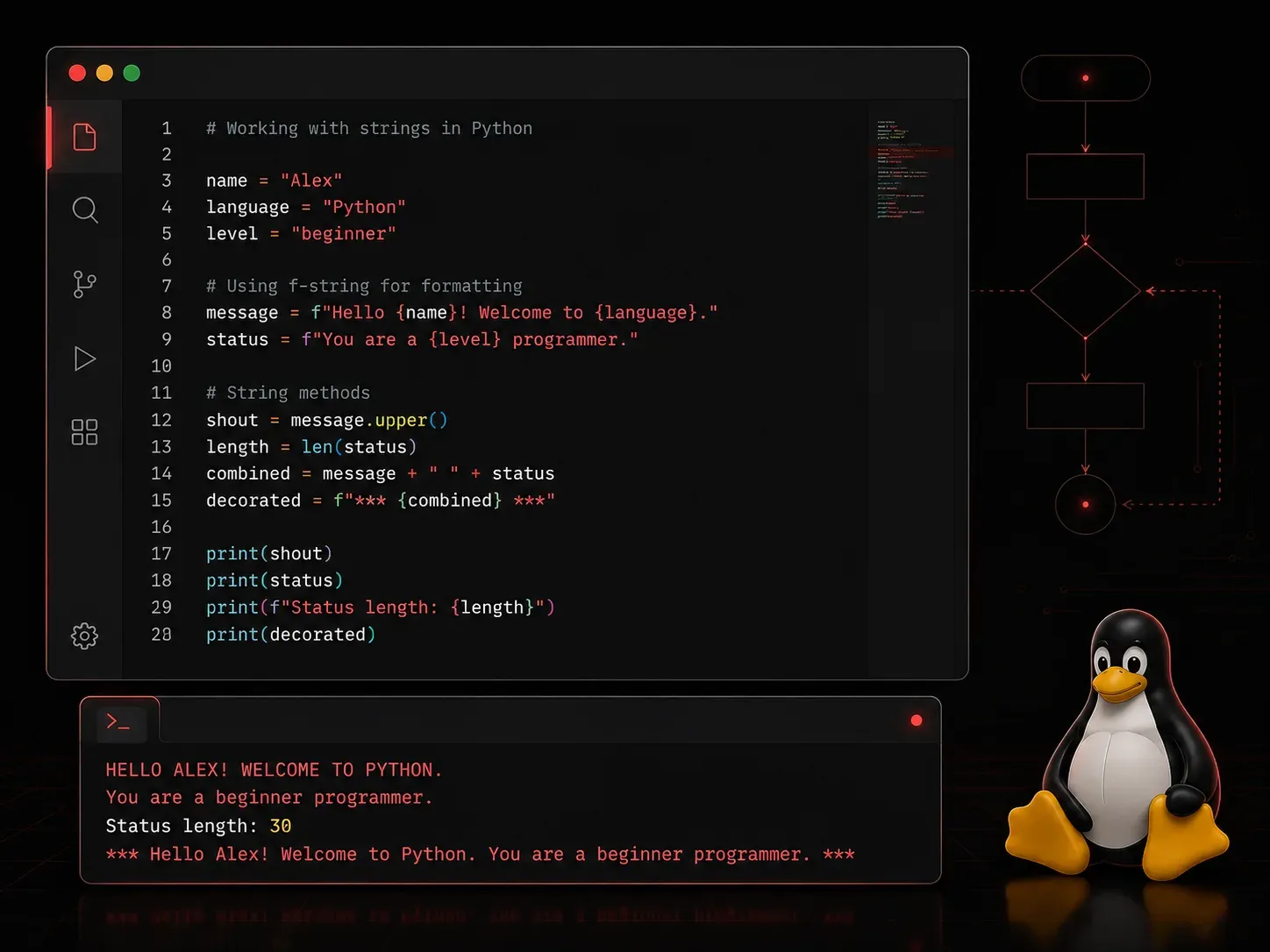
Strings are one of the most fundamental data types in Python. Whether you are writing a script to process network device hostnames, parse log files, or build automation tools, you will work with strings constantly. Understanding how to create, manipulate, and format strings is an essential skill for any Python developer.
What Is a String?
A string is simply a sequence of characters. In Python, strings are enclosed in either single quotes or double quotes. Both work the same way, so use whichever feels natural or fits the context.
hostname = "router01"
location = 'Chicago'
message = "Device 'router01' is online."
You can also create multi-line strings using triple quotes. This is useful for longer messages or templates.
banner = """
Welcome to the network management system.
Unauthorized access is prohibited.
"""
Common String Operations
Concatenation and Repetition
You can join strings together using the + operator, and repeat them using *.
device = "switch"
number = "02"
full_name = device + number
print(full_name)  # switch02

separator = "-" * 20
print(separator)  # --------------------
String Length
Use the built-in len() function to count the number of characters in a string.
hostname = "core-router-01"
print(len(hostname))  # 14
Indexing and Slicing
Strings in Python are indexed starting at 0. You can access individual characters or extract a portion of a string using slicing.
hostname = "core-router-01"

print(hostname[0])     # c
print(hostname[-1])    # 1
print(hostname[0:4])   # core
print(hostname[5:])    # router-01
Slicing uses the format string[start:stop], where start is inclusive and stop is exclusive. Leaving either blank means "from the beginning" or "to the end."
Useful String Methods
Python strings come with a large library of built-in methods. Here are the ones you will reach for most often.
- .upper() and .lower(): Convert a string to all uppercase or all lowercase.
- .strip(): Remove leading and trailing whitespace. Great for cleaning user input or file data.
- .replace(): Substitute one substring with another.
- .split(): Break a string into a list based on a delimiter.
- .startswith() and .endswith(): Check if a string begins or ends with a specific value. Returns
TrueorFalse. - .find(): Return the index position of a substring. Returns
-1if not found.
log_line = "  ERROR: Interface GigabitEthernet0/1 is down  "

print(log_line.strip())
# ERROR: Interface GigabitEthernet0/1 is down

print(log_line.strip().lower())
# error: interface gigabitethernet0/1 is down

parts = log_line.strip().split(":")
print(parts)
# ['ERROR', ' Interface GigabitEthernet0/1 is down']

print(log_line.strip().startswith("ERROR"))
# True
String Formatting
Building strings dynamically is something you will do all the time. Python offers a few ways to do this. The modern and preferred approach is to use f-strings, introduced in Python 3.6.
device = "router01"
ip = "192.168.1.1"
status = "online"

message = f"Device {device} at {ip} is {status}."
print(message)
# Device router01 at 192.168.1.1 is online.
F-strings are clean, readable, and fast. You simply prefix the string with f and place variable names or expressions inside curly braces {}.
An older alternative is the .format() method, which you may encounter in existing code.
message = "Device {} at {} is {}.".format(device, ip, status)
print(message)
# Device router01 at 192.168.1.1 is online.
Checking String Content
Python also gives you methods to inspect what a string contains. These return True or False and are useful for validation logic.
print("router01".isalnum())   # True
print("192.168.1.1".isdigit()) # False (dots are not digits)
print("  ".isspace())          # True
What's Next
Now that you are comfortable working with strings in Python, the natural next step is to explore lists and tuples. These data structures let you store multiple values together, and you will often find yourself converting strings into lists (using .split()) or building strings from lists. That is where things start to get really useful for automation tasks.
If you want to deepen your understanding of Python strings right now, the official Python documentation on strings is an excellent and thorough reference.