
Understanding Access Ports for Data and Voice
Access ports are fundamental switch connections that assign devices to a single VLAN. They handle both standard data connections and special voice configurations where IP phones require separate VLANs for voice and data traffic.

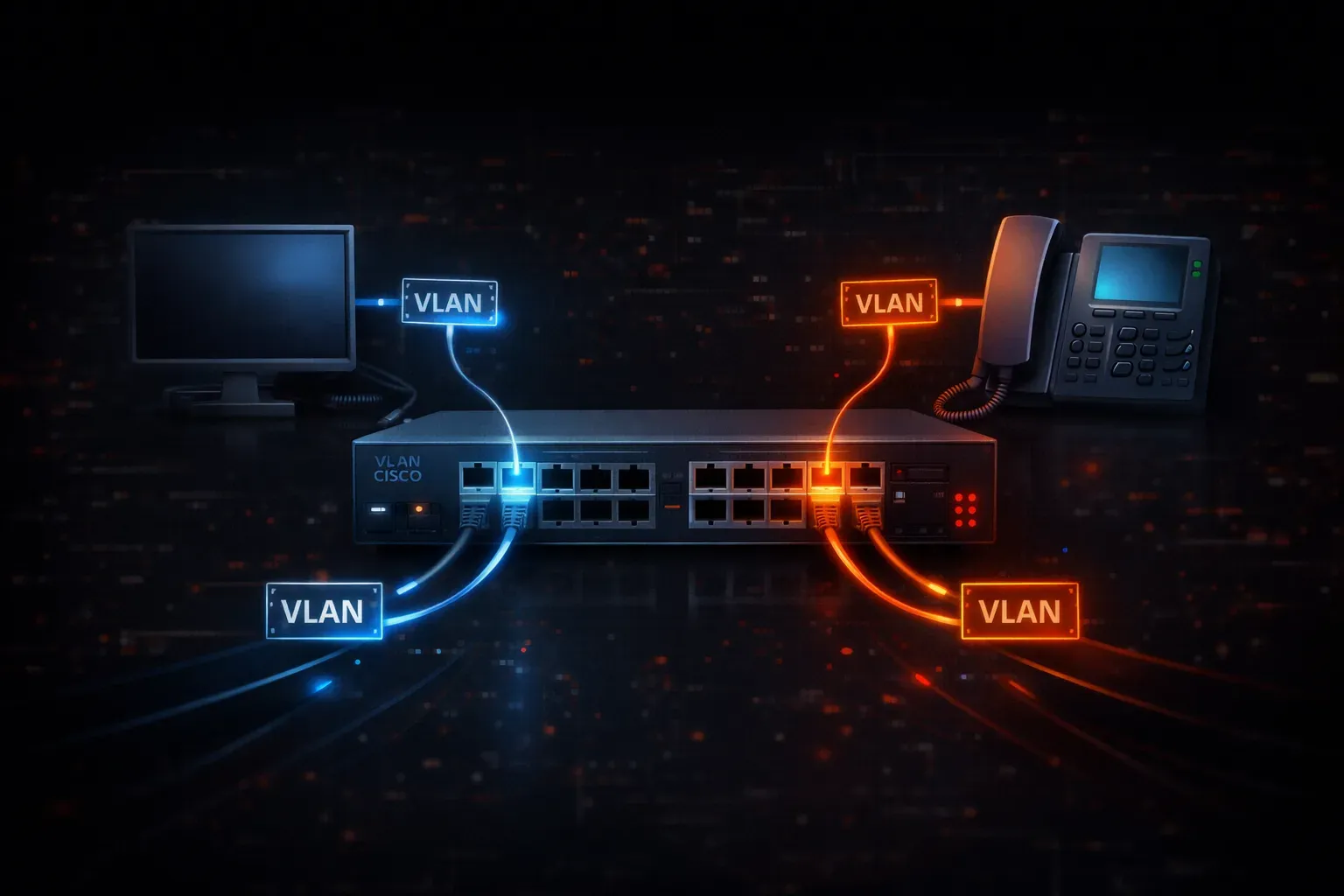
When you first start working with Cisco switches, one of the fundamental concepts you'll encounter is the access port. Think of an access port as a simple, dedicated connection between a device and a single VLAN. Unlike trunk ports that carry multiple VLANs, access ports are straightforward; they belong to one VLAN and handle traffic for devices that don't need to know about VLANs at all.
What is an Access Port?
An access port is a switch port configured to carry traffic for only one VLAN. When a device like a computer, printer, or IP phone connects to an access port, it doesn't need to understand VLANs; the switch handles all the VLAN tagging behind the scenes. The connected device simply sends and receives regular Ethernet frames.
Here's the basic configuration for a standard data access port:
Switch(config)# interface fastethernet 0/1
Switch(config-if)# switchport mode access
Switch(config-if)# switchport access vlan 10
This configuration puts port FastEthernet 0/1 into access mode and assigns it to VLAN 10. Any device connected to this port will be part of VLAN 10.
Data Ports: The Standard Access Port
Data ports are your typical access ports that connect end devices like computers, laptops, and servers. These ports carry data traffic for applications, file transfers, web browsing, and general network communication.
Key characteristics of data access ports include:
- Belong to one VLAN (often called the "access VLAN")
- Remove VLAN tags from frames before sending to connected devices
- Add VLAN tags to frames received from connected devices
- Provide simple plug-and-play connectivity
You can verify your access port configuration with the show interfaces switchport command:
Switch# show interfaces fastethernet 0/1 switchport
Name: Fa0/1
Switchport: Enabled
Administrative Mode: access
Operational Mode: access
Administrative Trunking Encapsulation: negotiate
Negotiation of Trunking: Off
Access Mode VLAN: 10 (Marketing)
Trunking Native Mode VLAN: 1 (default)
Voice Ports: Access Ports with a Twist
Voice ports represent a special type of access port designed for IP phones. Modern IP phones often have a built-in switch that allows a computer to connect through the phone to the network. This creates a unique situation where one physical port needs to handle both voice and data traffic, but in separate VLANs.
Here's how to configure a voice-enabled access port:
Switch(config)# interface fastethernet 0/2
Switch(config-if)# switchport mode access
Switch(config-if)# switchport access vlan 20
Switch(config-if)# switchport voice vlan 100
In this configuration:
- VLAN 20 carries data traffic (from a computer connected through the phone)
- VLAN 100 carries voice traffic (from the IP phone itself)
- The phone learns about the voice VLAN through CDP (Cisco Discovery Protocol)
How Voice and Data VLANs Work Together
When an IP phone connects to a voice-enabled access port, something interesting happens. The switch sends CDP information to the phone, telling it which VLAN to use for voice traffic. The phone then:
- Sends its voice traffic tagged with the voice VLAN ID
- Sends data traffic from the connected computer untagged (which goes to the access VLAN)
- Acts as a mini-switch, managing traffic from both sources
You can verify voice VLAN configuration with:
Switch# show interfaces fastethernet 0/2 switchport
Administrative Mode: access
Access Mode VLAN: 20 (Data)
Voice VLAN: 100 (Voice)
Best Practices for Access Ports
When configuring access ports, consider these important practices:
- Always explicitly configure access mode, don't rely on defaults
- Use descriptive VLAN names to make troubleshooting easier
- Document your VLAN assignments for future reference
- Consider PortFast on access ports to speed up connectivity
Here's a complete configuration example with PortFast enabled:
Switch(config)# interface fastethernet 0/3
Switch(config-if)# switchport mode access
Switch(config-if)# switchport access vlan 30
Switch(config-if)# spanning-tree portfast
Switch(config-if)# description User Workstation - Room 301
What's Next
Now that you understand how access ports work with individual VLANs, the next step is learning about trunk ports. Trunk ports carry multiple VLANs between switches, forming the backbone of your VLAN infrastructure. We'll explore how trunk ports use VLAN tagging to keep traffic separated while traveling between switches.
Tools and resources for this topic
- CCNA Official Cert Guide (Wendell Odom) — The definitive CCNA study resource. Both volumes cover the 200-301 exam blueprint in full.
- Wendell Odom CCNA Vol 1 — Covers networking fundamentals, switching, and routing basics.
- Wendell Odom CCNA Vol 2 — Covers advanced routing, WAN, infrastructure services, and security.