
JavaScript Data Types Explained
JavaScript has seven primitive data types (number, string, boolean, undefined, null, symbol, bigint) and non-primitive objects. Understanding these types is crucial since JavaScript is dynamically typed, allowing variables to change types during execution.

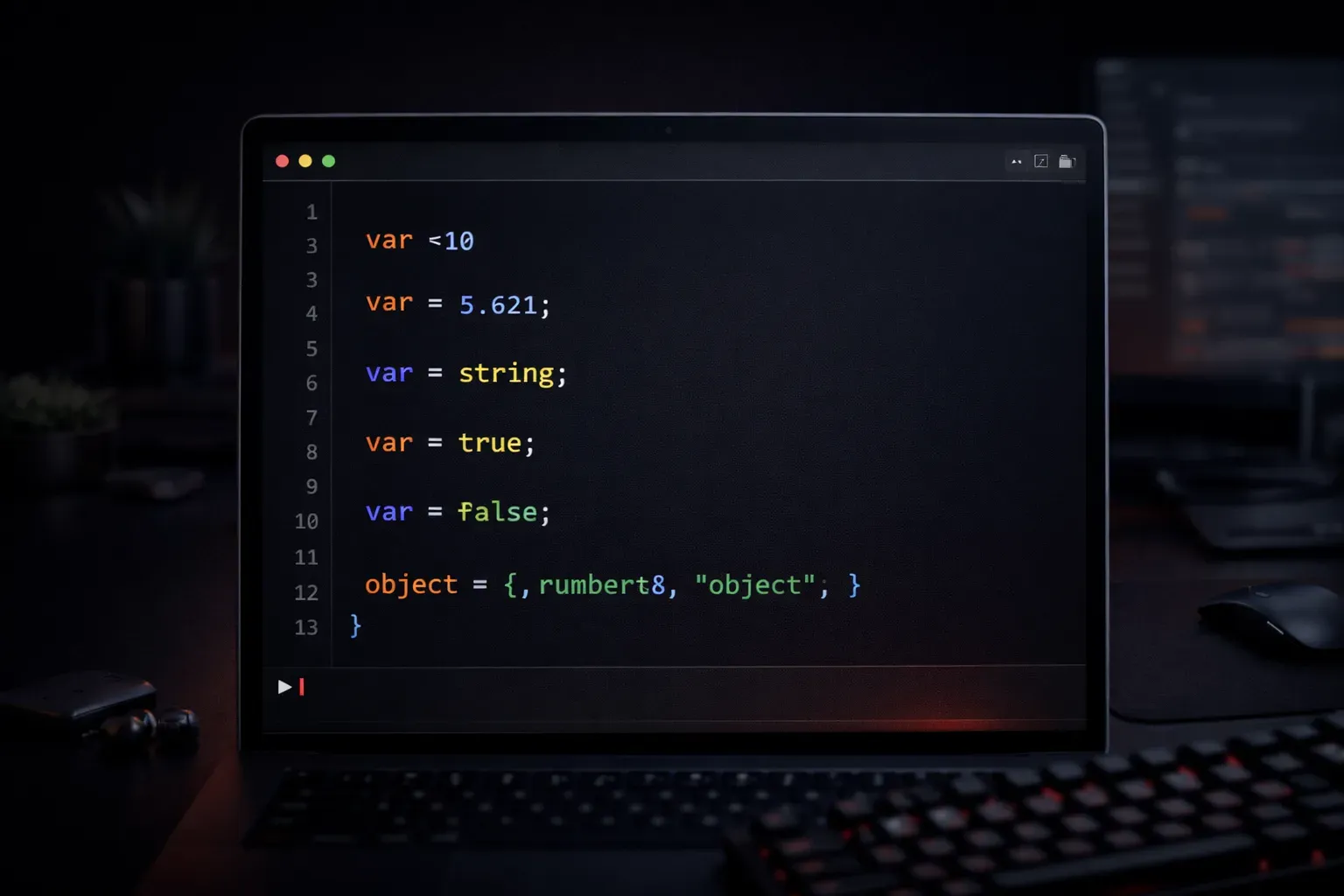
JavaScript data types form the foundation of every program you'll write. Think of data types as categories that tell JavaScript how to handle different kinds of information. Whether you're storing a person's name, their age, or whether they're logged in, JavaScript needs to know what type of data it's working with.
Understanding JavaScript's Type System
JavaScript organizes data types into primitive types and non-primitive types (also called reference types or structural types). Primitive types are the basic building blocks that are immutable - when you change them, you create a new value rather than modifying the original. Non-primitive types are more complex structures that are mutable and passed by reference.
The Seven Primitive Data Types
Number
JavaScript uses a single number type for all numeric values, whether they're integers or decimals:
let age = 25;
let price = 19.99;
let temperature = -5;

console.log(typeof age); // "number"
console.log(typeof price); // "number"
String
Strings represent text data and can be enclosed in single quotes, double quotes, or backticks:
let firstName = 'John';
let lastName = "Doe";
let message = `Hello, ${firstName}!`; // Template literal

console.log(typeof firstName); // "string"
Boolean
Booleans represent logical values and can only be true or false:
let isLoggedIn = true;
let hasPermission = false;

console.log(typeof isLoggedIn); // "boolean"
Undefined
A variable that has been declared but not assigned a value has the type undefined:
let username;
console.log(username); // undefined
console.log(typeof username); // "undefined"
Null
The null type represents an intentional absence of value:
let data = null;
console.log(data); // null
console.log(typeof data); // "object" (this is a known JavaScript bug from its early days!)
Note: The typeof null returning "object" is a famous JavaScript quirk that has been preserved for backward compatibility. It's actually a bug from JavaScript's original implementation, but changing it now would break existing code across the web.
Symbol
Symbols create unique identifiers and are primarily used in advanced scenarios:
let id = Symbol('id');
console.log(typeof id); // "symbol"
BigInt
BigInt handles integers larger than JavaScript's standard number limit:
let largeNumber = 1234567890123456789012345678901234567890n;
console.log(typeof largeNumber); // "bigint"
Non-Primitive Data Types
Object
Objects are collections of key-value pairs and include arrays, functions, and literal objects:
let person = {
    name: 'Alice',
    age: 30
};

let numbers = [1, 2, 3, 4, 5];

function greet() {
    return 'Hello!';
}

console.log(typeof person); // "object"
console.log(typeof numbers); // "object"
console.log(typeof greet); // "function"
Dynamic Typing in Action
JavaScript is dynamically typed, meaning variables can hold different types of values throughout your program:
let variable = 42;        // number
console.log(typeof variable); // "number"

variable = 'Hello';       // now it's a string
console.log(typeof variable); // "string"

variable = true;          // now it's a boolean
console.log(typeof variable); // "boolean"
Common Pitfalls: Dynamic typing can lead to unexpected errors. For example, calling methods that don't exist on a data type, or performing operations that don't work as expected:
let userInput = "5";
let result = userInput + 10; // "510" instead of 15!

// Always validate types when necessary
let number = parseInt(userInput);
let correctResult = number + 10; // 15
Checking Data Types
Use the typeof operator to determine a variable's current data type:
console.log(typeof 42);          // "number"
console.log(typeof 'text');      // "string"
console.log(typeof true);        // "boolean"
console.log(typeof undefined);   // "undefined"
console.log(typeof {});          // "object"
console.log(typeof []);          // "object"
console.log(typeof null);        // "object" (quirk!)
Practical Tips
Understanding data types helps you avoid common mistakes. For example, JavaScript performs automatic type conversion, which can lead to unexpected results:
console.log('5' + 3);    // "53" (string concatenation)
console.log('5' - 3);    // 2 (numeric subtraction)
console.log('5' * 3);    // 15 (numeric multiplication)
Key Difference: Remember that primitive values are immutable. When you modify a primitive value, you create a new value:
let str = "Hello";
str.toUpperCase(); // This doesn't change str
console.log(str); // Still "Hello"

str = str.toUpperCase(); // Now str is reassigned
console.log(str); // "HELLO"
Objects, however, are mutable and passed by reference:
let obj = { name: "John" };
obj.name = "Jane"; // This modifies the original object
console.log(obj.name); // "Jane"
What's Next
Now that you understand JavaScript's data types, you're ready to explore how to work with variables and perform operations on different types of data. In our next post, we'll dive into JavaScript variables and how to declare, assign, and manipulate them effectively.