
AI Agents in IT: Practical Applications and Benefits
This post introduces AI agents to IT professionals, explaining what makes a system an agent and covering practical applications including help desk automation, infrastructure monitoring, security response, and DevOps assistance. It also outlines the key IT benefits of AI integration such as speed,

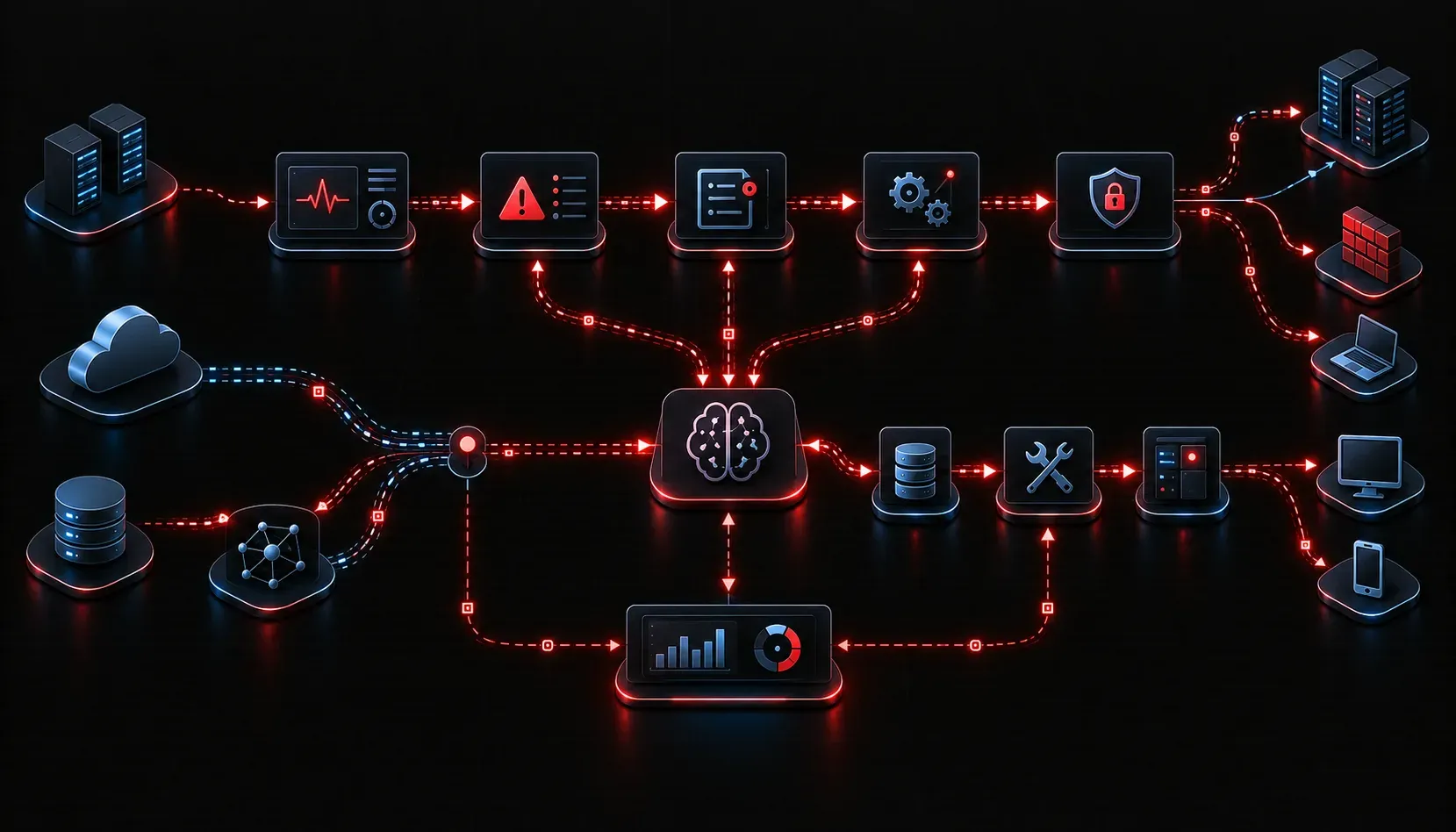
If you have been paying attention to the AI space lately, you have probably heard the term "AI agent" thrown around quite a bit. But what does it actually mean for IT professionals, and why should you care? In this post, we are going to break down the practical applications of AI agents in IT environments and explore the real benefits they bring to the table.
What Is an AI Agent?
An AI agent is a software system that can perceive its environment, make decisions, and take actions to achieve a specific goal, often without requiring a human to approve every step. Think of it less like a chatbot and more like a junior technician who can read a runbook, execute tasks, check the results, and try again if something goes wrong.
The key properties that make something an AI agent rather than just a script are:
- Autonomy: it operates independently after receiving an initial goal or instruction
- Perception: it reads inputs from its environment, such as logs, APIs, or user messages
- Action: it can execute tasks, call tools, or invoke other systems
- Goal-directed behavior: it works toward an objective, not just a single response
Practical AI Agent Applications in IT
AI integration in IT is not a future concept. Teams are deploying agents right now to handle real workloads. Here are some of the most practical applications you will encounter.
1. IT Help Desk and Ticket Triage
AI agents can read incoming support tickets, classify the issue, pull relevant knowledge base articles, and either resolve the issue automatically or route it to the correct team with a suggested solution. This dramatically reduces mean time to resolution (MTTR) and frees up engineers for more complex work.
2. Infrastructure Monitoring and Alerting
Instead of simply sending an alert when a threshold is crossed, an agent can investigate the alert, correlate it with other events, check recent change logs, and summarize the probable root cause before a human ever looks at it. Some agents can even execute predefined remediation actions, like restarting a service or flushing a cache.
3. Automated Security Response
Security operations centers (SOCs) are using AI agents to triage security alerts at scale. An agent can query threat intelligence feeds, check endpoint data, examine network logs, and recommend or even execute a containment action, all within seconds of a detection event.
4. Code Review and DevOps Assistance
AI agents integrated into CI/CD pipelines can review pull requests for common bugs, security vulnerabilities, and style violations. They can also generate test cases, write documentation, or suggest refactoring improvements. Tools like GitHub Copilot Workspace and Cursor are early examples of this pattern in practice.
5. Network Configuration and Compliance Checks
An agent can be given a compliance policy document and then autonomously compare it against running device configurations, flag deviations, and generate a remediation report. This is particularly powerful for organizations managing large numbers of devices.
The Real IT Benefits of AI Integration
Beyond individual use cases, the broader benefits of adopting AI agents in IT operations include:
- Speed: agents operate continuously without fatigue, executing tasks in seconds that might take a human hours
- Consistency: agents follow the same process every time, reducing human error in repetitive tasks
- Scale: a single agent framework can handle thousands of concurrent tasks, something no human team can match
- Cost efficiency: by automating tier-1 and tier-2 tasks, teams can focus senior talent on higher-value problems
- Faster learning loops: agents can log every decision, making it easier to audit, improve, and retrain the system over time
A Word of Caution for Beginners
AI agents are powerful, but they are not magic. They perform best when given clear goals, reliable tools, and well-defined guardrails. Deploying an agent without understanding what actions it can take and what happens when it makes a mistake is a recipe for trouble. Start small, observe carefully, and expand scope as you build confidence in the system.
What's Next
Now that you understand what AI agents can do in an IT context, the natural next step is understanding how they are actually built. In the next post, we will dig into AI agent design principles, covering the core components like planning, memory, tool use, and feedback loops. These are the building blocks you need to understand before you start building or evaluating agents of your own.