
AI Techniques for Better Code Quality: A Comprehensive Overview
This post explains how AI techniques can improve code quality across three key areas: AI-assisted debugging, error handling improvements, and automated documentation generation. It provides practical Python examples and introduces real AI tools that fit into everyday development workflows. Readers

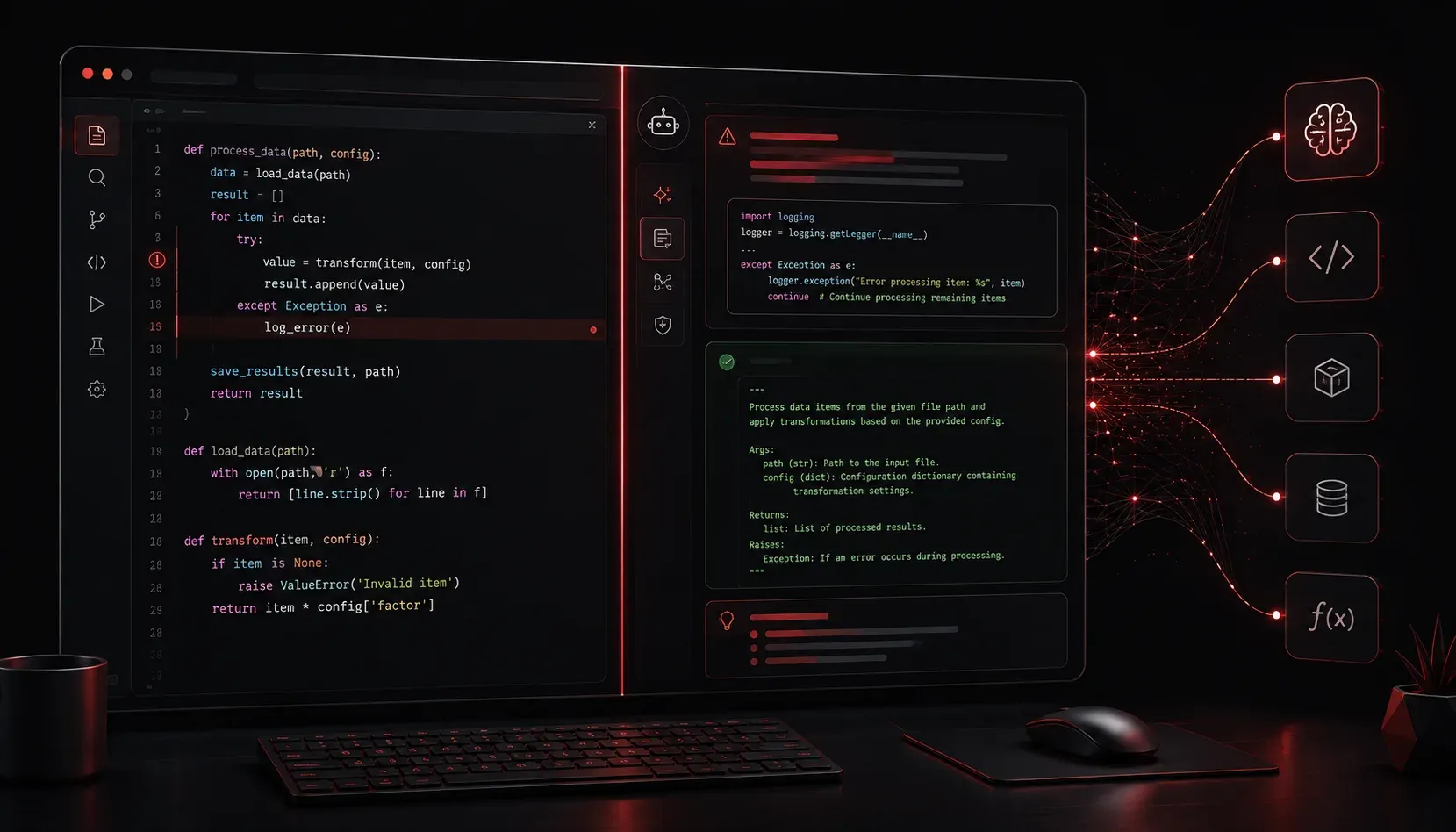
Writing code is one thing. Writing good code is another challenge entirely. Whether you are a seasoned developer or just starting out, maintaining high code quality takes time, discipline, and a sharp eye for detail. AI tools are changing that equation in some genuinely useful ways, and this post gives you a practical overview of how AI techniques can improve your development workflow from first draft to production-ready code.
What Do We Mean by Code Quality?
Before we talk about AI, it helps to define what "quality" actually means in a codebase. High-quality code tends to share a few common common traits:
- Readability: Other developers (and future you) can understand it quickly
- Reliability: It handles edge cases and errors gracefully
- Maintainability: It can be updated or extended without breaking things
- Documentation: Its purpose and behavior are clearly explained
AI code quality improvement targets all four of these areas, often simultaneously. Let us walk through the main techniques.
AI-Assisted Debugging
Debugging is where most developers lose significant time. You stare at an error message, trace through logic, and try to figure out what went wrong. AI tools can dramatically shorten this loop.
Tools like Cursor and AI-integrated development environments are purpose-built for this kind of in-context code analysis. You paste in a stack trace or a failing function, and the AI explains what is going wrong in plain language. GitHub Copilot is better known for inline code suggestions and autocompletion, but it can also surface relevant fixes as you type.
General-purpose language models like ChatGPT and Claude are also widely used during debugging, not because they are dedicated debugging tools, but because they excel at explaining code behavior in plain language. For example, suppose you have a Python function that throws a KeyError. Instead of manually tracing dictionary access calls, you can paste the function and the traceback into one of these assistants and ask: "Why is this failing and how do I fix it?" The response often includes an explanation of the root cause, a corrected version of the code, and a note on how to prevent the issue in the future.
Here is a simple example of code with a bug, followed by an AI-suggested fix:
# Original code with a bug
def get_user_role(user_data):
    return user_data["role"]

# AI-suggested improvement with defensive error handling
def get_user_role(user_data):
    if not isinstance(user_data, dict):
        raise TypeError("user_data must be a dictionary")
    return user_data.get("role", "guest")
The AI suggestion replaces a brittle dictionary lookup with a safer .get() call and adds basic type validation. That is a real quality improvement in seconds.
Error Handling Improvements
Related to debugging is the broader practice of building better error handling into your code from the start. Many beginners write "happy path" code that assumes everything works perfectly. AI development workflows can help you think beyond that.
When you share a function with an AI assistant and ask "what could go wrong here?", it will often surface edge cases you had not considered: null inputs, empty lists, network timeouts, unexpected data types. This makes AI a useful thinking partner for quality assurance reviews, even before code hits a test suite.
Some AI-powered linting tools, like Sourcery, integrate directly into your editor and flag code that is overly fragile or missing error handling, giving you real-time feedback as you write.
Automated Documentation Generation
Documentation is the area most developers neglect, not because they do not care, but because writing it takes time away from building. AI changes the economics of that tradeoff.
Tools like GitHub Copilot and standalone AI assistants can generate docstrings, inline comments, and even full README sections based on your existing code. You write the logic; the AI explains it.
Here is an example of AI-generated documentation for a simple function:
def calculate_discount(price, discount_percent):
    """
    Calculate the final price after applying a percentage discount.

    Args:
        price (float): The original price of the item. Must be non-negative.
        discount_percent (float): The discount to apply, expressed as a
                                  percentage (e.g., 10 for 10%). Must be
                                  between 0 and 100.

    Returns:
        float: The discounted price rounded to two decimal places.

    Raises:
        ValueError: If price is negative or discount_percent is out of range.
    """
    if price < 0 or not (0 <= discount_percent <= 100):
        raise ValueError("Invalid price or discount value")
    return round(price * (1 - discount_percent / 100), 2)
That docstring took seconds to generate and covers arguments, return values, and exceptions. It follows the Google-style Python docstring convention and would pass most code review standards.
Putting It All Together in an AI Development Workflow
The real power of these techniques comes when you chain them together. A practical AI-enhanced code quality workflow might look like this:
- Write your initial function or module
- Use an AI assistant to review it for edge cases and error handling gaps
- Apply suggested fixes and ask the AI to explain each one so you learn the pattern
- Generate documentation automatically and review it for accuracy
- Run your code through an AI-powered linter for final style and quality checks
Each step is still driven by you. The AI is not replacing your judgment; it is acting as a tireless review partner who never gets frustrated and never skips steps.
What's Next
Now that you have a solid overview of how AI techniques support code quality improvement, the next post in this series dives deeper into one specific area: using AI for automated testing and test case generation. You will see how AI tools can help you write unit tests faster, cover more edge cases, and build a more reliable codebase from the ground up.