
Piping Commands Together in Bash
This post explains how piping works in Bash, using the | character to chain commands together so the output of one feeds directly into the next. It covers practical examples including filtering with grep, counting with wc, sorting with sort and uniq, and chaining multiple pipes in a single command.

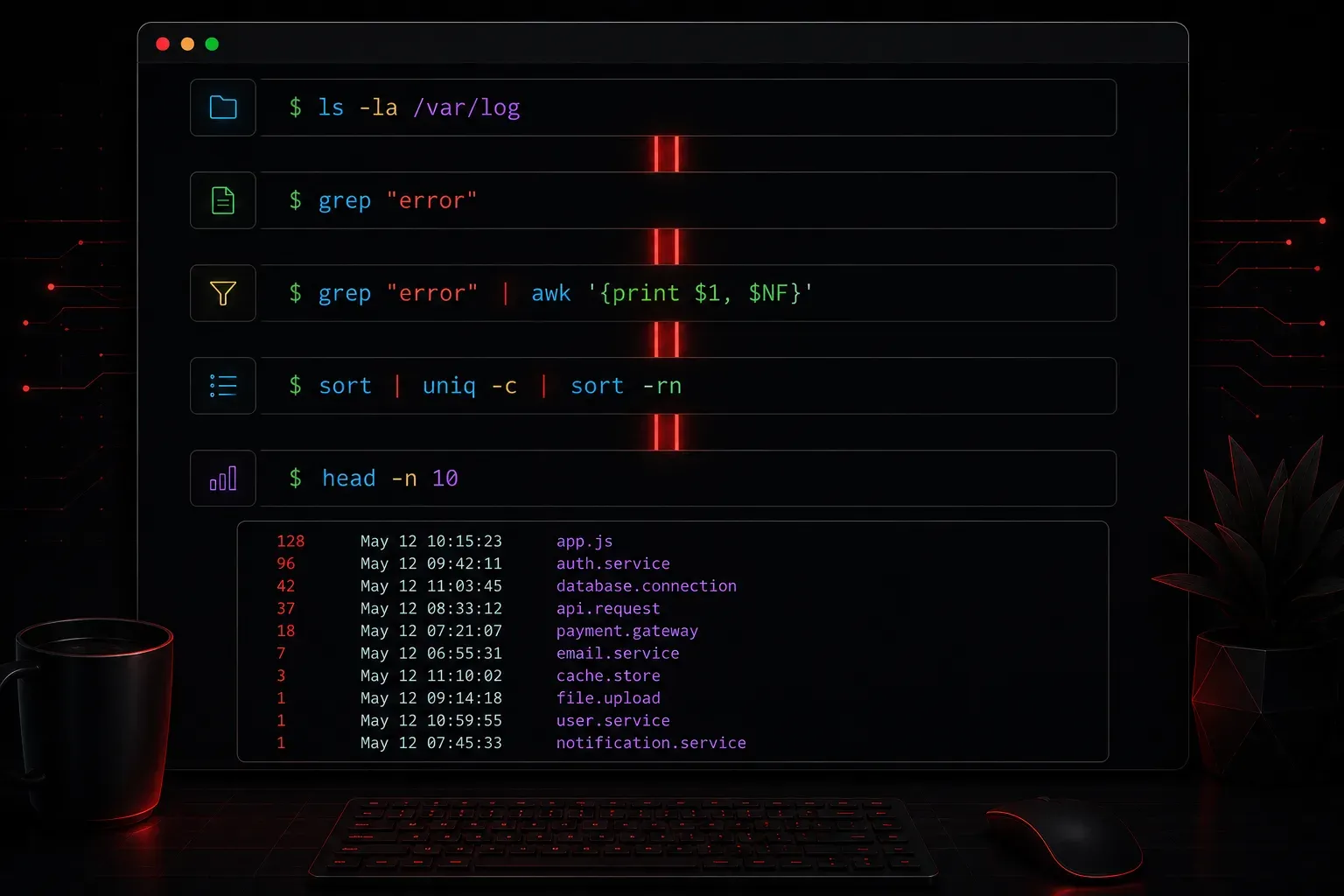
One of the most powerful features of the Bash shell is the ability to chain commands together so the output of one feeds directly into the input of the next. This is called piping, and once you understand it, you will find yourself using it constantly.
What Is a Pipe?
In Bash, a pipe is represented by the vertical bar character: |. It connects two commands by taking the standard output (stdout) of the command on the left and passing it as the standard input (stdin) to the command on the right.
The basic syntax looks like this:
command1 | command2You are not saving anything to a file in between. The data flows directly from one command to the next, entirely in memory. This makes piping both fast and elegant.
A Simple Example
Say you want to list all the files in a directory, but there are hundreds of them and the output scrolls off the screen. You can pipe the output of ls into less to make it scrollable:
ls -la | lessNow instead of watching everything fly past, you can page through the results at your own pace. Press q to quit when you are done.
Filtering Output with grep
A very common use of piping is to filter output using grep. Suppose you want to find only the lines in a file that contain the word "error":
cat /var/log/syslog | grep "error"This takes the entire contents of the log file and passes it to grep, which prints only the matching lines. You could also skip cat entirely and use:
grep "error" /var/log/syslogBoth approaches work, but piping becomes essential when your input is not a file but the output of another command.
Chaining Multiple Pipes
You are not limited to one pipe. You can chain as many commands together as you need. Each pipe passes the output of the previous command along to the next one in the chain.
Here is a practical example. You want to find all running processes, filter for ones related to Python, and then count how many there are:
ps aux | grep python | wc -lBreaking this down step by step:
ps aux: lists all running processesgrep python: filters that list to show only lines containing "python"wc -l: counts the number of lines in the result
Three commands, two pipes, and a useful result, all on one line.
Sorting and Deduplicating Output
Another common pattern is sorting output and removing duplicates. If you have a file with repeated entries and you want a clean sorted list, you can do this:
cat names.txt | sort | uniqThe sort command arranges the lines alphabetically, and uniq removes consecutive duplicate lines. The two commands need to work together in that order because uniq only removes adjacent duplicates, so sort must come first.
A Note on stdin and stdout
Understanding why piping works requires a quick look at how Linux treats input and output. Every command has three standard streams:
- stdin (0): where a command reads its input from
- stdout (1): where a command writes its normal output
- stderr (2): where a command writes error messages
By default, a pipe only connects stdout to stdin. Error messages from a command will still appear on your terminal unless you explicitly redirect stderr as well. You can combine stderr with stdout using 2>&1 before the pipe if you need to capture errors too:
command 2>&1 | grep "something"What's Next
Now that you understand how to connect commands with pipes, the next logical step is learning about redirection, specifically how to write command output to a file using > and >>, and how to read input from files. Redirection and piping work hand in hand, and knowing both gives you complete control over how data flows through your shell environment.