
Bash String Operations
Learn essential Bash string operations including length calculation, concatenation, substring extraction, pattern matching, and case conversion. Includes practical examples for real-world scripting scenarios.

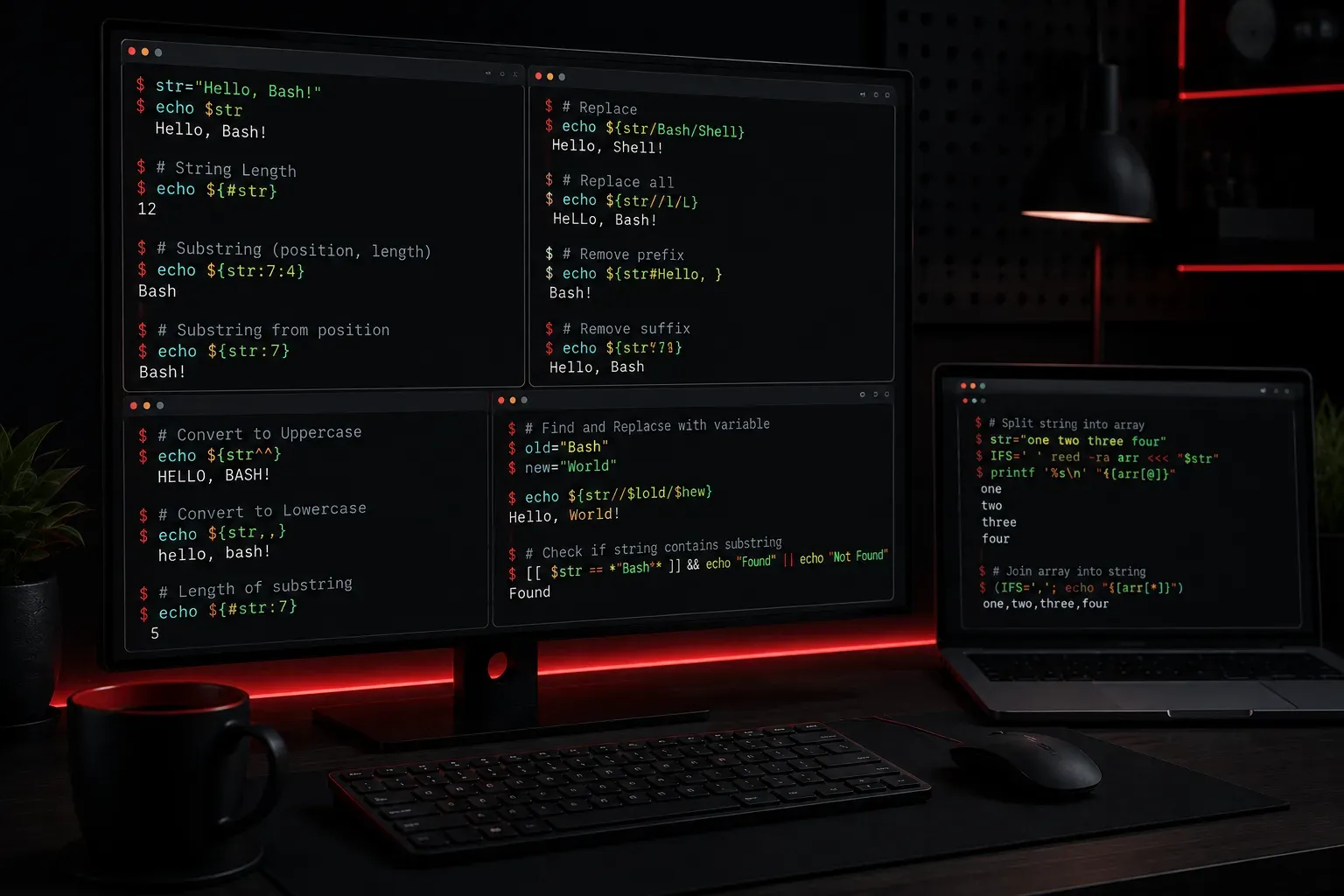
Working with strings is one of the most common tasks you'll encounter when writing Bash scripts. Whether you're parsing file names, processing user input, or manipulating configuration data, understanding how to handle strings effectively will make your scripts more powerful and reliable.
Let's explore the essential string operations that every Bash programmer should know, starting with the basics and building up to more advanced techniques.
String Length and Basic Properties
The most fundamental operation is determining a string's length. In Bash, you use the ${#variable} syntax:
#!/bin/bash
name="Alice"
echo "The name has ${#name} characters"
# Output: The name has 5 characters

filename="document.txt"
echo "Filename length: ${#filename}"
# Output: Filename length: 12
String Concatenation
Joining strings together is straightforward in Bash. You can simply place variables next to each other or use explicit concatenation:
#!/bin/bash
first_name="John"
last_name="Smith"

# Direct concatenation
full_name="$first_name $last_name"
echo "$full_name"
# Output: John Smith

# Building file paths
directory="/home/user"
filename="data.txt"
full_path="$directory/$filename"
echo "$full_path"
# Output: /home/user/data.txt
Substring Extraction
Extracting parts of strings is incredibly useful for parsing data. Bash provides several ways to slice strings:
#!/bin/bash
text="Hello, World!"

# Extract from position (0-indexed)
echo "${text:0:5}"     # Output: Hello
echo "${text:7}"       # Output: World!
echo "${text:7:5}"     # Output: World

# Extract file extension
filename="report.pdf"
extension="${filename##*.}"
echo "Extension: $extension"  # Output: Extension: pdf

# Extract filename without extension
basename="${filename%.*}"
echo "Base name: $basename"   # Output: Base name: report
Understanding the Syntax
The substring syntax ${string:position:length} works as follows:
- position: Starting index (0-based)
- length: Number of characters to extract (optional)
Pattern Matching and Replacement
Bash excels at pattern-based string manipulation. Here are the most useful operations:
#!/bin/bash
sentence="The quick brown fox jumps over the lazy dog"

# Remove from beginning (shortest match)
echo "${sentence#The }"          # Output: quick brown fox jumps over the lazy dog

# Remove from beginning (longest match)
echo "${sentence##* }"           # Output: dog

# Remove from end (shortest match)
echo "${sentence% dog}"          # Output: The quick brown fox jumps over the lazy

# Remove from end (longest match)
echo "${sentence%% *}"           # Output: The

# Replace first occurrence
echo "${sentence/fox/cat}"       # Output: The quick brown cat jumps over the lazy dog

# Replace all occurrences
echo "${sentence//o/0}"          # Output: The quick br0wn f0x jumps 0ver the lazy d0g
Case Conversion
Converting string case is essential for consistent data processing:
#!/bin/bash
mixed_case="Hello World"

# Convert to uppercase
echo "${mixed_case^^}"           # Output: HELLO WORLD

# Convert to lowercase
echo "${mixed_case,,}"           # Output: hello world

# Convert first character to uppercase
echo "${mixed_case^}"            # Output: Hello World

# Convert first character to lowercase
echo "${mixed_case,}"            # Output: hello World
Practical Example: Processing File Names
Let's combine these techniques in a real-world scenario:
#!/bin/bash
filename="My Document - Final Version.PDF"

# Clean up the filename
clean_name="${filename// /_}"              # Replace spaces with underscores
clean_name="${clean_name,,}"               # Convert to lowercase
clean_name="${clean_name//[^a-z0-9._-]/}"  # Remove special characters

echo "Original: $filename"
echo "Cleaned:  $clean_name"
# Output:
# Original: My Document - Final Version.PDF
# Cleaned:  my_document_-_final_version.pdf
What's Next
Now that you understand string operations, you're ready to tackle more complex data processing tasks. In our next post, we'll explore arrays in Bash, which will allow you to work with collections of strings and build more sophisticated scripts for handling multiple data items at once.