
Comparing AI Code Assistants: Which Tool is Right for You?
A comprehensive comparison of leading AI code assistants including GitHub Copilot, Claude, ChatGPT, Cursor, and Codeium, examining their features, pricing, and ideal use cases to help developers choose the right tool for their workflow.

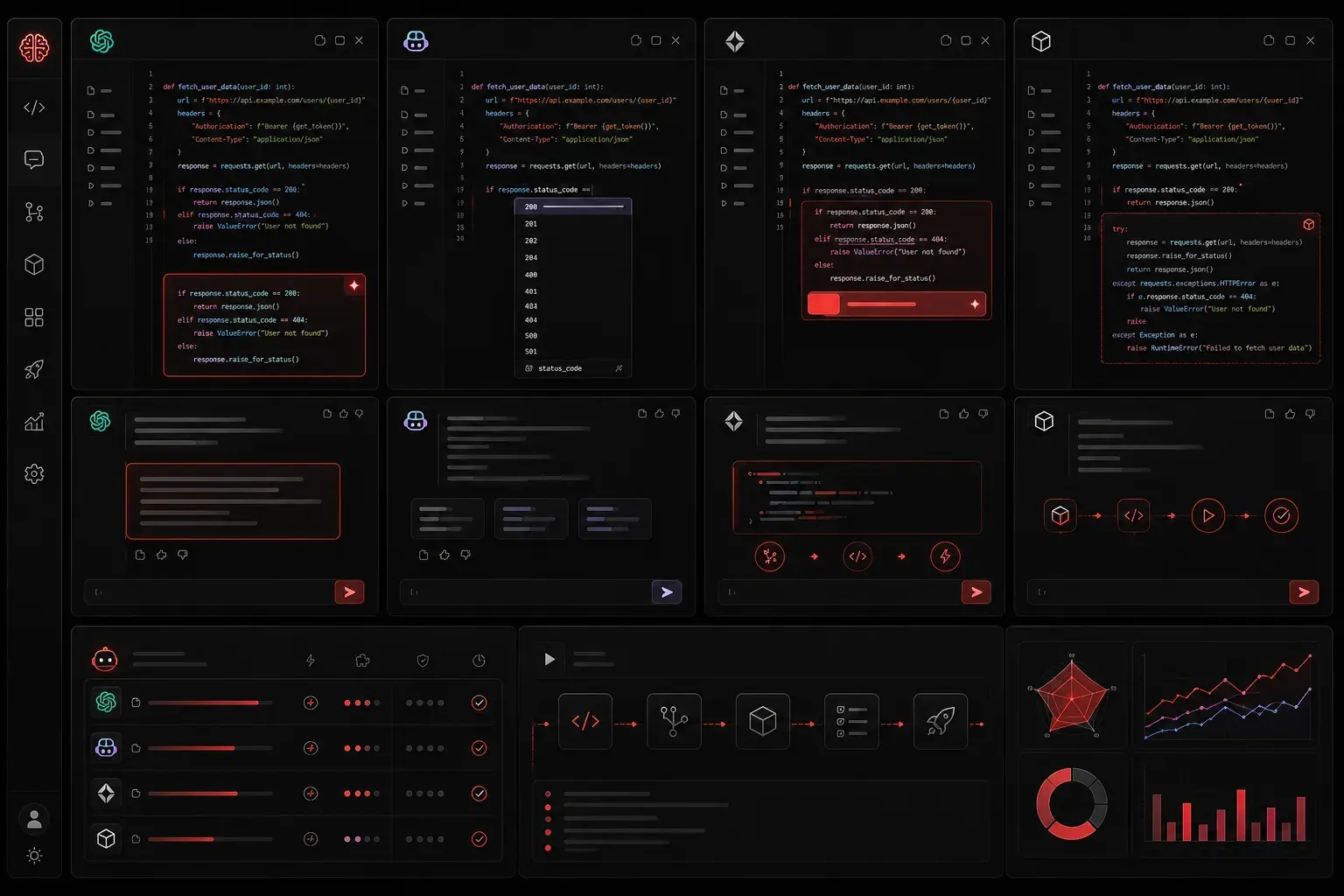
The AI code assistant landscape has exploded in recent years, giving developers an overwhelming array of choices. Whether you're automating network configurations for Cisco environments, building Python scripts for network automation, or developing full applications, choosing the right AI coding companion can dramatically boost your productivity. Let's break down the leading options to help you make an informed decision.
The Major Players in AI Code Assistance
When comparing AI code assistants, five tools consistently rise to the top: GitHub Copilot, Claude, ChatGPT, Cursor, and Codeium. Each brings unique strengths to your development workflow, though it's important to distinguish between tools designed primarily for code assistance versus those offering broader AI capabilities.
GitHub Copilot: The IDE Native
GitHub Copilot integrates directly into your development environment through extensions for VS Code, JetBrains IDEs, and Neovim. Its strength lies in real-time code completion as you type, making it particularly effective for network automation tasks.
Best for: Developers who want seamless IDE integration and autocomplete-style assistance
Pricing: $10/month individual, $19/month business (pricing may vary by region)
Key Features: Context-aware suggestions, excellent Python and JavaScript support, chat interface
# Example: Copilot suggesting a Python function for Cisco device parsing
def parse_cisco_show_interface(output):
    # Copilot automatically suggests implementation based on function name
    interfaces = {}
    current_interface = None
    for line in output.split('\n'):
        if line.startswith('interface'):
            current_interface = line.split()[1]
            interfaces[current_interface] = {}
        elif 'IP address' in line and current_interface:
            ip_info = line.strip().split()
            interfaces[current_interface]['ip'] = ip_info[3]
    return interfaces
Claude: The Reasoning Assistant
Anthropic's Claude is a general-purpose AI assistant that excels at understanding complex problems and providing detailed explanations alongside code. While not primarily marketed as a code assistant, it's particularly strong for debugging network configurations and architectural discussions.
Best for: Complex problem-solving, code review, learning network automation concepts
Pricing: Free tier available, $20/month for Pro (pricing subject to change)
Key Features: Large context window, excellent reasoning, artifact creation for network diagrams
# Claude excels at explaining complex network automation scenarios
def configure_vlan_on_cisco_switch(switch_ip, vlan_id, vlan_name, ports):
    """
    Claude provides detailed explanations of each step:
    1. Establish SSH connection to switch
    2. Enter global configuration mode
    3. Create VLAN with ID and name
    4. Assign ports to VLAN
    """
    pass  # Implementation with detailed comments
ChatGPT: The Versatile Assistant
OpenAI's ChatGPT offers strong general-purpose coding assistance with good integration options. Like Claude, it's a broad AI assistant rather than a specialized coding tool, but provides solid support for network automation tasks.
Best for: General development tasks, learning network protocols, prototyping automation scripts
Pricing: Free tier, $20/month for Plus (pricing subject to regional variations)
Key Features: Web interface, mobile app, custom GPTs for network-specific tasks, Python code interpreter
Cursor: The AI-First Editor
Cursor is a VS Code fork built specifically for AI-assisted development. It combines the familiar VS Code experience with powerful AI features, offering excellent support for Python network automation workflows.
Best for: Developers wanting an AI-native editing experience for network automation projects
Pricing: Free tier, $20/month for Pro
Key Features: Codebase-wide understanding, AI chat, automatic refactoring, strong Python support
Codeium: The Free Alternative
Codeium provides many premium features for free, making it an attractive option for individual developers and small teams working on network automation projects.
Best for: Budget-conscious developers and teams, Python scripting for network tasks
Pricing: Free for individuals, paid plans for teams
Key Features: IDE integration, chat interface, unlimited usage on free tier, good Python support
Network Engineering Context: Tool-Specific Applications
For network engineers preparing for the Cisco AI Technical Practitioner exam, here's how each tool applies to common scenarios:
- Cisco Configuration Scripts: GitHub Copilot excels at generating Netmiko and NAPALM Python scripts for device automation
- Network Troubleshooting Logic: Claude provides excellent explanations of complex routing protocols and debugging approaches
- API Integration: ChatGPT offers strong support for REST API calls to Cisco DNA Center or Meraki Dashboard
- Large Codebase Management: Cursor's codebase understanding helps manage complex network automation frameworks
- Learning and Experimentation: Codeium's free tier allows unlimited practice with network automation scripts
Language Support for Network Engineers
When evaluating AI software comparison criteria for network automation:
- Python: All tools provide excellent Python support, crucial for network automation with libraries like Netmiko, NAPALM, and Nornir
- YAML: Essential for network device configurations and Ansible playbooks - Claude and ChatGPT excel at YAML structure and validation
- JSON: Critical for REST API interactions - all tools handle JSON well, with Cursor offering particularly good formatting
- Bash/Shell scripting: GitHub Copilot and Codeium provide strong support for network device CLI automation
Choosing Your AI Coding Partner
Consider these factors when selecting tools for network automation development:
- Integration Style: Do you prefer in-IDE suggestions (Copilot, Cursor) or separate interfaces for complex problem-solving (Claude, ChatGPT)?
- Project Scope: Network automation scripts benefit from tools with good context understanding
- Budget: Free options like Codeium offer substantial value for individual network engineers
- Learning vs Production: Claude excels at explaining network concepts while Copilot focuses on coding speed
Real-World Usage Patterns for Network Engineers
Most productive network engineers use multiple AI coding tools for different scenarios:
- Daily scripting: GitHub Copilot or Cursor for real-time Python automation assistance
- Complex troubleshooting: Claude for understanding routing protocol behaviors and network design patterns
- Learning new technologies: ChatGPT for explanations of SDN concepts, API documentation, and protocol deep-dives
- Code review: Claude or ChatGPT for analyzing network automation scripts and identifying potential issues
Start with one tool that matches your primary workflow, then expand based on specific needs. Many network engineers find the combination of an IDE-integrated tool plus a separate reasoning-focused assistant provides the best coverage for both rapid development and complex problem-solving.
What's Next
Now that you understand the landscape of AI code assistants and their applications to network engineering, the next step is learning how to write effective prompts that get you the exact code you need for network automation tasks. We'll explore prompt engineering techniques specifically designed for network-focused code generation in our next post.