
Advanced BGP Troubleshooting Techniques for CCNP ENARSI
Advanced BGP troubleshooting guide covering state machine analysis, route filtering, path selection, and convergence issues. Essential techniques for CCNP ENARSI candidates working with complex enterprise BGP implementations.

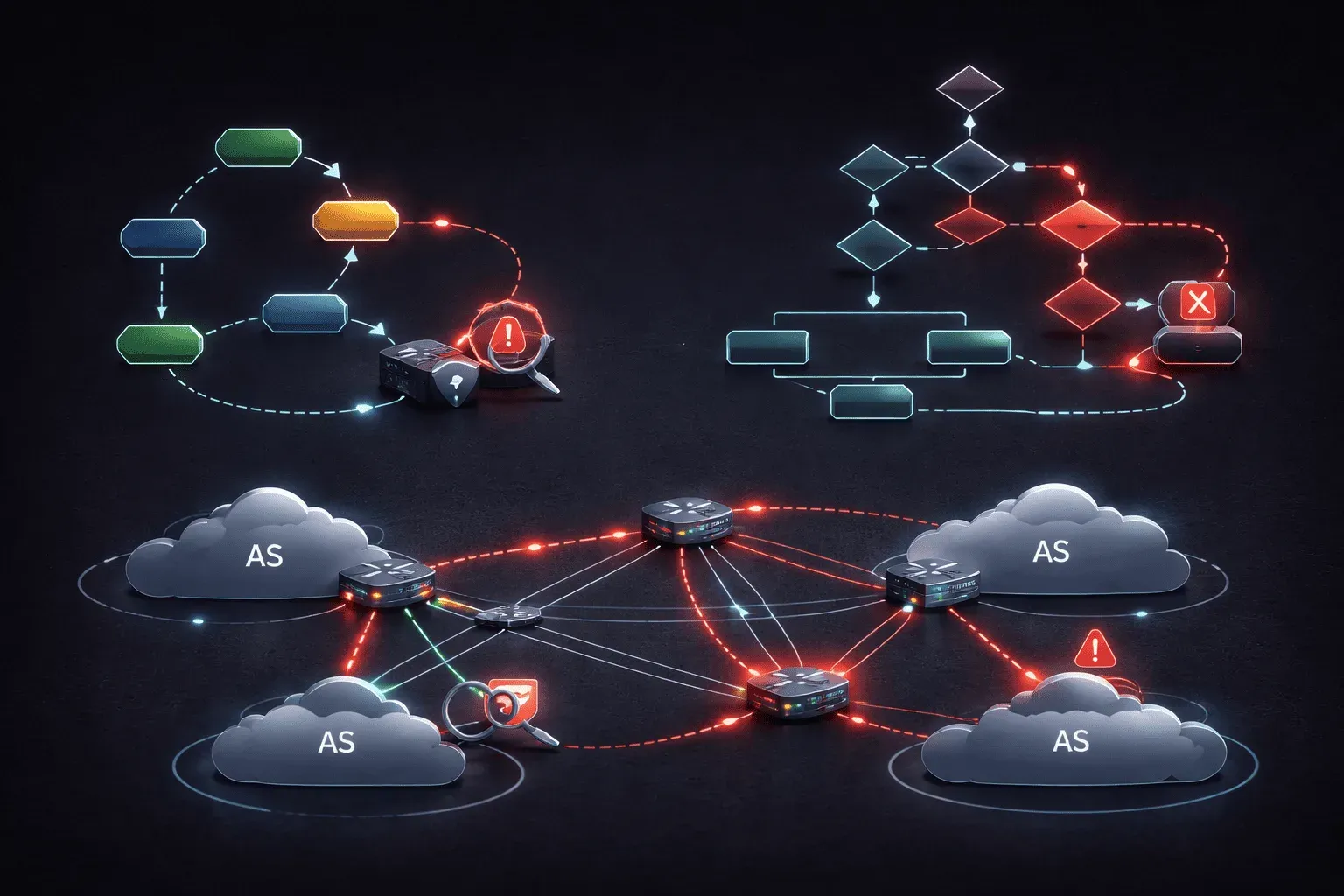
BGP troubleshooting in enterprise environments requires a systematic approach that goes beyond basic reachability checks. When facing complex BGP issues, experienced engineers need methodical techniques to isolate problems efficiently across multi-vendor, multi-AS topologies. This guide explores advanced troubleshooting strategies that will serve you well in both production environments and CCNP ENARSI scenarios.
BGP State Machine Analysis
The BGP finite state machine provides critical insights into neighbor relationship failures. Rather than simply checking if neighbors are established, examine the specific states and transitions to identify root causes.
Router# show ip bgp neighbors 10.1.1.2 | include BGP state
BGP state = Connect, up for 00:02:15
When neighbors are stuck in Connect state, this typically indicates TCP connectivity issues. Use show ip bgp neighbors [neighbor-ip] to examine detailed state information, including last reset reasons and error codes.
For neighbors oscillating between states, examine the BGP event history:
Router# show ip bgp neighbors 10.1.1.2 | begin Last reset
Last reset 00:05:23, due to BGP Notification sent
  Notification sent to neighbor 10.1.1.2 (config change)
  Sent Notification code 6 (Cease) subcode 6 (Other Configuration Change)
Route Advertisement and Filtering Analysis
Complex BGP issues often stem from route filtering policies that behave unexpectedly. When troubleshooting route advertisement problems, examine both inbound and outbound policies systematically.
First, verify if routes exist in the BGP table before applying outbound policies:
Router# show ip bgp 192.168.100.0/24
BGP routing table entry for 192.168.100.0/24, version 45
Paths: (2 available, best #2, table default)
  Not advertised to any peer
The "Not advertised to any peer" message indicates potential outbound filtering. Use show ip bgp neighbors [neighbor-ip] advertised-routes to see what's actually being sent, then compare against your intended policy.
For inbound filtering issues, examine received routes before policy application:
Router# show ip bgp neighbors 10.1.1.2 received-routes | include 192.168.100.0
Network          Next Hop            Metric LocPrf Weight Path
*  192.168.100.0/24 10.1.1.2             0             0 65001 i
Path Selection Troubleshooting
When BGP selects unexpected paths, methodically work through the path selection algorithm. The show ip bgp [prefix] command provides detailed path comparison information.
Router# show ip bgp 192.168.100.0/24
BGP routing table entry for 192.168.100.0/24, version 67
Paths: (3 available, best #1, table default)
  Advertised to update-groups:
     1          2
  Path #1: Received by speaker 0
  65001
    10.1.1.2 from 10.1.1.2 (10.1.1.2)
      Origin IGP, localpref 100, valid, external, best
      Last update: Wed Oct 25 10:15:23 2023
  Path #2: Received by speaker 0
  65002 65001
    10.2.2.2 from 10.2.2.2 (10.2.2.2)
      Origin IGP, localpref 150, valid, external
      Last update: Wed Oct 25 10:14:45 2023
In this example, path #1 is selected despite path #2 having higher local preference, indicating the selection occurred at an earlier step (likely external vs. internal preference).
BGP Community and Attribute Manipulation
Advanced BGP implementations heavily use communities and attribute manipulation for traffic engineering. When troubleshooting unexpected routing behavior, examine community values and their associated policies.
Router# show ip bgp 192.168.100.0/24 | include Community
  Community: 65001:100 65001:200 no-export
The presence of no-export community explains why routes aren't propagating to EBGP peers. Use show route-map [map-name] to verify community-based policies are functioning correctly.
BGP Convergence Analysis
Slow BGP convergence often results from suboptimal timer configurations or route dampening policies. Monitor convergence using BGP update logging:
Router# debug ip bgp updates
Router# terminal monitor
*Oct 25 10:20:15.123: BGP(0): 10.1.1.2 send UPDATE 192.168.100.0/24 -- unreachable
*Oct 25 10:20:18.456: BGP(0): 10.1.1.2 send UPDATE 192.168.100.0/24, next 10.1.1.1
Examine BGP timers and adjust if necessary for your environment:
Router# show ip bgp neighbors 10.1.1.2 | include timers
  BGP version 4, remote router ID 10.1.1.2
  BGP state = Established, up for 02:15:33
  Neighbor sessions:
    1 active, is not multisession capable (disabled)
  External BGP neighbor configured for connected checks (single-hop no-disable-connected-check)
  BGP table version 1, neighbor version 1/1
  Output queue size : 0
  Index 1, Offset 0, Mask 0x2
  1 update-group member
  Slow-peer detection is disabled
  Slow-peer split-update-group dynamic is disabled
                                 Sent       Rcvd
  BGP table version           1           1
  Output queue size           0
  Index 1, Offset 0, Mask 0x2
  1 update-group member
  Community attribute sent to this neighbor
  Inbound path policy configured
  Outbound path policy configured
  Route map for incoming advertisements is INBOUND-POLICY
  Route map for outgoing advertisements is OUTBOUND-POLICY
  BGP keepalive timer is 60 seconds
  BGP holddown timer is 180 seconds
Memory and Performance Troubleshooting
Large-scale BGP implementations can face memory and CPU constraints. Monitor BGP memory usage and route table sizes:
Router# show ip bgp summary | include Total
Total number of neighbors 4
Total number of Adj-RIB-In entries: 750000
Total memory used by BGP: 45678912 bytes
When approaching memory limits, consider route filtering strategies and BGP table optimization techniques. Use show processes cpu | include BGP to monitor BGP scanner and update generation CPU utilization.
Multi-Protocol BGP Considerations
In environments running MP-BGP for VPNs or IPv6, address family-specific troubleshooting becomes critical. Verify address family activation and policy application:
Router# show ip bgp vpnv4 all summary
BGP router identifier 10.1.1.1, local AS number 65001
BGP table version is 89, main routing table version 89
7 network entries using 1008 bytes of memory
14 path entries using 1792 bytes of memory
For VPN troubleshooting, examine route distinguisher and route target configurations alongside traditional BGP path analysis.
What's Next
These advanced BGP troubleshooting techniques provide the foundation for resolving complex routing issues in enterprise environments. Next, we'll explore BGP route reflector design and troubleshooting, focusing on hierarchical BGP architectures and avoiding common route reflector loops and suboptimal routing scenarios.
CCNP ENARSI study resources
- CCNP Enterprise Core ENCOR 350-401 and Advanced Routing ENARSI 300-410 Official Cert Guide Library — Both ENCOR and ENARSI books bundled together. The best value for CCNP Enterprise candidates.
- CCNP Enterprise Advanced Routing ENARSI 300-410 Official Cert Guide — The only Cisco-approved study guide for the ENARSI 300-410 exam. Covers advanced routing, VPNs, and infrastructure security.