
Choosing the Right Network Monitoring Tool for Beginners
This beginner guide explains how to choose the right network monitoring tool by comparing features, deployment models, and matching capabilities to network size and technical skill level.

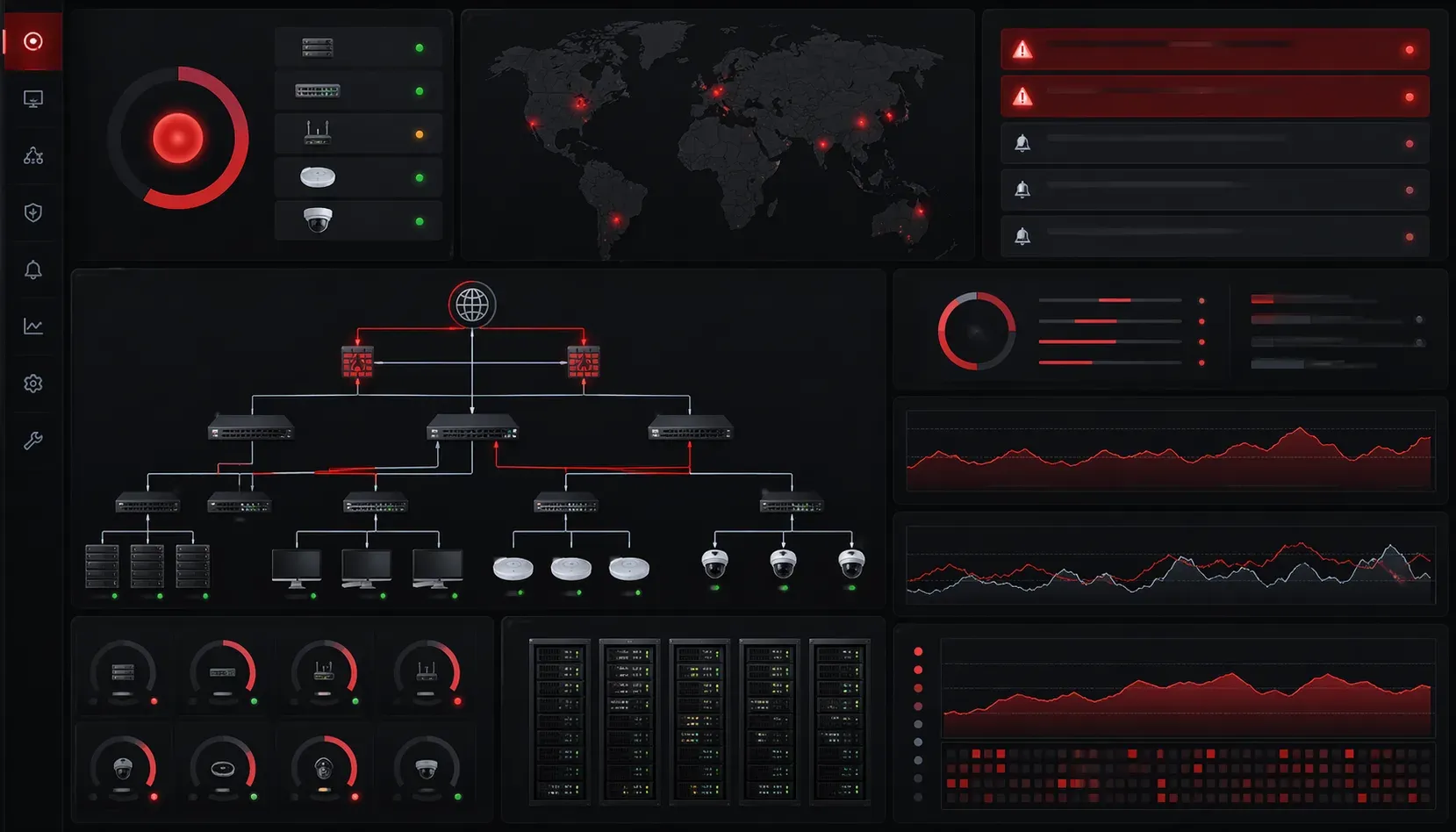
Selecting your first network monitoring tool can feel overwhelming with dozens of options available, each claiming to be the best solution. Whether you're managing a small office network or preparing for your Network+ certification, understanding what features matter most will help you make an informed choice.
What Makes a Good Network Monitoring Tool?
Before diving into specific tools, let's establish what you should look for in any network monitoring solution. A solid network monitoring tool should provide visibility into your network's health, performance, and security status without requiring a networking PhD to operate.
Key features include:
- Real-time monitoring of network devices and services
- Alerting capabilities when issues arise
- Historical data and reporting for trend analysis
- Network mapping to visualize your infrastructure
- Easy setup and configuration for beginners
Essential Categories for Tool Comparison
Free vs. Paid Solutions
As a beginner, free tools often provide excellent starting points. PRTG offers 100 sensors free, perfect for small networks. Nagios Core provides enterprise-grade monitoring at no cost but requires more technical expertise. LibreNMS delivers comprehensive monitoring with an intuitive web interface.
Paid solutions like SolarWinds NPM or ManageEngine OpManager offer polished interfaces and professional support but may exceed beginner budgets and complexity needs.
Deployment Models
Consider whether you need:
- On-premises solutions for complete control and sensitive data
- Cloud-based tools for easier setup and maintenance
- Hybrid approaches combining both models
Cloud solutions like Datadog or New Relic eliminate server maintenance but require internet connectivity and ongoing subscriptions.
Beginner-Friendly Tool Selection Guide
Start Small and Simple
For your first network monitoring tool, prioritize ease of use over advanced features. PRTG excels here with its auto-discovery feature that identifies network devices automatically:
1. Install PRTG on a Windows server
2. Run auto-discovery scan
3. Review discovered devices
4. Enable monitoring for critical systems
5. Configure basic email alerts
Match Tool Capabilities to Your Network Size
Small networks (under 50 devices) work well with simpler tools like Zabbix or Observium. Medium networks (50-500 devices) benefit from more robust solutions like LibreNMS or commercial tools with dedicated support.
Consider Your Technical Skill Level
Be honest about your comfort with command-line interfaces and complex configurations. Nagios Core offers incredible flexibility but requires editing configuration files and understanding monitoring concepts deeply. PRTG or WhatsUp Gold provide point-and-click simplicity.
Essential Questions for Tool Evaluation
Before committing to any network monitoring tool, ask yourself:
- How many devices do I need to monitor?
- What's my budget for licensing and hardware?
- Do I need 24/7 monitoring or business hours only?
- What protocols does my network use (SNMP, WMI, SSH)?
- How quickly do I need to detect and respond to issues?
Getting Started: Your First Implementation
Once you've selected a tool, start with a pilot implementation. Monitor just your most critical devices initially - your router, core switch, and main servers. Configure basic availability monitoring using ping tests before moving to more complex metrics like bandwidth utilization or CPU performance.
Most tools provide templates for common devices. For example, when monitoring a Cisco router in PRTG, you can apply the "Cisco Router" template which automatically configures appropriate SNMP sensors for interfaces, CPU, and memory.
What's Next
Now that you understand how to choose a network monitoring tool, the next step is learning how to configure SNMP properly on your network devices. SNMP serves as the foundation for most monitoring solutions, and understanding its setup will ensure your chosen tool can collect the data you need effectively.
Tools and resources for this topic
- CompTIA Network+ Study Guide — Comprehensive N10-009 exam preparation covering all five domains.