
Types of Network Traffic and Their Differences
This post explains the three fundamental network traffic types: unicast (one-to-one), broadcast (one-to-all), and multicast (one-to-many communication). It covers practical examples and how each type impacts network performance.

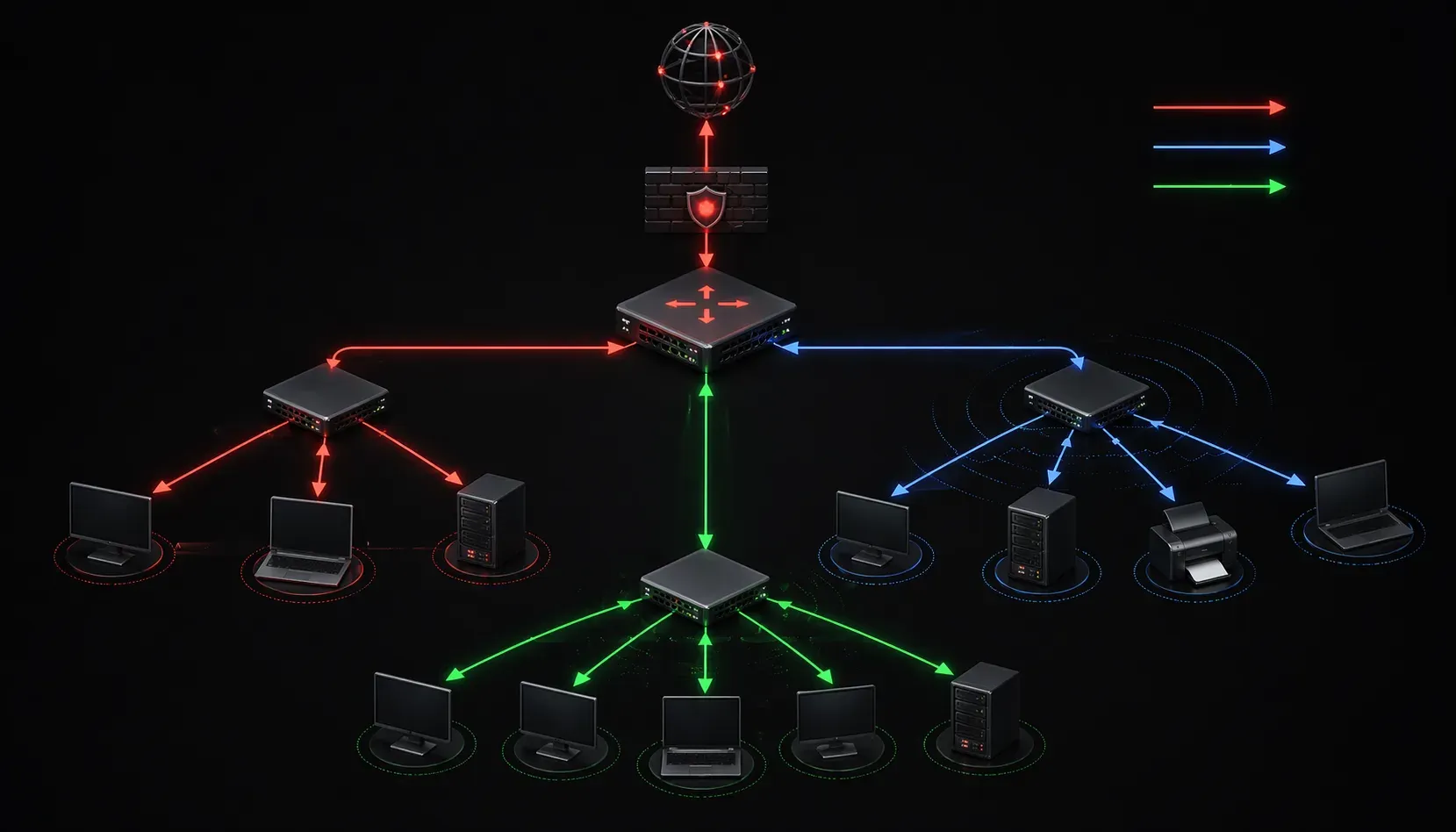
Understanding how data moves across a network is fundamental to network engineering. When devices communicate, they don't all talk the same way; there are distinct network traffic types that determine how information flows from source to destination. Let's explore the three primary types: unicast, multicast, and broadcast.
Unicast Traffic: One-to-One Communication
Unicast is the most common type of network traffic you'll encounter. Think of it as a private conversation between two people - one sender communicates directly with one specific receiver.
When you browse a website, send an email, or download a file, you're using unicast communication. Your device sends data packets to a specific destination IP address, and that device responds back to your unique IP address.
Here's what makes unicast special:
- Creates a direct path between sender and receiver
- Each packet has a specific destination MAC and IP address
- Switches learn and forward these packets only to the intended port
- Most efficient for one-to-one communications
Example: When your computer at 192.168.1.100 requests a web page from a server at 203.0.113.50, that's unicast traffic flowing in both directions.
Broadcast Traffic: One-to-All Communication
Broadcast traffic is like shouting in a crowded room - one sender transmits to all possible receivers within the same network segment. Every device on the local network receives and processes these packets, whether they need the information or not.
Common broadcast scenarios include:
- DHCP requests when a device needs an IP address
- ARP requests to find MAC addresses
- Network discovery protocols
- Some routing protocol updates
Broadcast packets use special addresses:
- IP broadcast address:
255.255.255.255or network broadcast like192.168.1.255 - MAC broadcast address:
FF:FF:FF:FF:FF:FF
While broadcast is necessary for certain network functions, too much broadcast traffic can congest your network. This is why routers don't forward broadcast packets between different network segments by default.
Multicast Traffic: One-to-Many Communication
Multicast sits between unicast and broadcast - it's one sender communicating with a specific group of interested receivers. Think of it as a conference call where only invited participants join the conversation.
Multicast is perfect for scenarios like:
- Video streaming to multiple viewers
- Software updates distributed to multiple computers
- Real-time financial data feeds
- Online gaming with multiple players
Multicast uses special IP address ranges:
- IPv4 multicast range:
224.0.0.0to239.255.255.255 - IPv6 multicast range:
FF00::/8
What makes multicast efficient is that the network infrastructure (switches and routers) can replicate packets only where needed. Instead of sending 100 separate unicast streams for 100 viewers, one multicast stream gets replicated at network decision points.
Traffic Type Comparison in Action
Let's see how these traffic types work in a practical scenario. Imagine a small office network with 10 computers:
Unicast example: Computer A sends a file to Computer B. Only these two devices exchange packets - the other 8 computers aren't involved.
Broadcast example: Computer A needs to find the MAC address for the default gateway. It sends an ARP request to FF:FF:FF:FF:FF:FF, and all 10 computers receive and process this packet.
Multicast example: The office watches a training video streamed from Computer A to Computers B, C, D, and E. The other 5 computers don't receive the stream because they didn't join the multicast group.
Impact on Network Performance
Understanding these traffic types helps you troubleshoot network performance issues. Excessive broadcast traffic can slow down your entire network segment. Inefficient use of unicast (like sending the same large file to multiple recipients individually) wastes bandwidth. Properly configured multicast can significantly reduce network load for group communications.
What's Next
Now that you understand the fundamental types of network traffic, our next post will dive into MAC addresses and how they work at the Data Link layer to enable these different communication patterns. We'll explore how switches use MAC address tables to make forwarding decisions for each traffic type.
Tools and resources for this topic
- CompTIA Network+ Study Guide — Comprehensive N10-009 exam preparation covering all five domains.