
Comparing Network Security Solutions: What Works Best for Beginners
This guide compares different network security solutions to help beginners choose the right protection for their needs. It covers firewalls, antivirus software, network monitoring, VPNs, and password managers with practical recommendations for building a layered security approach.

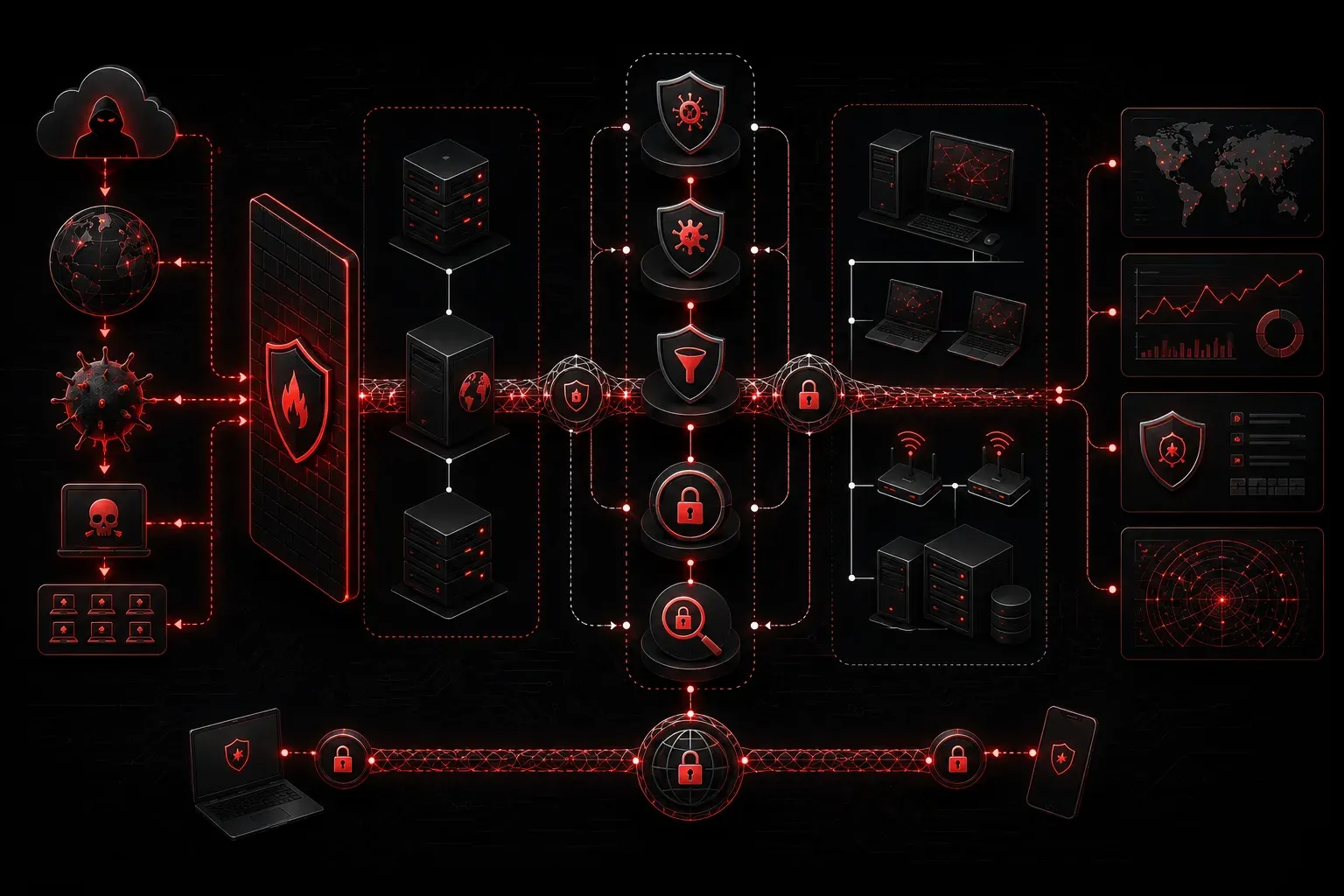
When you're starting your networking journey, the world of security solutions can feel overwhelming. There are firewalls, antivirus programs, intrusion detection systems, and dozens of other acronyms that promise to keep your network safe. Let's break down the most common network security solutions and help you understand which ones make sense for beginners.
Firewalls: Your First Line of Defense
Think of a firewall as a security guard at the entrance to your network. It examines every piece of data trying to enter or leave, deciding what's allowed and what gets blocked.
Hardware Firewalls sit between your network and the internet, typically built into your router. They're great for beginners because they work automatically once configured. Most home routers include basic firewall functionality that blocks unwanted incoming connections.
Software Firewalls run on individual computers, like Windows Defender Firewall. They provide an extra layer of protection by controlling what programs can access the network.
Best for beginners: Start with your router's built-in firewall enabled, plus the default software firewall on each computer. This gives you solid protection without complexity.
Antivirus and Anti-malware Solutions
These solutions focus on detecting and removing malicious software before it can cause damage. Modern antivirus programs do much more than just scan files - they monitor network activity, email attachments, and web downloads in real-time.
Popular beginner-friendly options include:
- Windows Defender: Built into Windows, free, and surprisingly effective
- Bitdefender: Excellent detection rates with minimal system impact
- Malwarebytes: Specializes in catching threats other programs miss
Best for beginners: Windows Defender provides solid baseline protection. Consider adding Malwarebytes for periodic deep scans if you suspect issues.
Network Monitoring Tools
These solutions watch your network traffic for suspicious activity. While enterprise versions can be complex, several beginner-friendly options exist.
Router-based monitoring is built into many modern routers, showing you which devices are connected and how much bandwidth they're using. This helps you spot unauthorized devices or unusual activity.
Software solutions like GlassWire provide visual network monitoring on individual computers, making it easy to see which programs are accessing the internet.
Best for beginners: Start with your router's device list and bandwidth monitoring. Add GlassWire if you want more detailed visibility into network activity.
VPN Services
Virtual Private Networks encrypt your internet connection, making it much harder for attackers to intercept your data. This is especially important when using public Wi-Fi networks.
Beginner-friendly VPN services include:
- NordVPN: User-friendly apps with strong security
- ExpressVPN: Fast speeds with excellent customer support
- Surfshark: Budget-friendly with unlimited device connections
- Proton VPN: My current personal choice, as their service expands beyond just VPN
Best for beginners: Choose a reputable VPN service with easy-to-use apps. Enable it automatically on laptops and phones for protection on public networks.
Password Managers
While not traditionally considered network security, password managers are crucial for protecting your online accounts. They generate strong, unique passwords for every service and store them securely.
Top beginner options:
- Bitwarden: Free tier with excellent features
- 1Password: Intuitive interface with family sharing
- LastPass: Easy migration from browser password storage
- Proton Pass: Again, my first choice as it's part of the Proton family of products under a single account.
Building Your Security Stack
For beginners comparing network security solutions, here's a practical approach:
- Start with the basics: Enable your router's firewall and use Windows Defender
- Add password management: Install Bitwarden and start using unique passwords
- Consider a VPN: Essential if you frequently use public Wi-Fi
- Monitor gradually: Learn to check your router's connected devices regularly
- Expand carefully: Only add complexity as you understand each layer
Remember, the best security solutions are the ones you'll actually use consistently. A simple setup that's maintained properly beats a complex system that's ignored.
What's Next
Now that you understand the different types of network security solutions available, the next step is learning how to configure and maintain them properly. In our next post, we'll walk through setting up a basic home network security configuration step by step.
Tools and resources for this topic
- CompTIA Network+ Study Guide — Comprehensive N10-009 exam preparation covering all five domains.