
Crafting Clear Instructions for AI Prompts
Learn how to write clear, specific instructions for AI prompts that get better results. Covers structure, formatting, examples, and common pitfalls to avoid when communicating with AI systems.

When working with AI systems, the quality of your output directly depends on the clarity of your instructions. Think of crafting AI instructions like giving directions to a highly capable but literal-minded colleague who will follow your guidance exactly as written.
The Foundation of Clear Instructions
Clear AI prompts start with specificity. Instead of asking "Write about networking", a well-crafted instruction might be "Explain the difference between TCP and UDP protocols in 200 words, using simple analogies for someone new to networking." This instruction provides context, sets expectations, and defines the target audience.
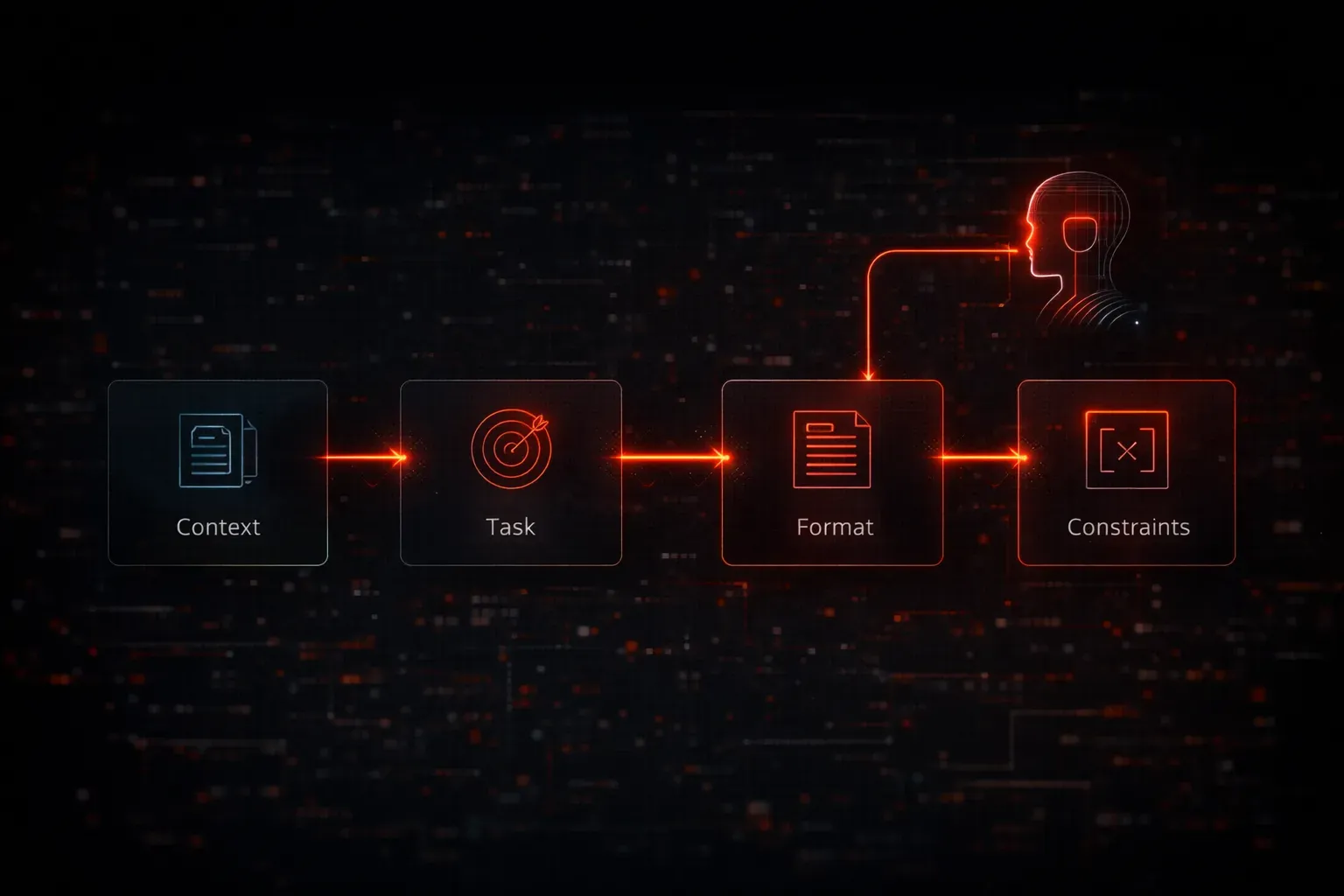
The key elements of effective prompt instructions include:
- Context: What background information does the AI need?
- Task: What exactly do you want the AI to do?
- Format: How should the output be structured?
- Constraints: What limitations or requirements apply?
Structure Your Instructions Logically
Start with the most important information first. If you're asking an AI to analyze network logs, begin with the specific type of analysis needed, then provide the context and data. Here's an example of well-structured instructions:
Task: Analyze these firewall logs for security threats
Context: Corporate network with 500 users, focus on external attacks
Data: [log entries]
Output format: Summary table with threat level, source IP, and recommended action
Priority: Flag any attempts targeting port 22 or 3389
Use Active Voice and Direct Commands
Clear AI prompts use active voice and direct commands. Instead of "It would be good if you could maybe help with...", use "Create a Python script that..." or "Explain how to configure...". This eliminates ambiguity and helps the AI understand exactly what action to take.
Provide Examples When Helpful
Sometimes showing beats telling. If you want output in a specific format, include an example:
Create network documentation following this format:
Device Name: Router-01
IP Address: 192.168.1.1
Function: Main gateway for VLAN 10
Connected to: Switch-01 (Gi0/1), Firewall-01 (Gi0/2)
Test and Refine Your Instructions
The best way to improve your prompt instructions is through iteration. Start with a basic prompt, review the output, then refine your instructions based on what worked and what didn't. If the AI's response is too technical, add "explain in simple terms". If it's too brief, specify "provide detailed explanations with examples."
Common refinement patterns include:
- Adding role context:
"You are a network engineer explaining to a junior technician..." - Setting boundaries:
"Focus only on Cisco equipment"or"Limit response to 300 words" - Requesting specific formats:
"Provide step-by-step instructions"or"Use bullet points for the main concepts"
Avoid Common Instruction Pitfalls
Several mistakes can make your instructions unclear. Avoid vague qualifiers like "pretty good" or "somewhat detailed." Don't assume the AI knows your specific context unless you provide it. And remember that AI systems interpret instructions literally, so phrases like "obviously" or "of course" add no value.
What's Next
Now that you understand how to craft clear instructions, the next step is learning how to define specific roles and contexts for your AI interactions. We'll explore how assigning roles like "network security analyst" or "Python developer" can dramatically improve the relevance and quality of AI responses.