
VRFs Explained: Virtual Routing and Forwarding for Beginners
VRFs (Virtual Routing and Forwarding) create isolated routing environments within a single device, enabling network segmentation and allowing multiple independent routing tables. This beginner-friendly guide explains how VRFs work and why they're essential for modern networking.

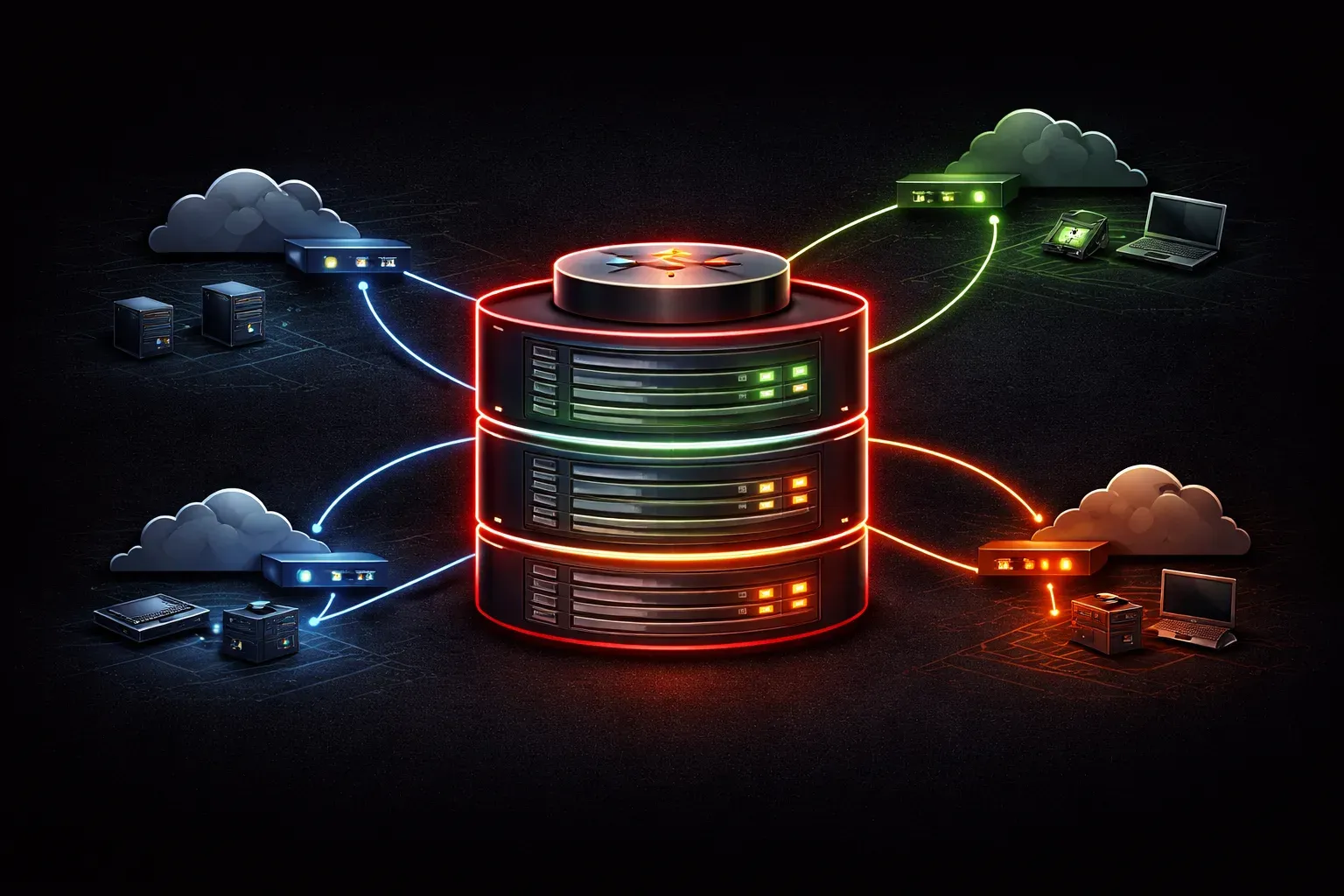
Virtual Routing and Forwarding (VRF) is one of those networking concepts that sounds intimidating but is actually quite straightforward once you understand the basics. Think of VRFs as a way to create multiple separate "virtual networks" within a single physical router or switch, similar to how you might organize files into different folders on your computer.
What Are VRFs in Networking?
A VRF creates an isolated routing environment within a single device. Instead of having one global routing table that knows about all networks, VRFs allow you to have multiple independent routing tables, each serving different purposes or customers.
Imagine you're managing a large office building with multiple companies as tenants. Without VRFs, it would be like having all companies share the same filing system; chaotic and insecure. With VRFs, each company gets its own separate filing system, even though they're all housed in the same building.
How Network Segmentation Works with VRFs
Network segmentation through VRFs operates at Layer 3 (the network layer). When a router receives a packet, it doesn't just look at the destination IP address in one big routing table. Instead, it first determines which VRF the packet belongs to, then looks up the destination in that specific VRF's forwarding table.
Here's what happens step by step:
- Packet arrives at an interface assigned to a specific VRF
- Router identifies which VRF owns that interface
- Router consults only that VRF's routing table
- Packet gets forwarded based on that VRF's routing decisions
Why Use VRFs?
VRFs solve several important networking challenges:
Security and Isolation: Traffic in one VRF cannot directly reach traffic in another VRF, creating natural security boundaries. This is crucial for service providers who need to keep customer traffic completely separate.
IP Address Overlap: Different VRFs can use the same IP address ranges without conflict. Company A and Company B can both use 192.168.1.0/24 in their respective VRFs without any issues.
Simplified Management: Instead of deploying multiple physical routers, you can create virtual routing instances on a single device, reducing hardware costs and management overhead.
Basic VRF Configuration Example
Here's a simple example of creating a VRF on a Cisco router:
Router(config)# ip vrf CUSTOMER_A
Router(config-vrf)# rd 100:1
Router(config-vrf)# exit
Router(config)# interface GigabitEthernet0/1
Router(config-if)# ip vrf forwarding CUSTOMER_A
Router(config-if)# ip address 192.168.1.1 255.255.255.0
In this example, we're creating a VRF called CUSTOMER_A, assigning it a route distinguisher (rd 100:1), and then assigning interface GigabitEthernet0/1 to that VRF.
Understanding Forwarding Tables in VRFs
Each VRF maintains its own set of forwarding tables, completely independent from other VRFs and the global routing table. You can view a specific VRF's routing table using:
Router# show ip route vrf CUSTOMER_A
This separation means that routing decisions made within one VRF have no impact on routing decisions in other VRFs, providing true virtual routing isolation.
Common VRF Use Cases
You'll encounter VRFs in several scenarios:
- Service Provider Networks: ISPs use VRFs to separate customer traffic
- Enterprise Networks: Large companies use VRFs to separate departments or business units
- Lab Environments: Network engineers use VRFs to test different network configurations without interference
What's Next
Now that you understand the fundamentals of VRFs and how they enable network segmentation, the next logical step is learning about MPLS VPNs, which extend VRF concepts across multiple routers in a service provider network. We'll also explore VLANs and how they complement VRFs to provide complete network isolation from Layer 2 through Layer 3.
Tools and resources for this topic
- CCNA Official Cert Guide (Wendell Odom) — The definitive CCNA study resource. Both volumes cover the 200-301 exam blueprint in full.
- Wendell Odom CCNA Vol 1 — Covers networking fundamentals, switching, and routing basics.
- Wendell Odom CCNA Vol 2 — Covers advanced routing, WAN, infrastructure services, and security.