
Understanding Device Drivers and Firmware Updates
Device drivers and firmware are critical software components that enable hardware functionality and system security. This post explains their roles, security implications, and why regular updates are essential for maintaining device performance and protecting against cyber threats.

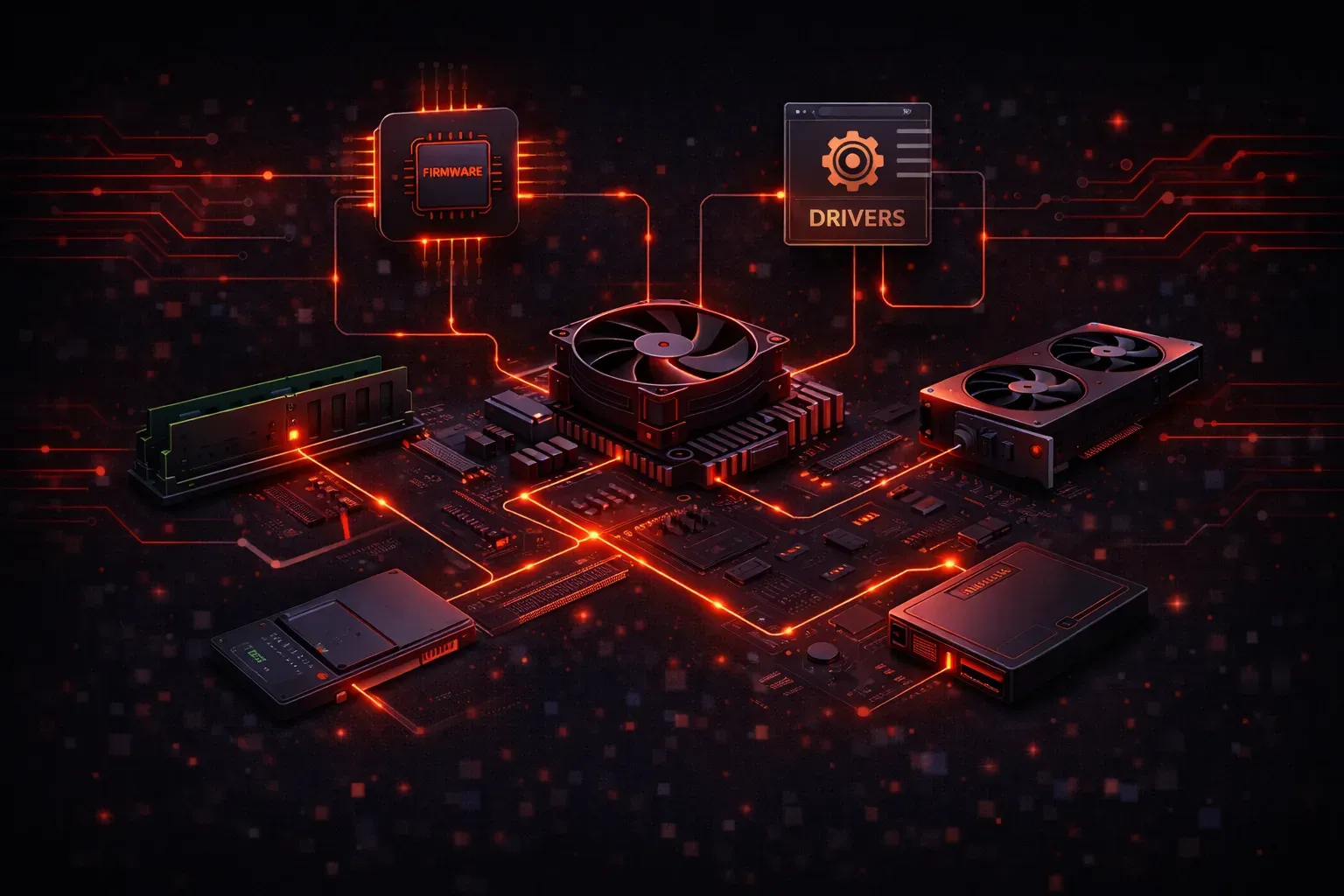
Device drivers and firmware are the invisible components that make your computer hardware work properly. While they operate behind the scenes, understanding these critical software layers is essential for cybersecurity professionals, especially when it comes to maintaining secure endpoints.
What Are Device Drivers?
A device driver is a specialized software program that allows your operating system to communicate with specific hardware components. Think of drivers as translators between your OS and hardware devices like graphics cards, network adapters, printers, and USB devices.
When you plug in a USB mouse, the driver tells your operating system how to interpret the mouse movements and button clicks. Without the proper driver, your hardware would be unusable. Modern operating systems include many common drivers, but specialized hardware often requires manufacturer-specific drivers.
You can view installed drivers on Windows by opening Device Manager (devmgmt.msc) or on Linux using the lsmod command to list loaded kernel modules.
Understanding Firmware
Firmware sits at an even lower level than device drivers. It's software that's embedded directly into hardware components, providing basic operational instructions for the device itself. Unlike regular software stored on your hard drive, firmware is typically stored in non-volatile memory like ROM or flash memory.
Common examples of firmware include:
- BIOS/UEFI in your computer's motherboard
- Router firmware that manages network functions
- Smartphone firmware that controls basic device operations
- Hard drive firmware that manages data storage operations
Firmware operates independently of your operating system and loads before the OS even starts, making it a critical component of device security.
Why Driver Updates Matter for Security
Outdated device drivers create significant security vulnerabilities. Cybercriminals often exploit known driver vulnerabilities to gain unauthorized system access. Driver updates typically include:
- Security patches that fix known vulnerabilities
- Performance improvements that optimize device operation
- Bug fixes that resolve stability issues
- New feature support for enhanced functionality
Graphics drivers are particularly targeted because they operate with high system privileges. A compromised graphics driver can provide attackers with kernel-level access to your entire system.
The Critical Role of Firmware Updates
Firmware updates are equally important for maintaining device performance and security. Since firmware operates at the hardware level, compromised firmware can be extremely difficult to detect and remove. This makes firmware updates a critical security control.
Firmware updates address:
- Security vulnerabilities in low-level hardware functions
- Performance optimizations for better device operation
- Compatibility issues with new software or hardware
- Support for new security standards and protocols
Router firmware updates, for example, often include patches for network security vulnerabilities that could allow attackers to intercept or manipulate network traffic.
Best Practices for Managing Updates
Maintaining current drivers and firmware requires a systematic approach. Enable automatic updates when possible, but verify critical updates in a test environment first. Regularly check manufacturer websites for security bulletins and update notifications.
For enterprise environments, consider using device management tools that can inventory and update drivers across multiple systems. Always download updates directly from manufacturer websites to avoid malicious software disguised as legitimate updates.
Document your update process and maintain rollback procedures in case updates cause compatibility issues. Some firmware updates are irreversible, so research thoroughly before proceeding with critical system firmware.
What's Next
Now that you understand device drivers and firmware updates, the next step is learning about endpoint detection and response (EDR) solutions. EDR tools help monitor endpoint activity and can detect when compromised drivers or firmware are being exploited by attackers.