
DHCP Deep Dive: DORA Process and Relay Agents
This post explains the DHCP DORA process (Discover, Offer, Request, Acknowledge), DHCP relay agents using ip helper-address for multi-VLAN environments, and DHCP snooping security features. It covers lease times and renewal processes essential for network operations.

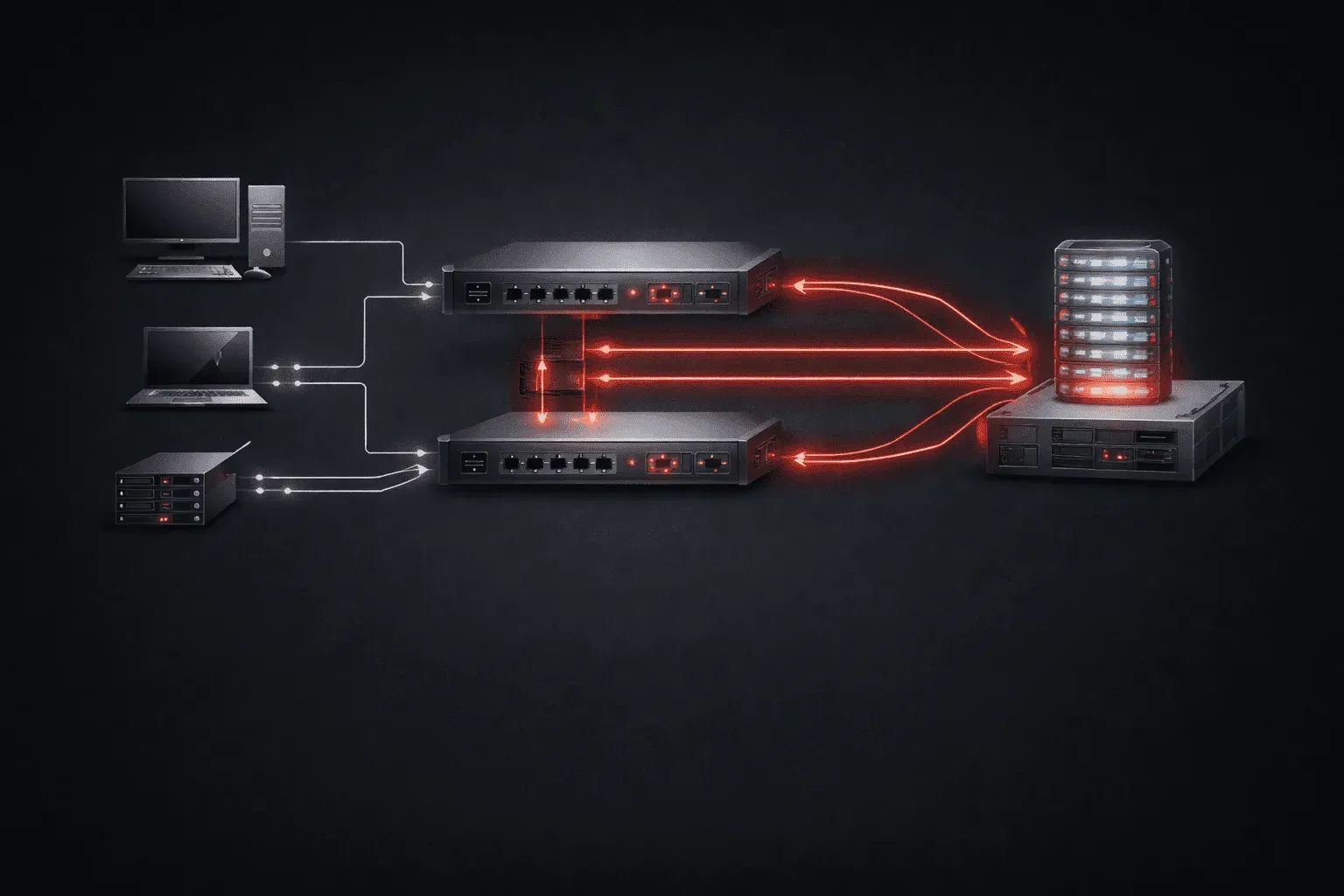
Dynamic Host Configuration Protocol (DHCP) is the backbone of modern network addressing, automatically assigning IP addresses to devices as they join your network. Understanding the complete DHCP process, from the initial discovery to security considerations, is essential for any network engineer.
The DHCP DORA Process
The DHCP process follows a four-step handshake known as DORA: Discover, Offer, Request, and Acknowledge. Let's break down each step:
1. Discover
When a device boots up or connects to the network, it broadcasts a DHCP Discover message to find available DHCP servers. This broadcast uses destination IP 255.255.255.255 since the client doesn't have an IP address yet.
Source: 0.0.0.0 (client)
Destination: 255.255.255.255 (broadcast)
Message Type: DHCP Discover
2. Offer
DHCP servers on the network respond with a DHCP Offer message, proposing an IP address, subnet mask, default gateway, DNS servers, and lease time. Multiple servers may respond with different offers.
Source: 192.168.1.1 (DHCP server)
Destination: 255.255.255.255 (broadcast)
Message Type: DHCP Offer
Offered IP: 192.168.1.100
3. Request
The client selects one offer (typically the first received) and broadcasts a DHCP Request message, indicating which server's offer it accepts. This broadcast informs all servers about the client's choice.
4. Acknowledge
The selected DHCP server sends a DHCP Acknowledge message, confirming the IP address assignment and providing all network configuration details. The client can now use its assigned IP address.
DHCP Relay Agents
In multi-VLAN environments, DHCP broadcasts don't cross VLAN boundaries by default. This is where DHCP relay agents become crucial. Cisco routers (and multi-layer switches) can forward DHCP requests using the ip helper-address command.
Configure DHCP relay on a VLAN interface:
Router(config)# interface vlan 10
Router(config-if)# ip helper-address 192.168.1.10
Router(config-if)# ip helper-address 192.168.1.11
This configuration tells the router to forward DHCP broadcasts from VLAN 10 to the specified DHCP servers. You can configure multiple helper addresses for redundancy. The router changes the broadcast to a unicast message directed at each helper address, allowing DHCP to work across VLANs.
DHCP Snooping for Security
DHCP snooping protects against rogue DHCP servers and various attacks. It creates a binding table that maps MAC addresses to IP addresses, VLANs, and switch ports.
Enable DHCP snooping on a switch:
Switch(config)# ip dhcp snooping
Switch(config)# ip dhcp snooping vlan 10,20,30
Switch(config)# interface gi0/1
Switch(config-if)# ip dhcp snooping trust
Trusted ports (typically uplinks to legitimate DHCP servers) can send DHCP offer messages, while untrusted ports (user-facing ports) cannot. This prevents users from plugging in rogue DHCP servers that could redirect traffic or cause denial of service.
Lease Times and Renewal
DHCP leases aren't permanent. The lease time determines how long a client can use an IP address before requesting renewal. Typical lease times range from hours to days.
Configure lease time on a Cisco router:
Router(config)# ip dhcp pool VLAN10
Router(dhcp-config)# lease 2 12 30
This sets the lease time to 2 days, 12 hours, and 30 minutes. Clients attempt to renew at 50% of the lease time, then again at 87.5% if the first renewal fails. Understanding these timers helps troubleshoot connectivity issues and plan maintenance windows.
What's Next
Now that you understand the DHCP DORA process and relay functionality, the next step is exploring DHCP pool configuration and advanced options like option 82 (DHCP relay agent information). We'll also dive deeper into DHCP reservations and how to troubleshoot common DHCP issues in enterprise networks.