
DHCP Snooping: Stopping Rogue DHCP Servers
DHCP snooping is a Layer 2 security feature that prevents rogue DHCP servers from hijacking client address assignments. This post covers how it works, how to configure it on a Cisco switch, and how to verify the binding table. It is a required CCNA exam topic under blueprint objective 5.7.

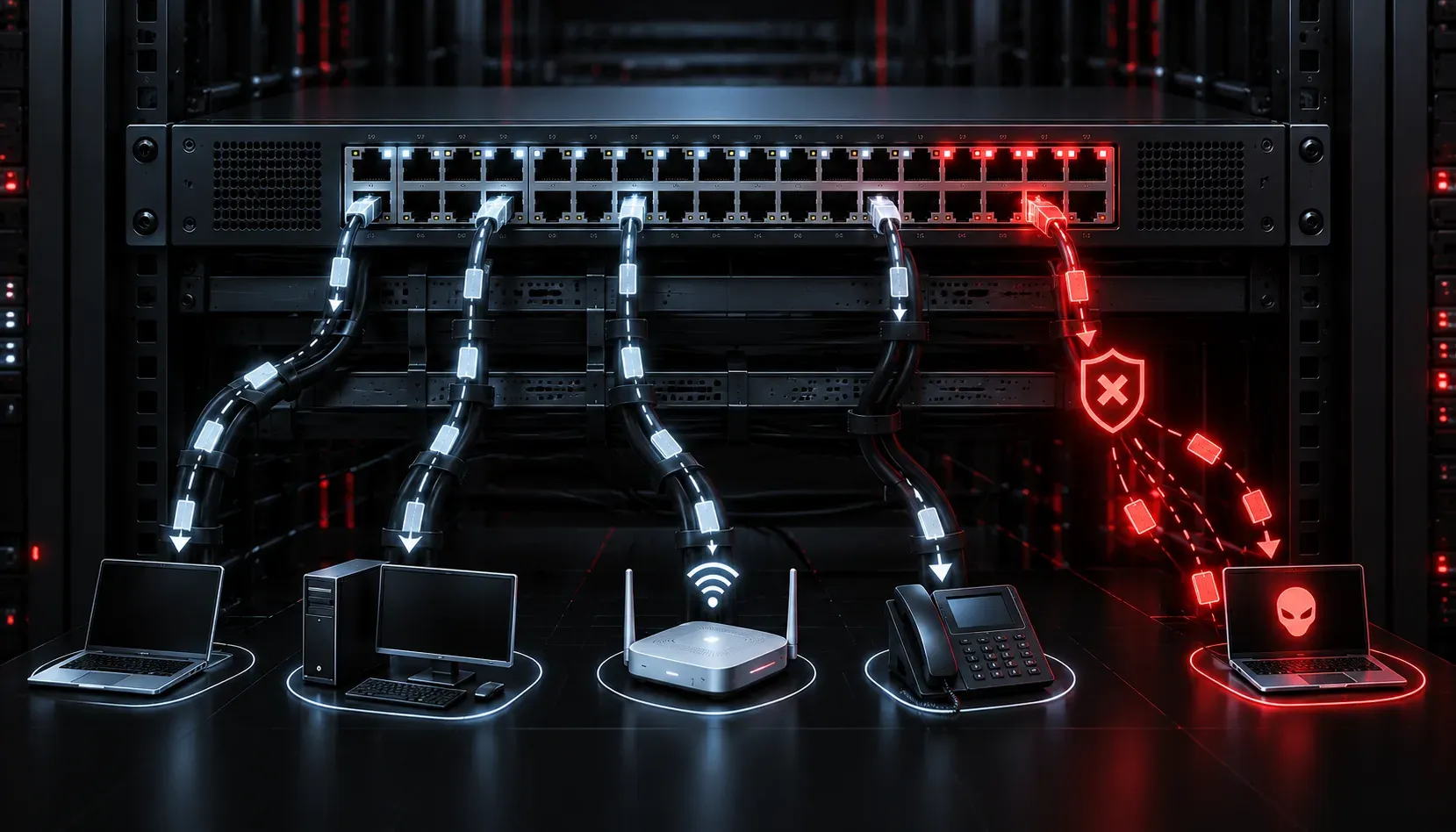
If you have ever wondered how a rogue device on your network could redirect all traffic through itself or cause devices to lose connectivity, DHCP is often the culprit. DHCP snooping is a Layer 2 security feature that protects your network by filtering malicious DHCP messages before they cause damage. It is a required topic for the CCNA exam under blueprint objective 5.7, and once you understand the problem it solves, the configuration makes perfect sense.
The Problem: Rogue DHCP Servers
DHCP works by having a trusted server hand out IP addresses, default gateways, and DNS information to clients. The problem is that any device on your network can technically run a DHCP server. When a rogue DHCP server exists on the network, it races the legitimate server to answer client requests. If the rogue server wins, it can hand out:
- A fake default gateway pointing to the attacker's machine
- A malicious DNS server address
- Conflicting IP addresses that break connectivity
This is a man-in-the-middle attack at Layer 2, and it can happen simply because someone plugged in a home router or spun up a misconfigured VM. DHCP snooping stops it by making the switch itself act as a gatekeeper.
How DHCP Snooping Works
DHCP snooping works by classifying every switchport as either trusted or untrusted. Only trusted ports are allowed to send DHCP server-type messages such as DHCPOFFER and DHCPACK. Untrusted ports, where end devices connect, are only allowed to send client-type messages like DHCPDISCOVER and DHCPREQUEST.
If a DHCP server response arrives on an untrusted port, the switch drops it immediately. The switch also builds a DHCP snooping binding table, which records the MAC address, IP address, VLAN, and port for every lease it sees. This binding table is later used by other security features like Dynamic ARP Inspection and IP Source Guard.
How to Configure DHCP Snooping
The configuration is straightforward. Here is a typical example where DHCP snooping is enabled on VLAN 10, and the uplink port to the distribution switch (where the real DHCP server lives) is marked as trusted.
Switch(config)# ip dhcp snooping
Switch(config)# ip dhcp snooping vlan 10
Switch(config)# no ip dhcp snooping information option
Switch(config)# interface GigabitEthernet0/1
Switch(config-if)# ip dhcp snooping trust
Switch(config-if)# exit
A quick breakdown of each command:
ip dhcp snooping: Enables the feature globally on the switchip dhcp snooping vlan 10: Activates snooping for VLAN 10 specifically (you must specify at least one VLAN)no ip dhcp snooping information option: Disables Option 82 insertion, which can cause DHCP to fail in environments that do not use a relay agentip dhcp snooping trust: Marks the uplink port as trusted so legitimate DHCP responses pass through
Verifying the Configuration
After configuration, use these commands to verify everything is working correctly.
Switch# show ip dhcp snooping
Switch DHCP snooping is enabled
DHCP snooping is configured on following VLANs:
 10
Insertion of option 82 is disabled
Interface           Trusted    Rate limit (pps)
------------------- ---------- ----------------
GigabitEthernet0/1  yes        unlimited
GigabitEthernet0/2  no         15
Switch# show ip dhcp snooping binding
MacAddress IpAddress Lease(sec) Type VLAN Interface
----------------- ------------- ---------- --------- ---- --------------------
00:1A:2B:3C:4D:5E 192.168.10.50 86391 dynamic 10 GigabitEthernet0/2The binding table confirms that a legitimate client received an address through a trusted DHCP server. Any DHCP offer arriving on an untrusted port will be silently dropped and the event logged.
One Important Gotcha
By default, untrusted ports have a rate limit of 15 DHCP packets per second. This protects against DHCP starvation attacks where an attacker floods the server with requests. You can adjust this per interface with ip dhcp snooping limit rate, but the default is a sensible starting point.
What's Next
Now that DHCP snooping is building that binding table, it sets the foundation for the next Layer 2 security feature: Dynamic ARP Inspection (DAI). DAI uses the snooping binding table to detect and block ARP spoofing attacks. That is coming up next in this Layer 2 security series.
Tools and resources for this topic
- CCNA Official Cert Guide (Wendell Odom) — The definitive CCNA study resource. Both volumes cover the 200-301 exam blueprint in full.
- Wendell Odom CCNA Vol 1 — Covers networking fundamentals, switching, and routing basics.
- Wendell Odom CCNA Vol 2 — Covers advanced routing, WAN, infrastructure services, and security.